AI agent for mortgage brokers
Down Payment Assistance Match Agent
Match first-time buyers to assistance programs, check lender participation and track applications
What it does
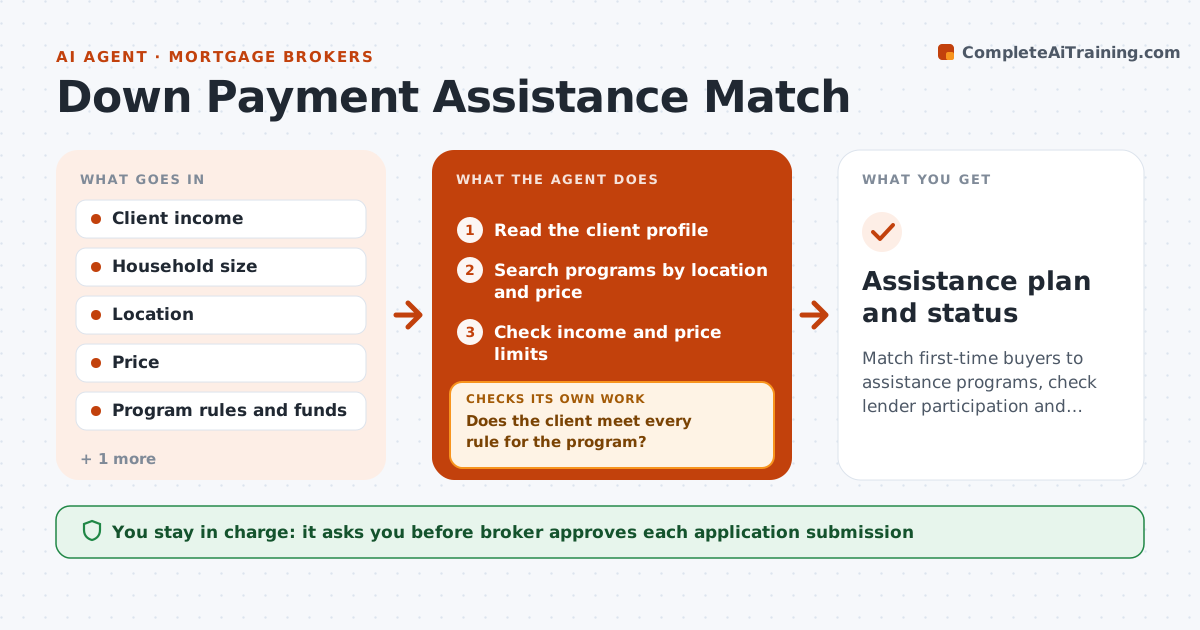
Buyers often miss assistance programs they qualify for. The agent checks the client's income, location, household size and target price against the available programs. It lists eligible ones with requirements, deadlines and funding status. It checks that the chosen lender takes part in each program. For each match, it drafts a checklist of documents and steps, and tracks the application. If a program is out of funds or the lender does not take part, it looks for another. The broker approves each submission. Edge case: a program requires a homebuyer course before application, and the agent adds the course to the timeline.
How it works
Follow the arrows from top to bottom. The orange dashed arrow is the loop: when a check fails, the agent goes back and tries again.
Read the steps as a list
- First-time buyer file opens
- Read the client profile
- Search programs by location and price
- Check income and price limits
- Does the client meet every rule for the program?If not: Remove the program or check a different one. Back to step 3.
- Check lender participation and funding
- Does the lender take part and are funds available?If not: Find another lender or program. Back to step 3.
- Build the checklist and timeline
- Broker approves each submissionThe agent waits here for your OK.
- Track the application to a decision
- Assistance plan and status
How it decides
Programs are checked against income and price limits; only programs the lender accepts are recommended.
- Recommend only programs where income is below the limit
- Check funds before recommending
- Add required courses to the timeline
- Recheck programs monthly
Make it yours
Every agent is a starting point. You choose these settings for your own situation.
- Programs searched
- Check frequency (default monthly)
- Lender list
- Document checklist
What keeps you in control
It always asks you first
- Broker approves each application submission
- Broker approves client advice on the programs
Hard limits
- Never promise a grant
- Never submit without approval
It stops when
- Done: program approved or none available
- Stop: client income changes the eligibility
Set it up
We guide you through the set-up, step by step
Members get the full set-up guide for this agent. No technical skills needed: you copy, paste and upload.
- One set of instructions to paste into your AI, with the clicks for ChatGPT, Claude, Microsoft 365 Copilot, Gemini and Grok
- The agent then walks you through connecting your own data, one source at a time
- A downloadable copy with the flow chart, the rules and the full guide