AI agent for librarians
E-Resource Access Check Agent
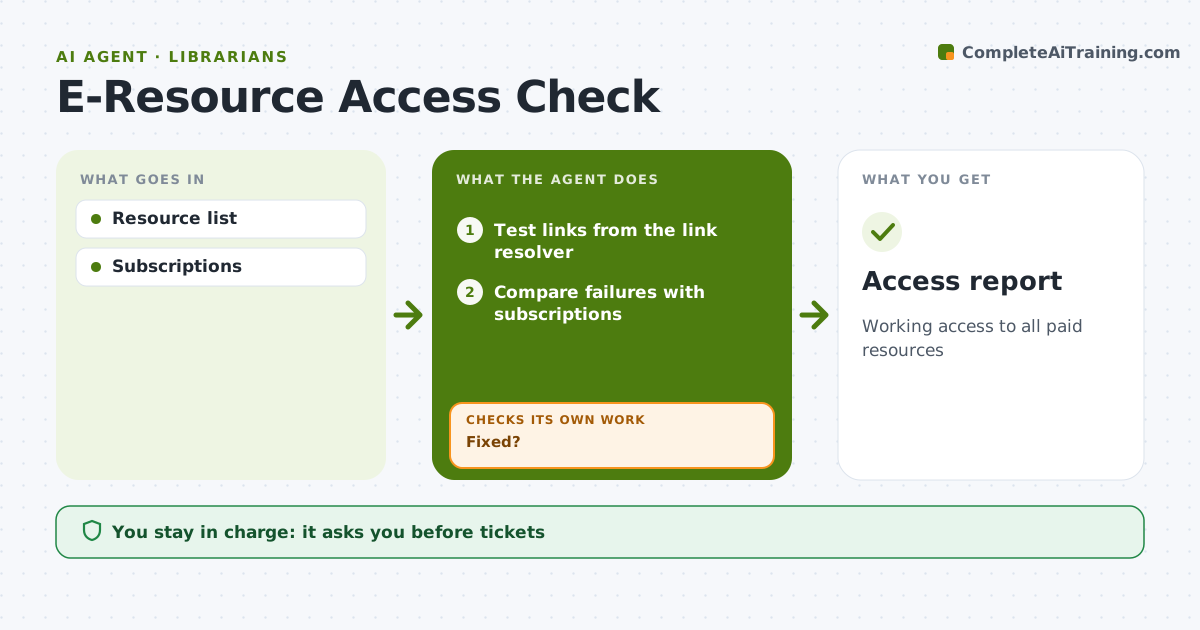
Working access to all paid resources
What it does
Databases and e-journals break when platforms move, links change or subscriptions lapse, and patrons are usually the first to notice. Each week this agent tests access to every paid resource through the library's link resolver and proxy. It compares failures with subscription records and lists what is broken and the likely reason. It drafts vendor tickets with the details the vendor needs, which the librarian approves. It tracks each ticket and retests until access works. If a fix stalls, it drafts a follow-up ticket and a notice for patrons. It also flags subscriptions due for renewal 60 days ahead so access does not lapse by accident. Edge case: titles that dropped out of a package are flagged as content changes, not broken links.
How it works
Follow the arrows from top to bottom. The orange dashed arrow is the loop: when a check fails, the agent goes back and tries again.
Read the steps as a list
- Weekly test
- Test links from the link resolver
- Compare failures with subscriptions
- Draft tickets with error details
- Librarian sends ticketsThe agent waits here for your OK.
- Fixed?If not: draft a follow-up ticket and post a notice for patrons. Back to step 2.
- Update the access report
- Access report
How it decides
Failures checked against subscription.
- Paid access must work
- Renewals 60 days ahead
- Tickets tracked
Make it yours
Every agent is a starting point. You choose these settings for your own situation.
- Schedule
- Resources
- Renewal window
- Report
What keeps you in control
It always asks you first
- Tickets
Hard limits
- No credential sharing
It stops when
- Done: fixed
- Stop: cancelled
Set it up
We guide you through the set-up, step by step
Members get the full set-up guide for this agent. No technical skills needed: you copy, paste and upload.
- One set of instructions to paste into your AI, with the clicks for ChatGPT, Claude, Microsoft 365 Copilot, Gemini and Grok
- The agent then walks you through connecting your own data, one source at a time
- A downloadable copy with the flow chart, the rules and the full guide