AI agent for traders
Earnings Season Positioning Agent
A decision for every holding with earnings ahead, with gap risk inside the trader's limits
What it does
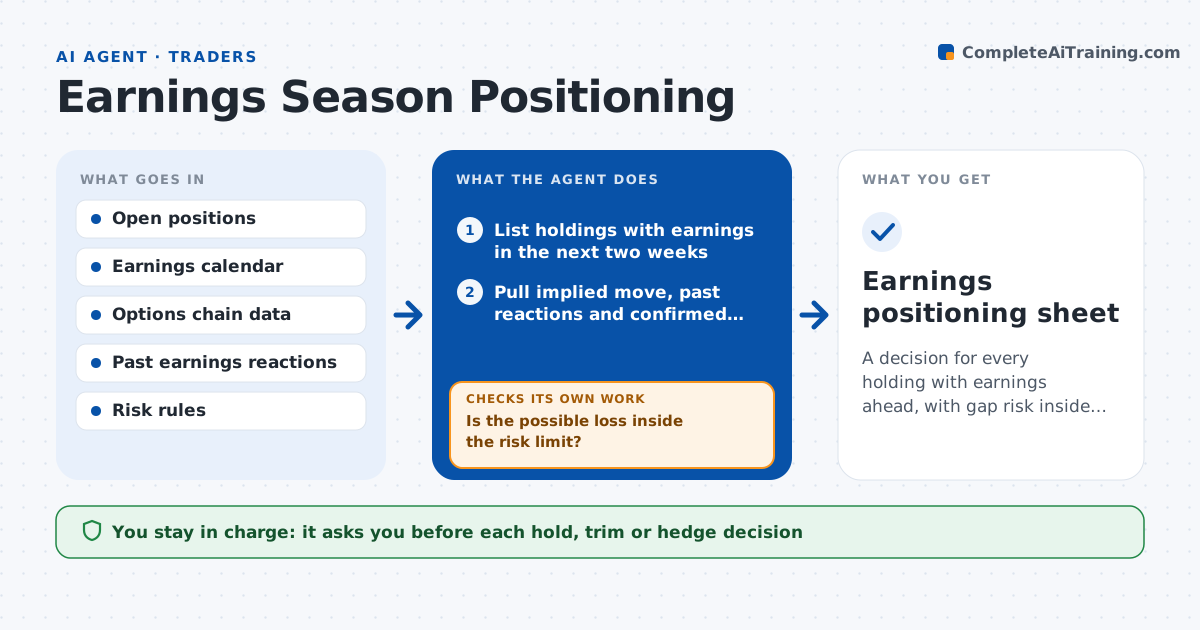
Earnings can gap a stock far past any stop, and the dates sit in different places. This agent lists every holding with earnings in the next two weeks. For each one it pulls the options-implied move and the stock's past reactions, then works out the loss if the stock moves against the position by the implied move or the worst past reaction. It compares that loss with the trader's per-trade and weekly risk rules. If the possible loss is over the limit, it tests smaller sizes and hedges such as a put spread, and rechecks that the new loss fits. It also checks that the earnings date and time are confirmed by the company. The trader approves each decision to hold, trim or hedge. Edge case: a date marked estimated is treated as possibly sooner and gets a confirmation reminder.
How it works
Follow the arrows from top to bottom. The orange dashed arrow is the loop: when a check fails, the agent goes back and tries again.
Read the steps as a list
- Weekly check or new earnings date
- List holdings with earnings in the next two weeks
- Pull implied move, past reactions and confirmed date
- Estimate the gap loss for each position
- Is the possible loss inside the risk limit?If not: test smaller sizes and hedges for that position. Back to step 4.
- Price each hedge or trim using current option quotes
- Does the new loss fit the limit, including hedge cost?If not: try a different strike or a larger trim and reprice. Back to step 6.
- Mark unconfirmed dates for a reminder
- Trader approves hold, trim or hedge for each positionThe agent waits here for your OK.
- Earnings positioning sheet
How it decides
Gap loss is estimated using the larger of the implied move and the average of the last four reactions. A position is acceptable when that loss is within the per-trade limit.
- Use the larger of implied move and average past reaction as the gap estimate
- Require loss at or under 1% of the account per position
- Treat an estimated date as sooner by 3 days
- Skip hedges whose cost exceeds 30% of the risk they remove
Make it yours
Every agent is a starting point. You choose these settings for your own situation.
- Per-position loss limit (default 1% of account)
- Look-ahead window (default 14 days)
- Number of past reactions to use (default 4)
- Hedge types allowed
What keeps you in control
It always asks you first
- Each hold, trim or hedge decision
Hard limits
- Never places orders or hedges
- Does not forecast the earnings result
It stops when
- Done: every holding has an approved decision
- Stop: option data is unavailable
Set it up
We guide you through the set-up, step by step
Members get the full set-up guide for this agent. No technical skills needed: you copy, paste and upload.
- One set of instructions to paste into your AI, with the clicks for ChatGPT, Claude, Microsoft 365 Copilot, Gemini and Grok
- The agent then walks you through connecting your own data, one source at a time
- A downloadable copy with the flow chart, the rules and the full guide