AI agent for architects
Energy and Envelope Compliance Tracker Agent
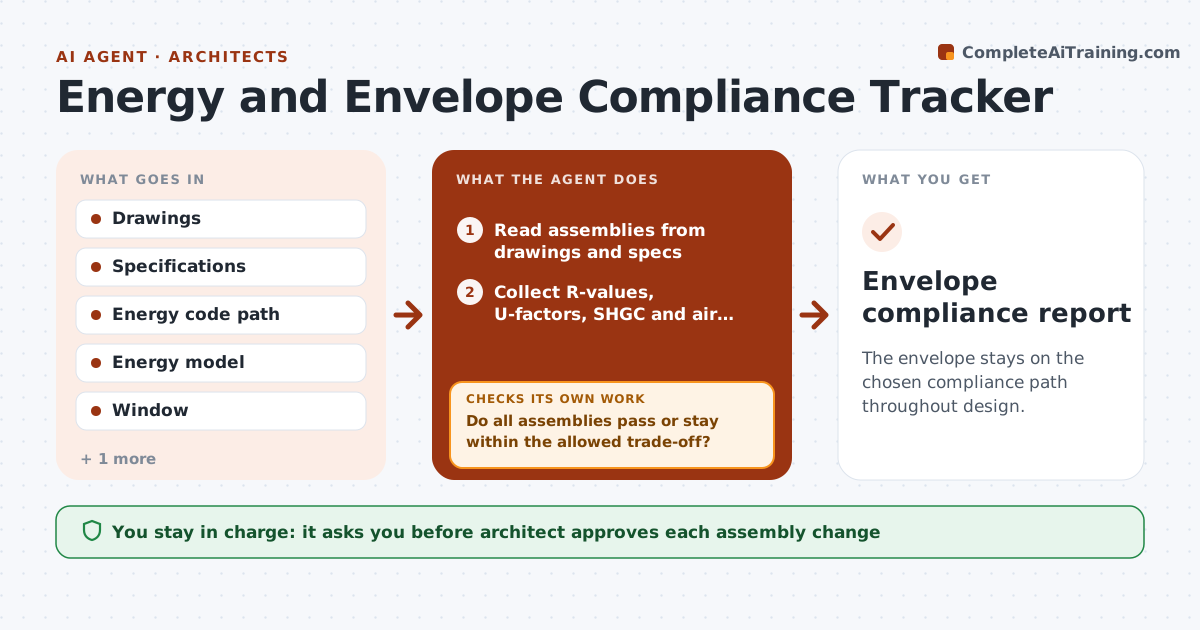
The envelope stays on the chosen compliance path throughout design.
What it does
Midway through design, the glazing changes and the wall insulation is cut for cost, and no one checks the energy code again until submission. This agent keeps the compliance path in view. It collects envelope values from drawings and specs, such as insulation R-values, window U-factors, SHGC and air barrier details, and compares them with the code path or energy model you chose. It flags assemblies that fail and shows the margin. After each design change, it reruns the comparison. If a fix breaks another assembly, it reports the trade-off. You approve any change to assemblies. Edge case: a window ordered with a different U-factor than the schedule is flagged from the spec.
How it works
Follow the arrows from top to bottom. The orange dashed arrow is the loop: when a check fails, the agent goes back and tries again.
Read the steps as a list
- Design update or submission check
- Read assemblies from drawings and specs
- Collect R-values, U-factors, SHGC and air barrier notes
- Compare each with the code path requirement
- Do all assemblies pass or stay within the allowed trade-off?If not: List failing assemblies with the margin and suggest options. Back to step 3.
- Calculate the effect of each option on other assemblies
- Architect approves any change to assembliesThe agent waits here for your OK.
- Rerun the comparison after the design is updated
- Do the schedules and specs agree with each other?If not: Flag the conflict and ask the team to correct the source. Back to step 3.
- Envelope compliance report
How it decides
It checks each assembly against the required value for the climate zone, and totals the area weighted values if the path allows trade-offs.
- Use the code path chosen at the start
- Flag values within 5% of the limit as at risk
- Check that schedules, drawings and specs agree
- Show trade-off effects before approval
Make it yours
Every agent is a starting point. You choose these settings for your own situation.
- Code path and edition
- At-risk margin (default 5%)
- Climate zone
- Assemblies to track
What keeps you in control
It always asks you first
- Architect approves each assembly change
Hard limits
- Never certify energy compliance
- Never change specifications itself
It stops when
- Done: all assemblies pass with no conflicts
- Stop: code path or climate zone is unclear
Set it up
We guide you through the set-up, step by step
Members get the full set-up guide for this agent. No technical skills needed: you copy, paste and upload.
- One set of instructions to paste into your AI, with the clicks for ChatGPT, Claude, Microsoft 365 Copilot, Gemini and Grok
- The agent then walks you through connecting your own data, one source at a time
- A downloadable copy with the flow chart, the rules and the full guide