AI agent for industrial designers
Ergonomic Fit Check Agent
Catch ergonomic problems in CAD before prototypes
What it does
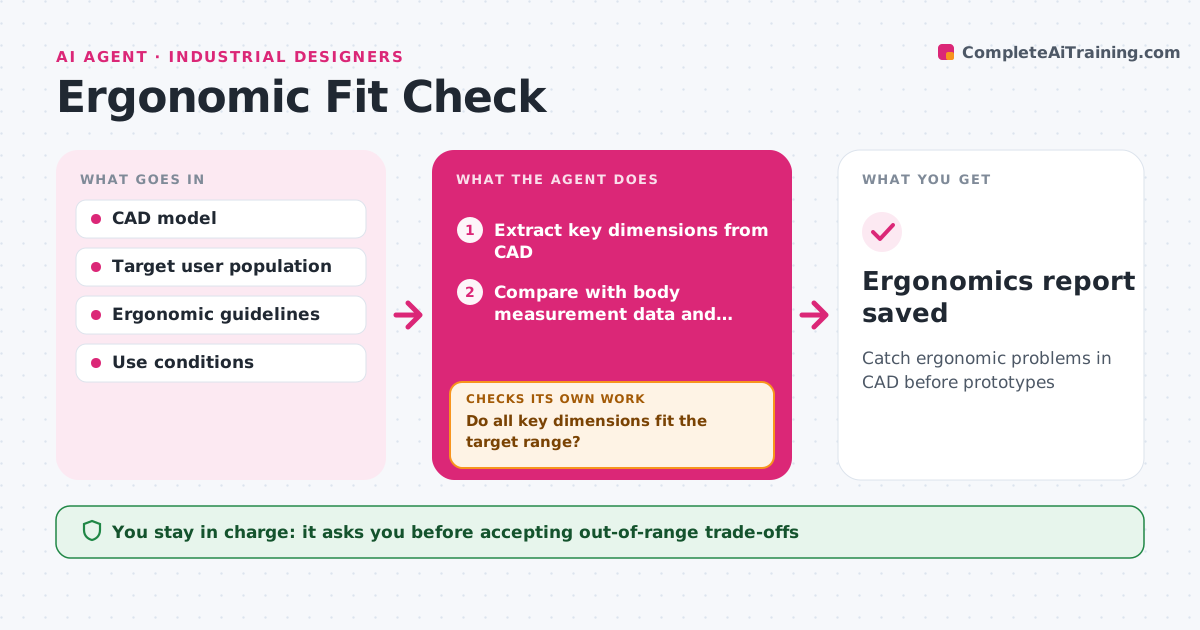
A product that does not fit real hands or bodies fails in use, and these problems are cheapest to fix in CAD. For each design iteration, this agent takes key dimensions from the CAD model: grip sizes, reach distances, button forces and sizes, weight and balance, and screen viewing angles. It compares them with the target user range from body measurement data and ergonomic guidelines, such as covering small to large hand sizes. Dimensions outside the range are flagged with the users affected. After the designer changes the model, it rechecks. It also prepares a short test plan for the next physical prototype on the flagged items. The designer decides on trade-offs. Edge case: products for users wearing gloves get a separate check with glove-adjusted sizes.
How it works
Follow the arrows from top to bottom. The orange dashed arrow is the loop: when a check fails, the agent goes back and tries again.
Read the steps as a list
- New design iteration saved
- Extract key dimensions from CAD
- Compare with body measurement data and guidelines
- Flag out-of-range items and affected users
- Do all key dimensions fit the target range?If not: wait for the designer's change and recheck. Back to step 2.
- Draft prototype test plan for flagged items
- Designer accepts trade-offsThe agent waits here for your OK.
- Ergonomics report saved
How it decides
It flags any dimension that fails the target user range and ranks by how many users are affected.
- Target small female to large male hand range unless set otherwise
- Glove use gets its own check
- Trade-offs are the designer's call
Make it yours
Every agent is a starting point. You choose these settings for your own situation.
- Target population range
- Guidelines used
- Use conditions like gloves
- Report format
What keeps you in control
It always asks you first
- Accepting out-of-range trade-offs
Hard limits
- Never changes the CAD model
- Never claims safety certification
It stops when
- Done: all dimensions pass or accepted
- Stop: target population not defined
Set it up
We guide you through the set-up, step by step
Members get the full set-up guide for this agent. No technical skills needed: you copy, paste and upload.
- One set of instructions to paste into your AI, with the clicks for ChatGPT, Claude, Microsoft 365 Copilot, Gemini and Grok
- The agent then walks you through connecting your own data, one source at a time
- A downloadable copy with the flow chart, the rules and the full guide