AI agent for event planners
Event Vendor Deadline Tracker Agent
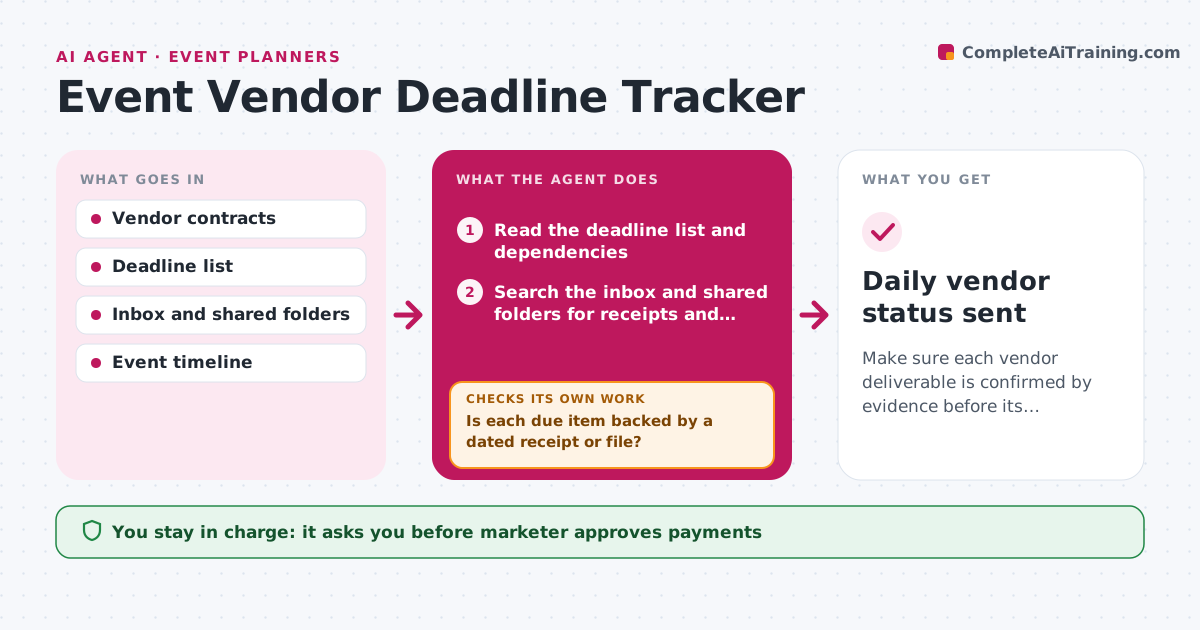
Make sure each vendor deliverable is confirmed by evidence before its deadline, with a plan B when it slips.
What it does
Each event has dozens of vendor deadlines, and the first sign of a missed one is a panicked call a week before. The agent builds a deadline list per vendor, including permits, deposits, insurance certificates and artwork, with dependencies. Each day it checks the inbox and shared folders for receipts and files to confirm what was delivered. It does not trust a promise, only evidence. For missing items it sends a reminder, and for late items it re-plans the tasks that depend on them, such as moving the print order or the load-in time. It escalates when the slack time gets short. Edge case: a vendor sends the right file name but with the wrong version. The agent checks the file date. The marketer approves payments and contract changes.
How it works
Follow the arrows from top to bottom. The orange dashed arrow is the loop: when a check fails, the agent goes back and tries again.
Read the steps as a list
- Daily check starts
- Read the deadline list and dependencies
- Search the inbox and shared folders for receipts and files
- Is each due item backed by a dated receipt or file?If not: mark it as missing and send the vendor a reminder. Back to step 3.
- Calculate the remaining slack for each missing item
- Re-plan dependent tasks for items at risk
- Is any item at risk with less than 3 days of slack?If not: keep monitoring and recheck tomorrow. Back to step 4.
- Draft an escalation message and options to the marketer
- Marketer approves payments, contract changes and escalationsThe agent waits here for your OK.
- Update the deadline list and status board
- Daily vendor status sent
How it decides
An item is done only when a receipt or file is found. An item at risk has less than 3 days of slack against the event plan.
- Count an item as done only with a dated receipt or file
- Remind the vendor 5 days before the deadline
- Escalate when slack is under 3 days
- Check that a file is the latest version before accepting it
Make it yours
Every agent is a starting point. You choose these settings for your own situation.
- Reminder lead time (default 5 days)
- Slack limit for escalation (default 3 days)
- Vendors and deliverable types
- Where proofs are stored
- Status report recipients
What keeps you in control
It always asks you first
- Marketer approves payments
- Marketer approves contract changes and escalation messages
Hard limits
- Never pay or sign anything itself
- Do not accept promises as proof
It stops when
- Done: all deliverables confirmed
- Stop: a permit is refused, alert the marketer at once
Set it up
We guide you through the set-up, step by step
Members get the full set-up guide for this agent. No technical skills needed: you copy, paste and upload.
- One set of instructions to paste into your AI, with the clicks for ChatGPT, Claude, Microsoft 365 Copilot, Gemini and Grok
- The agent then walks you through connecting your own data, one source at a time
- A downloadable copy with the flow chart, the rules and the full guide