
Learning path
Learning AI as an Event Marketer
Learn how to use AI to plan campaigns, write promotion, and keep vendors and attendees in the loop. This path fits event marketing work into your busy week.
Your path
Everything in the Event Marketer AI kit, in the order that makes sense. Members tick off each step and see their progress.
Set up your AI
We guide you through each click.
Let skills do your everyday tasks
Connect your apps and pick your AI apps
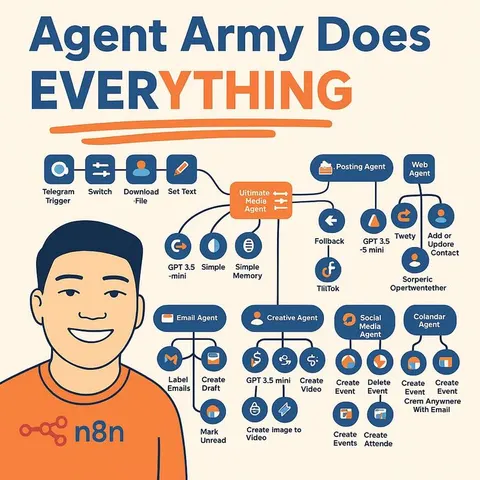
Hand whole tasks to AI agents
Build your own tools
Keep growing
Everything for event marketers
All the courses, certifications, AI tools, MCP servers and apps for event marketers, most relevant first. Open any list to see more.
Take the prompt courses
A short framework course to learn how to ask, then 9 lessons with ready-to-use prompts for event marketers.
Start with this framework: how to talk to AI
This framework helps you write conference ticket emails and landing pages using AIDA or PAS to move attendees to register.
Then your prompt course for event marketers- 1Event Campaign Planning3 prompts
- 2Social Media Promotion3 prompts
- 3Promotional Copy Drafting3 prompts
- 4Registration Email Flows3 prompts
- 5Vendor Coordination Messages3 prompts
- 6Launch Strategy Timelines4 prompts
- 7Event Metrics Reporting3 prompts
- 8Audience Segmentation Personalization2 prompts
- 9Contingency Troubleshooting2 prompts
Watch the video courses or add them to your Favorites for later
170 video courses our AI picked for event marketers, most useful first. Save the ones you want to watch later with the heart.
Favorites are saved to your account: sign in or get your AI kit first.
Show all 170 video courses
Get certified, or add certifications to your Favorites
Every course ends in an exam and a certificate you can add to LinkedIn. Save the certifications you are aiming for with the heart.
Favorites are saved to your account: sign in or get your AI kit first.
More certifications for event marketersShow all 24 certifications
Try the AI tools for event marketers
24 AI tools our AI matched to the work of event marketers, best fit first. Each review shows what it does, its alternatives and the jobs it suits.
Favorites are saved to your account: sign in or get your AI kit first.
Show all 24 AI tools
Connect your AI to the apps event marketers use
MCP servers let ChatGPT, Claude or Copilot look things up and get work done in other apps, like your email, calendar or bookkeeping software. These 12 fit the work of event marketers best, well-known apps first.

PostMCP social posting server
by postmcpLets your AI draft, check, schedule and publish posts to LinkedIn, X, Facebook, Instagram, Threads, Bluesky and YouTube Shorts.
Social media Official
TwitterAPIs MCP server
by TwitterAPIsLets your AI search X posts, read profiles and followers, and post or send messages for you.
Social mediaNo install
Google Workspace MCP server
by taylorwilsdonLets your AI read and write your Gmail, Calendar, Drive, Docs, Sheets and more, all from one chat.

Gmail MCP server
by A1-x-TechLet your AI read, search, draft and send your Gmail, and keep labels and trash tidy, from the chat.

Meta Ads MCP server
by mikusnuzLet your AI check, create and adjust your Facebook and Instagram ads for you.
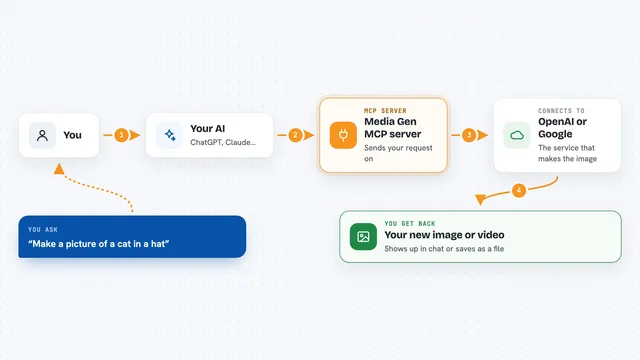
Media Gen MCP server
by strato-spaceCreate and edit images and videos with OpenAI and Google tools, right from your AI chat.
Show all 12 MCP servers

Google Search MCP server (AceDataCloud)
by AceDataCloudLets your AI run Google searches for web, images, news, videos, places and maps, and hand you the results.
ResearchNo install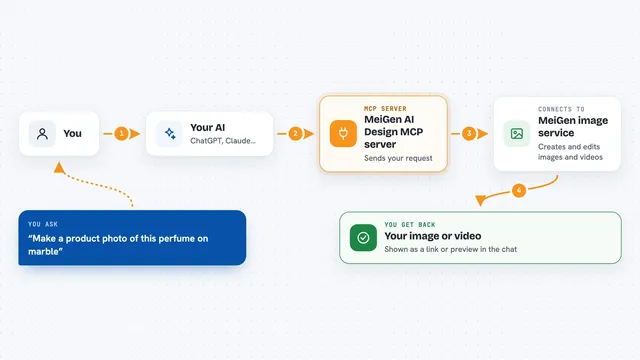
MeiGen AI Design MCP server
by jau123Create and edit images, videos, and product photos by asking your AI in plain words.
Generative artDesign toolsNo install
X (Twitter) MCP server
by Xquik-devLet your AI search X posts, look up profiles, and post or reply for you.
Social mediaNo install
Upload-Post MCP server
by Upload-PostLet your AI publish, schedule, and check social media posts across TikTok, Instagram, YouTube, LinkedIn, and more.
Social media Official
GeoWire MCP server
by geowireLet your AI find places, give directions, and analyze neighborhoods right inside your chats.

Bing Search MCP server
by leehanchungLets your AI search the web, news, and images through Microsoft Bing while you chat.
Build your own AI apps for event marketers
Apps you build yourself with your own AI, no coding needed and no monthly fee. Our AI picked the 12 that fit the work of event marketers.
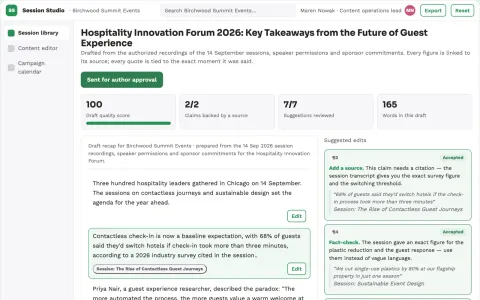
Post-event content studio
Permission-aware reuse with content tied to actual sessions.
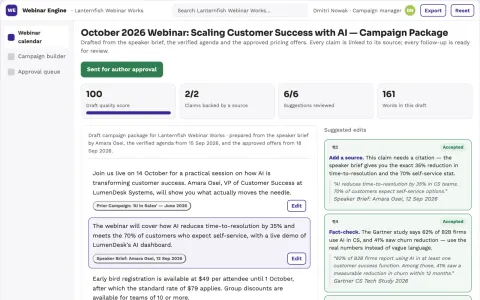
Webinar promotion engine
One audience promise remains consistent before and after the webinar.
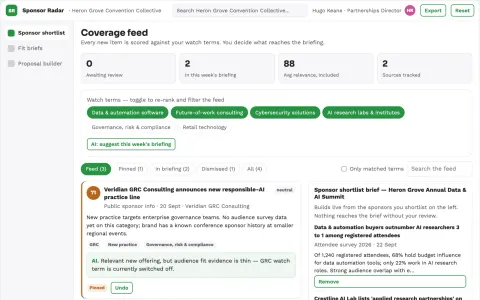
Event sponsor matching service
Audience evidence supports each proposed sponsor relationship.
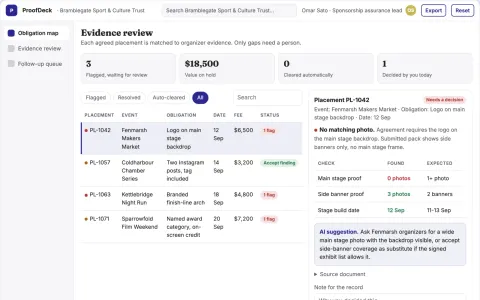
Sponsorship activation evidence desk
Verify deliverables before debating sponsorship effectiveness.
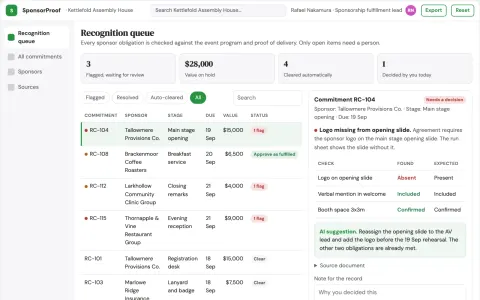
Event sponsor recognition scheduler
Specific acknowledgment commitments across event stages.
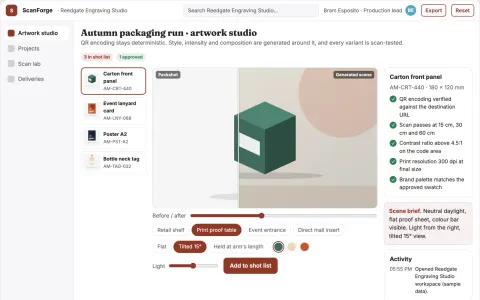
Scannable QR code art production platform
Reduce failed scans and reprint cycles while keeping the artwork on brand.
Show all 12 apps
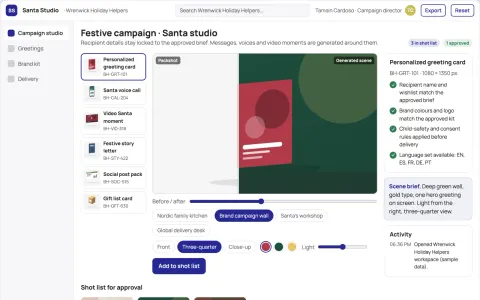
Personalized holiday greeting and Santa experience studio
Run personalized holiday greetings, stories, voice calls and video Santa moments in one owned app under the client's brand.
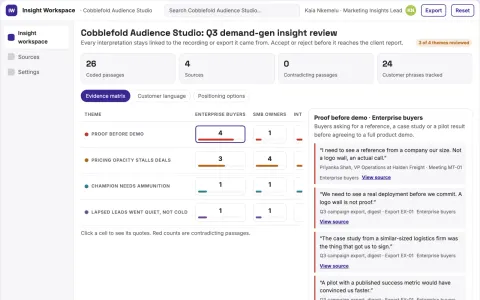
Meeting and campaign insight reporting workspace
Reduce the time from raw recordings and campaign data to reviewed, evidence-linked insight reports.
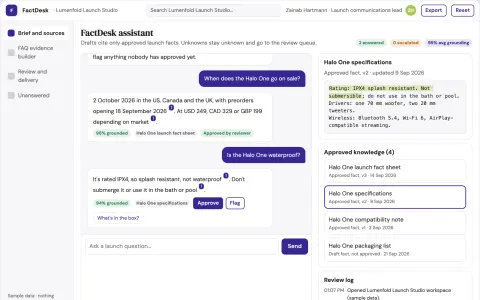
Product launch FAQ evidence builder
Visible unknowns before public answers.
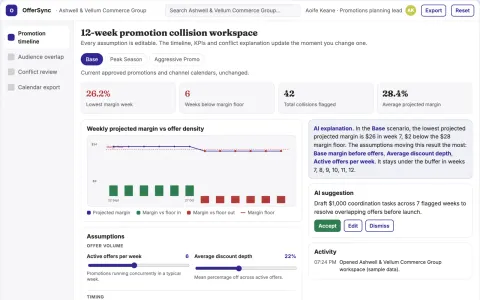
Promotional calendar collision checker
Find operational offer collisions before launch.
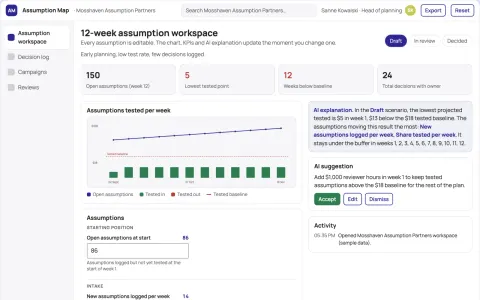
Assumption-driven planning and decision workspace
Turn assumptions into editable, reviewable maps that connect to decisions and owners.
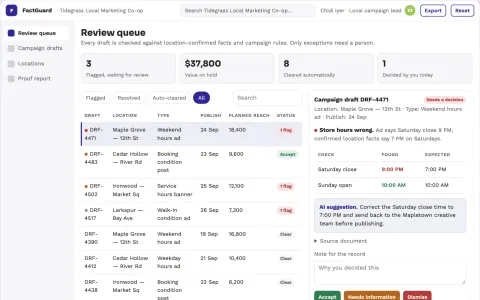
Local campaign practical fact checker
Location-specific fact confirmation before publishing.

























































































































About this learning path
6 topicsA practical AI path for event marketers
Event marketing moves fast. You juggle speakers, sponsors, venues, and a hundred small details while trying to fill seats and create a buzz that lasts.
This learning path shows you how to bring AI into that work without adding more noise. You start with setup, connect your AI tool, learn job-specific skills, then practice with prompts built for event campaigns.
Why AI matters for this job
Event teams are asked to do more with less time. AI can help you draft, plan, and check your work so you can focus on the parts that need a human touch.
It also keeps you current. Marketers who know how to work with AI tools are better prepared for how the job is changing.
What the path includes
You get setup questions to match AI to your work, a guide to connecting your AI, and skills lessons for event marketing tasks. Then you take this prompt course, watch video courses picked for event marketers, and see the certifications those courses offer.
Everything is built around real event work: launches, conferences, webinars, and field events.
How it saves you time
The prompts in this course turn hours of drafting into minutes. You can plan a campaign, write a week of social posts, and prepare vendor messages without starting from a blank page.
You also cut down on back-and-forth. Clear registration emails and vendor updates mean fewer support questions and fewer surprises.
How it protects your career
AI will not replace event marketers who know how to use it well. It will replace some of the repetitive work that eats your day.
By learning these skills, you become the person on the team who can guide AI use, spot mistakes, and keep the human judgment in the campaign.
How to start
Begin with the setup questions and connect your AI tool. Then work through the prompt course in order, trying each prompt on a real event you are planning.
Pick one video course that matches your next event type. Small steps each week add up to a new way of working.
Frequently asked questions
Do I need technical skills to start?
No. If you can write an email and use a web browser, you can use these prompts. The course explains each step in plain language.Which AI tool should I use?
ChatGPT, Claude, and Gemini all work well. The prompts are written to be pasted into any of them, so you can use the tool your team already has.How long does the learning path take?
Most people move through the path in a few weeks, fitting lessons around their event schedule. You can go faster or slower depending on your workload.Will this help with sponsor and vendor communication?
Yes. There are prompts for vendor coordination messages, sponsor materials, and contingency planning. You will have templates for the tricky conversations that come up during event season.