AI agent for data entry specialists
Exam Entry and Access Arrangements Agent
Submit correct exam entries and supported access arrangements before the deadline.
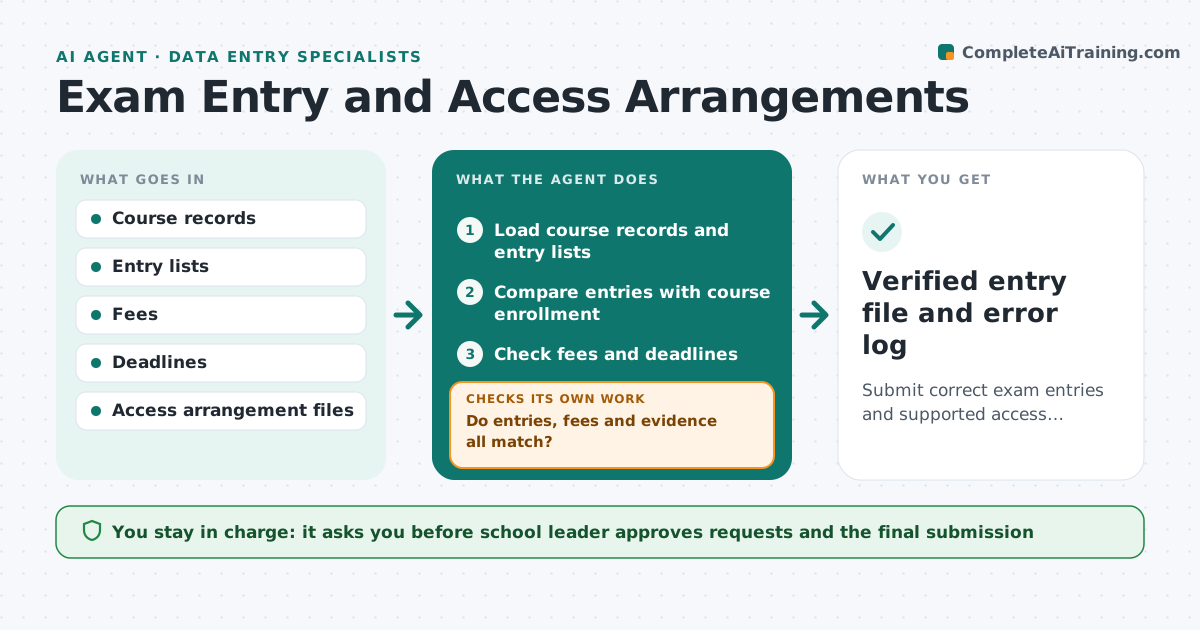
What it does
Exam entries, fees and access arrangements all have deadlines, and mistakes cost students. The agent compares entry lists with course records, checks fees and deadlines, and verifies the evidence behind each access arrangement, such as extra time. It lists errors, requests fixes from teachers or the office, and re-checks. It stops when entries, fees and evidence all match. Each error is sent to the person who can fix it, with the student and the exact field, so nothing waits in a general inbox. The school leader approves each submission. Edge case: a student has extra time on the file but no assessor report, so the agent holds the arrangement until the report is found.
How it works
Follow the arrows from top to bottom. The orange dashed arrow is the loop: when a check fails, the agent goes back and tries again.
Read the steps as a list
- Entry period opens
- Load course records and entry lists
- Compare entries with course enrollment
- Check fees and deadlines
- Check evidence for each access arrangement
- Do entries, fees and evidence all match?If not: List each error and request a fix from the teacher or office. Back to step 3.
- School leader approves requests and submissionsThe agent waits here for your OK.
- Re-check after fixes arrive
- Are all errors cleared before the deadline?If not: Escalate remaining errors to the leader with the days left. Back to step 3.
- Prepare the submission file
- Verified entry file and error log
How it decides
An entry is correct when the course record, the entry and the fee agree. An arrangement is valid only when the required evidence is on file.
- Entries missing from the course list are errors
- Arrangements without evidence are held
- Late entry fees are flagged
- Submit only after the leader's approval
Make it yours
Every agent is a starting point. You choose these settings for your own situation.
- Deadlines by exam board
- Evidence rules for arrangements
- Chase interval
- Fee sheet version
What keeps you in control
It always asks you first
- School leader approves requests and the final submission
Hard limits
- Never submits to an exam board
- Never changes a student's entry itself
It stops when
- Done: submission approved
- Stop: deadline passes with open items, so the leader decides on late entries
Set it up
We guide you through the set-up, step by step
Members get the full set-up guide for this agent. No technical skills needed: you copy, paste and upload.
- One set of instructions to paste into your AI, with the clicks for ChatGPT, Claude, Microsoft 365 Copilot, Gemini and Grok
- The agent then walks you through connecting your own data, one source at a time
- A downloadable copy with the flow chart, the rules and the full guide