AI agent for head of human resources
Executive Onboarding 100-Day Plan Agent
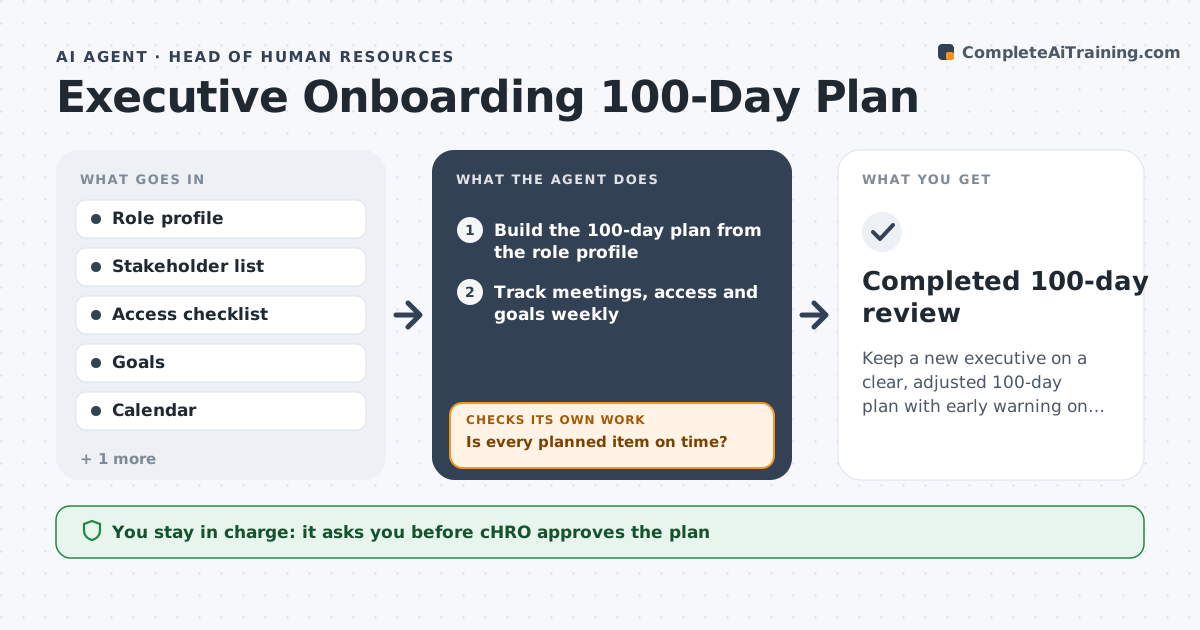
Keep a new executive on a clear, adjusted 100-day plan with early warning on slippage
What it does
A new vice president joins and spends the first month in back-to-back meetings with no clear goals. This agent builds a 100-day plan from the role profile, with a stakeholder meeting list, systems access to arrange, first goals and learning priorities. Each week it checks completion against the plan, such as meetings held and access granted, and flags slippage. At set points it sends a short pulse survey to the executive and the manager and reads the answers. If feedback shows a gap, for example the executive is missing a key relationship, it adjusts the plan and checks that the change fits the calendar. The CHRO approves changes and any communication. Edge case: if access to a system is delayed more than a week, it escalates to IT through the CHRO.
How it works
Follow the arrows from top to bottom. The orange dashed arrow is the loop: when a check fails, the agent goes back and tries again.
Read the steps as a list
- Executive offer accepted
- Build the 100-day plan from the role profile
- CHRO approves the plan and welcome noteThe agent waits here for your OK.
- Track meetings, access and goals weekly
- Is every planned item on time?If not: Flag late items, reschedule and notify the owner through the CHRO. Back to step 4.
- Send pulse surveys at days 30, 60 and 90
- Read answers and find gaps in relationships or support
- Are pulse scores at least 3 of 5?If not: Adjust the plan with added introductions or coaching and recheck next week. Back to step 7.
- CHRO approves plan changes and any communicationThe agent waits here for your OK.
- Completed 100-day review
How it decides
It compares completed items with the plan each week and flags anything over 5 days late. Pulse scores below 3 of 5 trigger a plan change.
- Flag an item more than 5 days late
- Escalate access delays over 7 days
- Change the plan when any pulse score is under 3 of 5
- Cap new meetings at a set number per week
Make it yours
Every agent is a starting point. You choose these settings for your own situation.
- Survey days (default 30, 60, 90)
- Late threshold (default 5 days)
- Pulse score trigger (default under 3 of 5)
- Meeting limit per week (default 8)
What keeps you in control
It always asks you first
- CHRO approves the plan
- CHRO approves changes and communications
Hard limits
- Never share survey answers without the executive's consent
- Never message executives without CHRO approval
- Keep the plan confidential
It stops when
- Done: Day-100 review completed
- Stop: Executive leaves or the CHRO ends the plan
Set it up
We guide you through the set-up, step by step
Members get the full set-up guide for this agent. No technical skills needed: you copy, paste and upload.
- One set of instructions to paste into your AI, with the clicks for ChatGPT, Claude, Microsoft 365 Copilot, Gemini and Grok
- The agent then walks you through connecting your own data, one source at a time
- A downloadable copy with the flow chart, the rules and the full guide