AI agent for fashion designers
Fabric Swatch Approval Tracker Agent
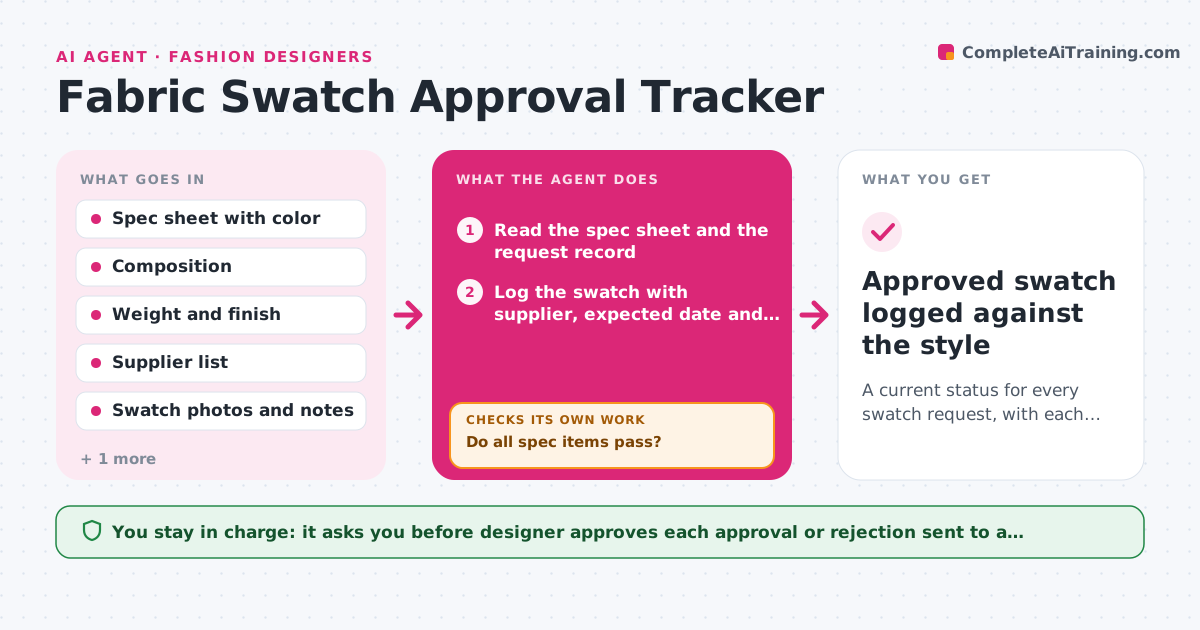
A current status for every swatch request, with each rejected one tracked through repeat rounds to approval
What it does
Swatches and lab dips arrive from several mills in a week, and the designer has to remember which were requested, which match the spec and which were already rejected once. This agent logs each swatch request against the supplier, the spec and the expected date. When a swatch arrives, the designer enters or photographs it and the agent matches it to the spec, checking the color notes, composition, weight and finish. Rejected swatches trigger a draft revision request to the supplier that states exactly what was wrong, and the agent rechecks when the new swatch arrives, counting rounds. It keeps a clear list of approved, pending and rejected swatches by supplier. The designer approves each decision sent to a supplier. Edge case: a swatch that matches the color but is 15 percent lighter in weight is rejected on weight, not color.
How it works
Follow the arrows from top to bottom. The orange dashed arrow is the loop: when a check fails, the agent goes back and tries again.
Read the steps as a list
- Swatch requested or received
- Read the spec sheet and the request record
- Log the swatch with supplier, expected date and spec items
- Compare the arrived swatch with color, composition, weight and finish
- Do all spec items pass?If not: Record each failed item and ask the designer to confirm the reading. Back to step 4.
- Draft the approval or revision request for the supplier
- Designer approves the message to the supplierThe agent waits here for your OK.
- Track the round number and expected date for the new swatch
- Has the revised swatch arrived by its expected date?If not: Draft a reminder to the supplier and wait for the next check. Back to step 8.
- Approved swatch logged against the style
How it decides
A swatch is approved only if every spec item passes; any failure is logged with the specific item and sent back as a clear revision request.
- Reject on any spec item outside tolerance, not only color
- Escalate to the designer after 3 rejected rounds with the same supplier
- Send a reminder 2 days after the expected date
- Keep a log of each round with photos
Make it yours
Every agent is a starting point. You choose these settings for your own situation.
- Spec items checked and tolerances
- Reminder timing (default 2 days)
- Number of rounds before escalation (default 3)
- Supplier contact details
- Status categories
What keeps you in control
It always asks you first
- Designer approves each approval or rejection sent to a supplier
Hard limits
- Never send a message to a supplier without approval
- Never approve a swatch without the designer's check
It stops when
- Done: Every swatch is approved or retired
- Stop: A supplier fails 3 rounds, so the agent suggests another source
Set it up
We guide you through the set-up, step by step
Members get the full set-up guide for this agent. No technical skills needed: you copy, paste and upload.
- One set of instructions to paste into your AI, with the clicks for ChatGPT, Claude, Microsoft 365 Copilot, Gemini and Grok
- The agent then walks you through connecting your own data, one source at a time
- A downloadable copy with the flow chart, the rules and the full guide