
Learning path
Learning AI as an Interior Designer
This learning path helps interior designers use AI for client briefs, concepts, materials, layouts, and budgets. You will set up your AI, learn job-specific skills, and take a prompt course built for design work.
Your path
Everything in the Interior Designer AI kit, in the order that makes sense. Members tick off each step and see their progress.
Set up your AI
We guide you through each click.
Let skills do your everyday tasks
Connect your apps and pick your AI apps
Hand whole tasks to AI agents
Build your own tools
Keep growing
Everything for interior designers
All the courses, certifications, AI tools, MCP servers and apps for interior designers, most relevant first. Open any list to see more.
Take the prompt courses
A short framework course to learn how to ask, then 9 lessons with ready-to-use prompts for interior designers.
Start with this framework: how to talk to AI
RISEN fits interior design by structuring a client brief into a room specification covering layout, materials, lighting, and budget step by step.
Then your prompt course for interior designers- 1Client Discovery and Briefs3 prompts
- 2Concept Development3 prompts
- 3Mood Boards and Palettes2 prompts
- 4Materials and Finishes3 prompts
- 5Space Planning and Layouts3 prompts
- 6Lighting and Details2 prompts
- 7Budgets and Estimates3 prompts
- 8Contractor Coordination2 prompts
- 9Client Presentations and Admin3 prompts
Watch the video courses or add them to your Favorites for later
93 video courses our AI picked for interior designers, most useful first. Save the ones you want to watch later with the heart.
Favorites are saved to your account: sign in or get your AI kit first.
Show all 93 video courses
Get certified, or add certifications to your Favorites
Every course ends in an exam and a certificate you can add to LinkedIn. Save the certifications you are aiming for with the heart.
Favorites are saved to your account: sign in or get your AI kit first.
More certifications for interior designersShow all 24 certifications
Try the AI tools for interior designers
24 AI tools our AI matched to the work of interior designers, best fit first. Each review shows what it does, its alternatives and the jobs it suits.
Favorites are saved to your account: sign in or get your AI kit first.
Show all 24 AI tools
Connect your AI to the apps interior designers use
MCP servers let ChatGPT, Claude or Copilot look things up and get work done in other apps, like your email, calendar or bookkeeping software. These 12 fit the work of interior designers best, well-known apps first.

Google Images MCP server
by HasDataLets your AI search Google Images and bring back picture links, source pages and sizes.
ResearchNo install
Unsplash MCP server
by hellokatonLets your AI search Unsplash for photos by keyword, color, and orientation, and hand you the results.

OpenAI GPT Image MCP server
by SureScaleAILets your AI create and edit images with OpenAI's image models, right from the chat.

RNV Color MCP server
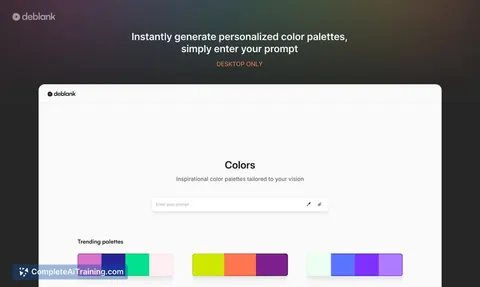
by RNVizionMix, convert, and match colors, build palettes, and save them by name, right from your chat.
Design toolsNo install
Google Custom Search MCP server
by A1-x-TechLets your AI search the web and images through your own Google Programmable Search Engine.
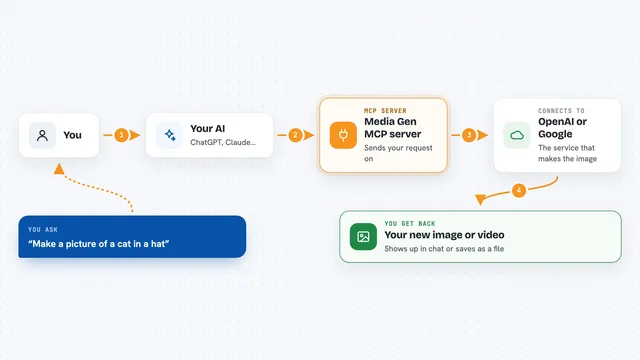
Media Gen MCP server
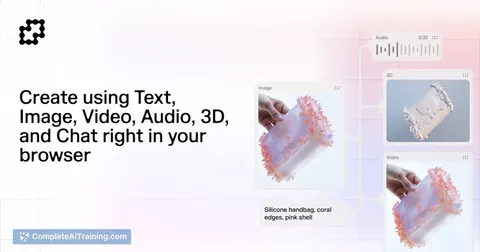
by strato-spaceCreate and edit images and videos with OpenAI and Google tools, right from your AI chat.
Show all 12 MCP servers

Bing Search MCP server
by leehanchungLets your AI search the web, news, and images through Microsoft Bing while you chat.
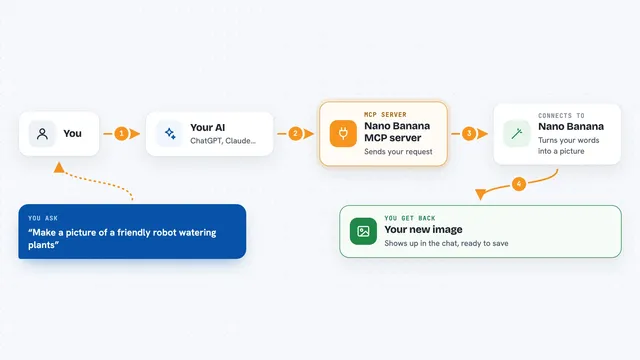
Nano Banana MCP server
by nanana-appLet your AI create new images or change existing ones using the Nano Banana image model.

Google Search MCP server (AceDataCloud)
by AceDataCloudLets your AI run Google searches for web, images, news, videos, places and maps, and hand you the results.
ResearchNo install
Brave Search MCP server
by braveLets your AI search the web, news, images, and places through Brave Search.

OpenRouter Multimodal MCP server
by stabganLets your AI read and create text, images, audio and video through OpenRouter models.

Google Drive MCP server
by A1-x-TechLet your AI search, organize, upload, download, export and share your Google Drive files for you.
Build your own AI apps for interior designers
Apps you build yourself with your own AI, no coding needed and no monthly fee. Our AI picked the 5 that fit the work of interior designers.
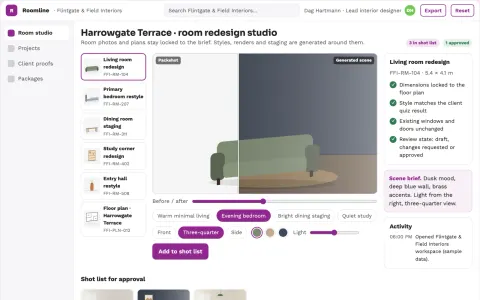
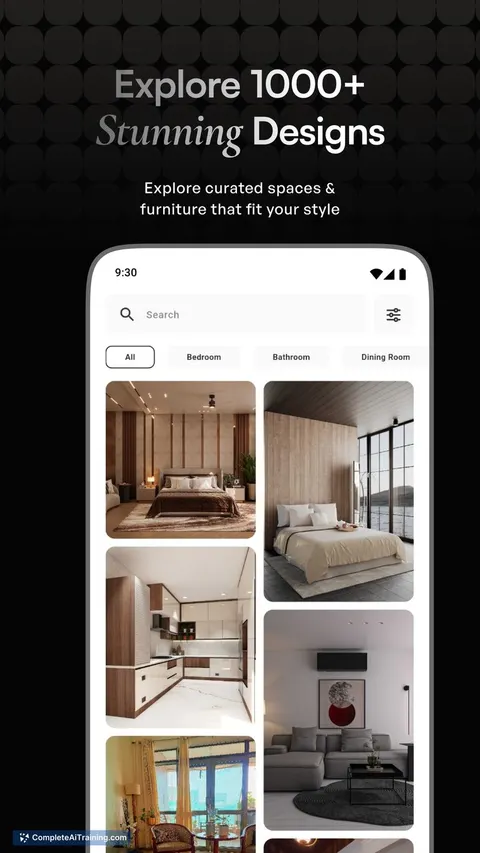
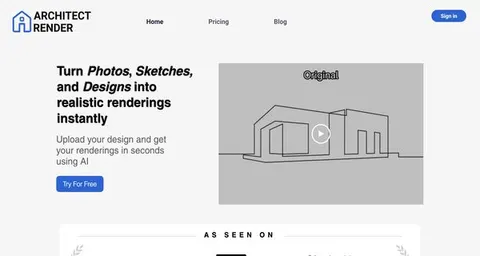
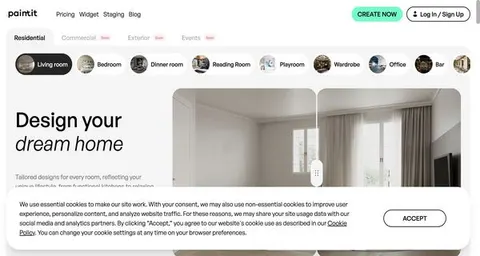
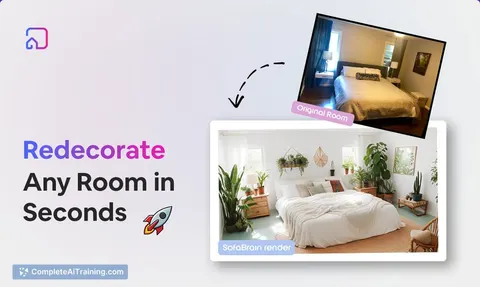
Interior redesign visualization and review platform
Reduce redesign revision cycles while keeping the designer's intent and the client's approval.
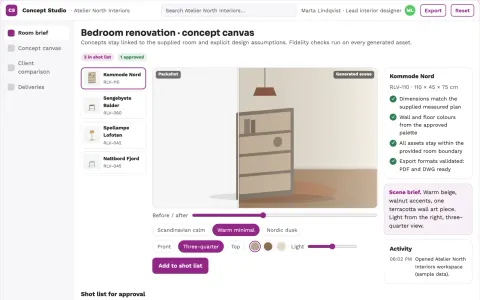
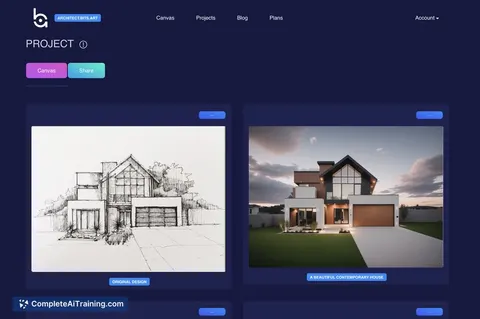
Renovation concept studio
Concepts stay linked to the supplied room and explicit design assumptions.
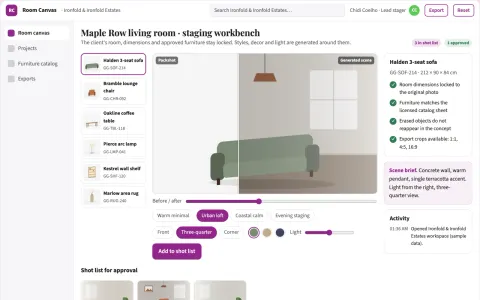
Room photo redesign and staging workbench
Reduce visual revision cycles while keeping the client's actual room, dimensions and approved furniture choices intact.
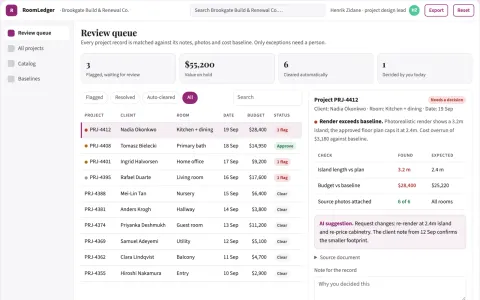
Property notes and interior data workbench
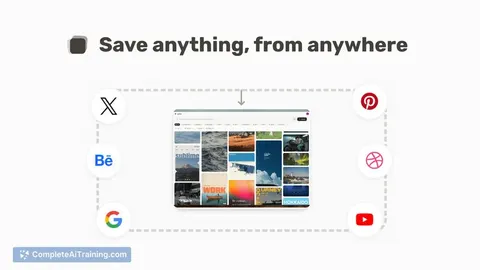
Reduce tool switching while keeping project notes, room designs and renovation data in one owned library.

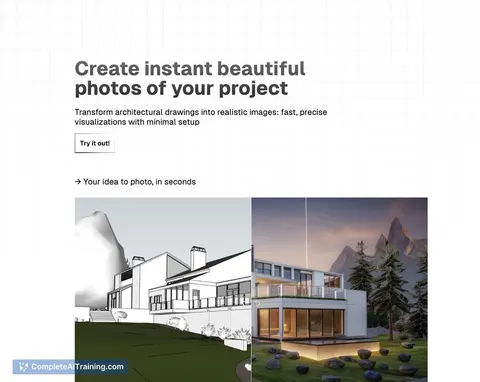
Property visual production and staging workbench
Reduce tool switching and rework while keeping one approved visual record per property.

































































































About this learning path
6 topicsAI for Interior Designers: A Practical Path
Interior design work runs on details: client wishes, measurements, materials, budgets, and timelines. AI can help you handle the paperwork and early thinking faster, so you spend more time on the parts only you can do: seeing the space, judging the feel, and guiding the client.
This path starts with setup questions and connecting your AI. Then you build job-specific skills inside your AI, take a prompt course made for interior design, and watch video courses chosen for your role. Each video course comes with its certification, so you can show what you have learned.
Why AI Matters Now
Clients expect quick answers, clear budgets, and fresh ideas. AI helps you keep up without working late, because it can draft, compare, and organize information while you make the design calls.
The designers who use AI well are not replaced. They become faster and more confident in meetings, and they free up time for site visits and creative work.
What the Path Includes
You begin with setup questions that help you choose the right AI tool for your work. Then you connect your AI to your notes, files, and preferences so it understands your style.
Next come skills for the job inside your AI, the prompt course with nine lessons, and video courses picked for interior designers. Each video course includes a certification you can add to your profile.
How It Saves You Time
The prompts in this path turn messy meeting notes into a clear brief, and rough ideas into testable concepts. You can compare materials, check layouts, and build budgets in minutes instead of hours.
You still do the design thinking. AI handles the sorting, drafting, and rewriting, so your evenings are not spent on admin.
How It Protects Your Career
AI will not replace designers who understand clients, space, and safety. It will replace some tasks that used to take a whole afternoon. Learning these skills keeps you valuable and ready for how studios are changing.
You also learn how to keep client information private and how to check AI output before it reaches a client or contractor.
How to Start
Start with the setup questions and connect one AI tool you already use, like ChatGPT, Claude, or Gemini. Then take the prompt course lesson by lesson, trying each prompt on a real project.
Pick one video course that matches your current work, finish it, and claim the certification. Add the next course when you are ready.
Frequently asked questions
Do I need to be technical to use this path?
No. The path is made for interior designers who use email, spreadsheets, and design software. You will learn simple steps to set up AI and write prompts in plain language.Will AI design the space for me?
No. AI helps you think, draft, and organize. You still make the creative decisions, check measurements, and ensure the design meets codes and client needs.How long does the path take?
Most people move through the setup and prompt course in a few weeks, working a little at a time. The video courses can be watched at your own pace, and you can return to the prompts whenever you need them.What if I already use AI sometimes?
You will still find value in the job-specific prompts and the way the path connects each lesson to real design tasks. The video courses and certifications can fill gaps in your knowledge and give you a record of your skills.