AI agent for fleet managers
Fleet Insurance Renewal Pack Agent
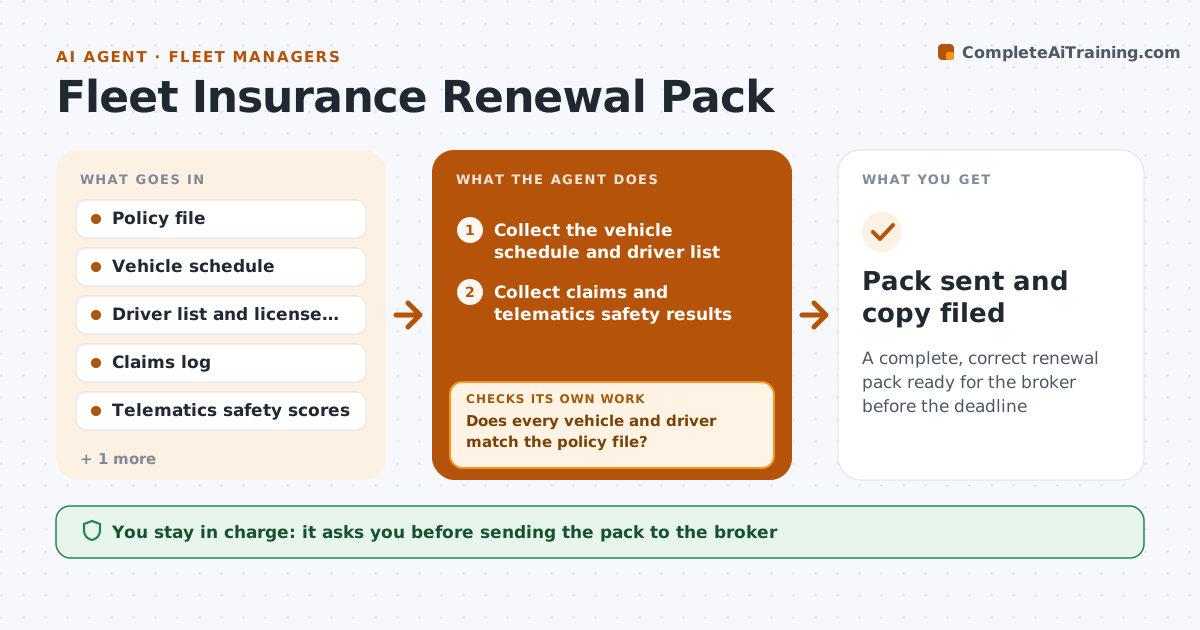
A complete, correct renewal pack ready for the broker before the deadline
What it does
Insurance renewal takes days because information is spread over claims files, telematics and driver lists. This agent starts weeks before renewal and gathers vehicle schedules, driver records, claims history and safety results. It checks each against the policy file for gaps, such as a vehicle sold but still listed, a new driver missing, or a claim with the wrong status. It requests missing data from the owners, then rechecks the whole pack. It builds the pack in the order the broker uses. The manager approves submission to the broker. Edge case: a driver's license check is a year old, so the agent asks for a fresh record before including the driver.
How it works
Follow the arrows from top to bottom. The orange dashed arrow is the loop: when a check fails, the agent goes back and tries again.
Read the steps as a list
- Renewal is 60 days away
- Collect the vehicle schedule and driver list
- Collect claims and telematics safety results
- Compare each item with the policy file
- Does every vehicle and driver match the policy file?If not: list differences, ask owners to confirm, and recompare. Back to step 4.
- Are all records current enough?If not: request fresh records for stale items and gather them again. Back to step 2.
- Build the pack in the broker's order
- Manager approves submission to the brokerThe agent waits here for your OK.
- Pack sent and copy filed
How it decides
A section is complete when every item matches the policy file and its date is recent. Missing or stale items are requested before the pack is called ready.
- License checks older than 12 months are stale
- Flag a vehicle not on the policy or sold
- Flag claims open longer than 90 days
- Lead the pack with the safety summary
Make it yours
Every agent is a starting point. You choose these settings for your own situation.
- Lead time (default 60 days)
- Stale records limit (default 12 months)
- Broker template
- Who supplies each section
What keeps you in control
It always asks you first
- Sending the pack to the broker
Hard limits
- Never send data outside the company without approval
- Never change claim data
It stops when
- Done: pack approved and sent
- Stop: policy file is missing
Set it up
We guide you through the set-up, step by step
Members get the full set-up guide for this agent. No technical skills needed: you copy, paste and upload.
- One set of instructions to paste into your AI, with the clicks for ChatGPT, Claude, Microsoft 365 Copilot, Gemini and Grok
- The agent then walks you through connecting your own data, one source at a time
- A downloadable copy with the flow chart, the rules and the full guide