AI agent for transportation managers
Fleet Warranty Recovery Agent
Recover warranty money on every eligible repair.
What it does
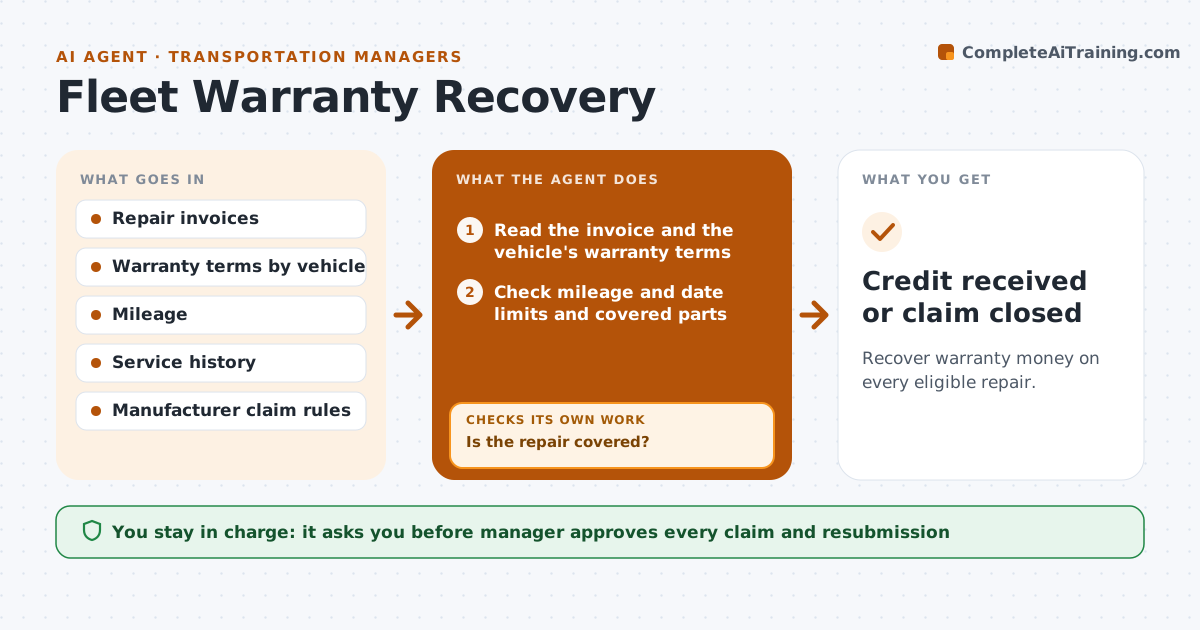
Fleet managers pay for repairs that the manufacturer should cover, simply because nobody lined up the invoice with the warranty. This agent reads repair invoices as they arrive and checks each vehicle's warranty terms, mileage and service history. It marks items that appear eligible, gathers the documents the claim needs, and prepares the claim. After the manager approves, it files and tracks credits. If the manufacturer rejects a claim, it reads the reason, adds the missing mileage or service records, and resubmits. Edge case: a repair at 59,800 miles on a 60,000 mile warranty is flagged as urgent, since the claim must be filed before the term ends.
How it works
Follow the arrows from top to bottom. The orange dashed arrow is the loop: when a check fails, the agent goes back and tries again.
Read the steps as a list
- Repair invoice posted
- Read the invoice and the vehicle's warranty terms
- Check mileage and date limits and covered parts
- Is the repair covered?If not: Skip it and record why. Back to step 2.
- Gather the invoice, service records and photos
- Prepare the claim
- Manager approves the claimThe agent waits here for your OK.
- File the claim and track the credit
- Was the claim accepted?If not: Read the rejection, add missing mileage or service records, and resubmit once. Back to step 4.
- Credit received or claim closed
How it decides
It claims an item when the failure is a covered part within the mileage and date limits, and resubmits only with new evidence.
- Claim only parts and labor listed in the warranty
- File claims within the manufacturer's time limit
- Resubmit once with new evidence, then escalate
- Flag repairs near the end of warranty
Make it yours
Every agent is a starting point. You choose these settings for your own situation.
- Warranty time limits by maker
- Minimum repair cost worth claiming (default $200)
- Resubmission rule
- Who files the claim
What keeps you in control
It always asks you first
- Manager approves every claim and resubmission
Hard limits
- Never file without approval
- Never submit false mileage
It stops when
- Done: credit is received or the claim is closed
- Stop: the manufacturer denies it twice and the manager decides
Set it up
We guide you through the set-up, step by step
Members get the full set-up guide for this agent. No technical skills needed: you copy, paste and upload.
- One set of instructions to paste into your AI, with the clicks for ChatGPT, Claude, Microsoft 365 Copilot, Gemini and Grok
- The agent then walks you through connecting your own data, one source at a time
- A downloadable copy with the flow chart, the rules and the full guide