AI agent for aerospace engineers
Flight Test Data Anomaly Review Agent
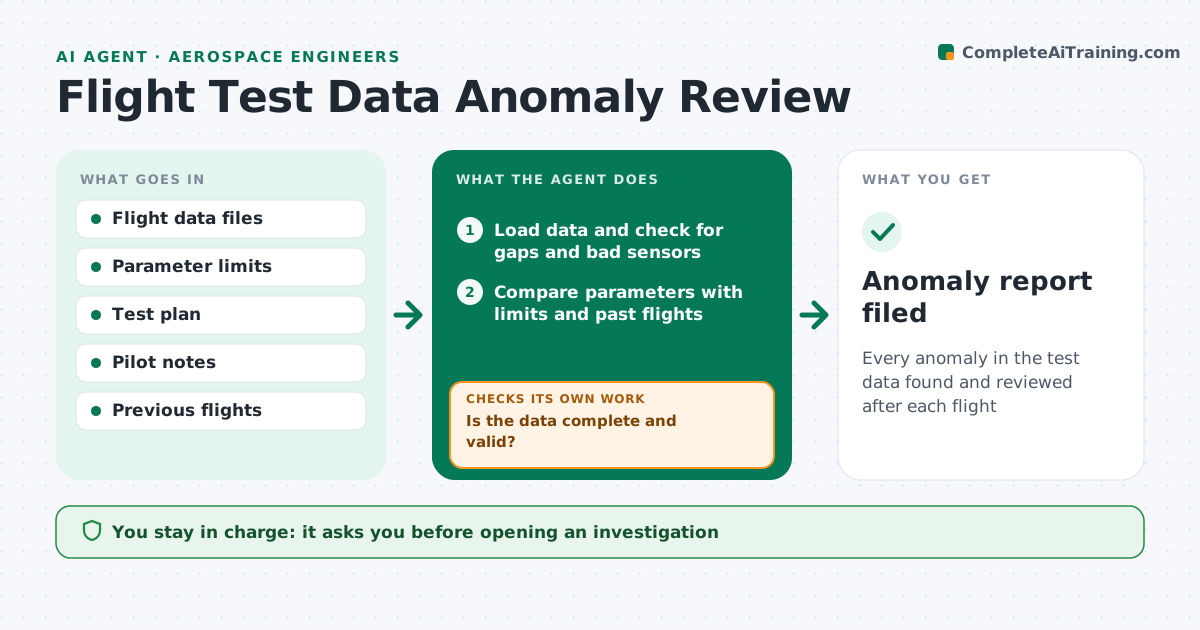
Every anomaly in the test data found and reviewed after each flight
What it does
Each test flight produces hours of sensor data, and a slow trend can hide among thousands of channels. After each flight, this agent loads the data and checks it for gaps and bad sensors. If files are missing or channels are bad, it requests the files and marks those channels before going on. It then compares every parameter with its limits and with earlier flights at the same test point. It flags exceedances and unexpected trends, such as a slowly rising temperature. Single-sample spikes are checked against the sensor's known noise first. For each anomaly it pulls matching pilot notes and video timestamps. It then checks whether each flag could be a sensor fault and marks those as data issues. The engineer decides what needs investigation. Edge case: a one-sample spike within sensor noise is not called an exceedance.
How it works
Follow the arrows from top to bottom. The orange dashed arrow is the loop: when a check fails, the agent goes back and tries again.
Read the steps as a list
- Flight data uploaded
- Load data and check for gaps and bad sensors
- Is the data complete and valid?If not: request missing files and mark bad channels. Back to step 2.
- Compare parameters with limits and past flights
- Link anomalies with pilot notes and video
- Is each anomaly confirmed by a second sensor or test?If not: mark it as a likely data issue. Back to step 4.
- Write the anomaly report
- Engineer decides which anomalies to investigateThe agent waits here for your OK.
- Anomaly report filed
How it decides
It flags values outside limits and trends that differ from earlier flights by more than the set amount, after removing known sensor noise.
- Ignore single-sample spikes within sensor noise
- Flag trends that differ from earlier flights
- Mark sensor faults as data issues
Make it yours
Every agent is a starting point. You choose these settings for your own situation.
- Parameter limits
- Trend difference threshold
- Report format
- Channels to monitor
What keeps you in control
It always asks you first
- Opening an investigation
- Changing test limits
Hard limits
- Never changes test limits
- Never marks an anomaly closed
It stops when
- Done: report filed
- Stop: data corrupted; ask for the raw files
Set it up
We guide you through the set-up, step by step
Members get the full set-up guide for this agent. No technical skills needed: you copy, paste and upload.
- One set of instructions to paste into your AI, with the clicks for ChatGPT, Claude, Microsoft 365 Copilot, Gemini and Grok
- The agent then walks you through connecting your own data, one source at a time
- A downloadable copy with the flow chart, the rules and the full guide