AI agent for aerospace engineers
Flight Test Instrumentation Checkout Agent
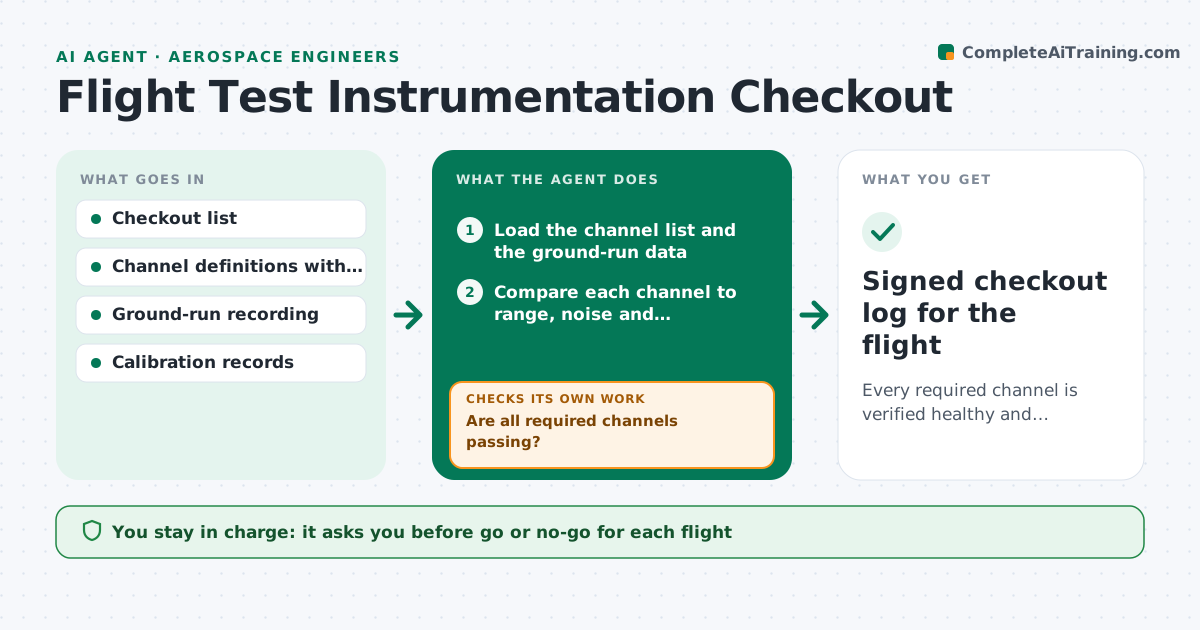
Every required channel is verified healthy and calibrated before the go decision for each flight.
What it does
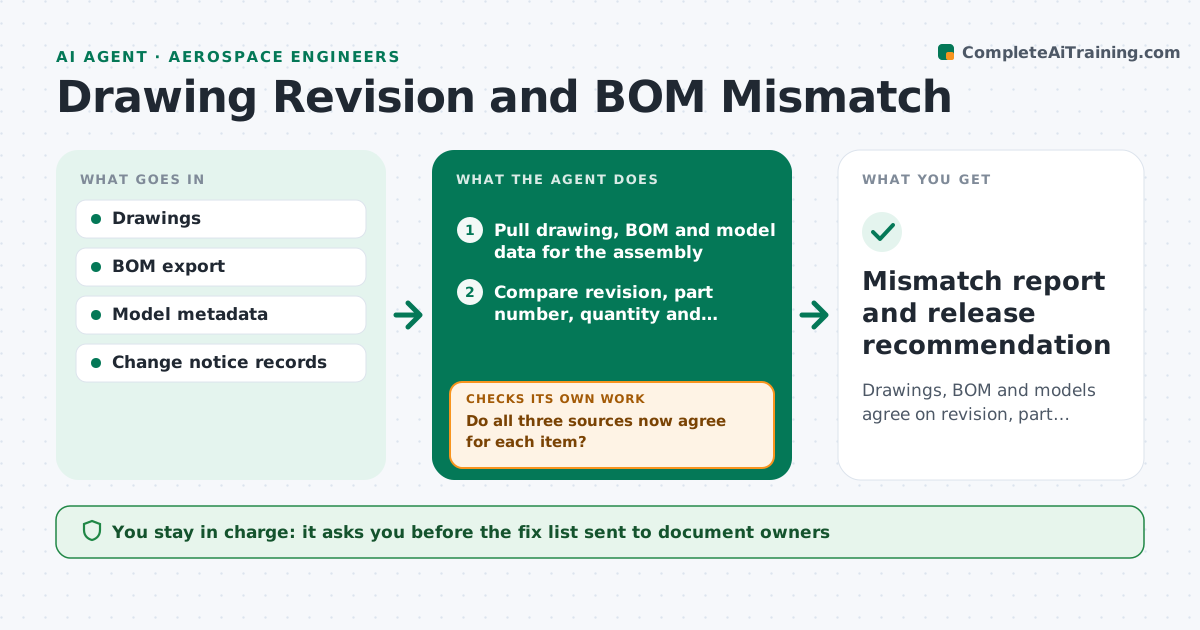
On test day a dead accelerometer or a noisy strain gauge can ground a sortie that took weeks to schedule. This agent runs the instrumentation checkout before each flight. It takes the checkout list and the ground-run data recorded from the aircraft, then compares every channel to its expected range, noise floor and calibration date. It flags dead, stuck, noisy or out-of-range sensors and lists the probable cause, such as a loose connector or an expired calibration. After the crew makes a fix, it reruns the affected channels and checks again. It keeps a log of each channel's status. The test engineer approves the go for flight. Edge case: a channel that reads fine but was calibrated for the previous configuration is flagged.
How it works
Follow the arrows from top to bottom. The orange dashed arrow is the loop: when a check fails, the agent goes back and tries again.
Read the steps as a list
- Ground run recorded before flight
- Load the channel list and the ground-run data
- Compare each channel to range, noise and calibration limits
- Classify failures as dead, stuck, noisy, out of range or calibration expired
- Are all required channels passing?If not: list failing channels with likely causes and send the fix list to the crew. Back to step 3.
- After fixes, record a short re-run for the affected channels
- Do the re-run values pass for each fixed channel?If not: escalate the channel with its new readings and suggest swap or deletion from the test card. Back to step 3.
- Check that the recorder has enough storage and sync for the planned sortie
- Write the checkout summary with channel status
- Test engineer approves go or no-goThe agent waits here for your OK.
- Signed checkout log for the flight
How it decides
A channel passes when its recorded values fall inside expected range, noise is under the limit and its calibration is in date. Required channels failing block the go recommendation.
- Required channel failing: no-go recommendation until it passes
- Optional channel failing: allow flight and mark the data as missing
- Calibration older than the allowed interval: flag as failed even if values look fine
- Noise above twice the baseline: suspect grounding and check connectors first
Make it yours
Every agent is a starting point. You choose these settings for your own situation.
- Expected range and noise limit per channel
- Required versus optional channel list
- Calibration interval in days
- Recorder storage margin
- Checkout report format
What keeps you in control
It always asks you first
- Go or no-go for each flight
- Any waiver for a failing channel
Hard limits
- Never mark a required channel as passing without data
- Never approve the flight itself
It stops when
- Done: all required channels pass and log is signed
- Stop: required channel cannot be fixed, flight postponed
Set it up
We guide you through the set-up, step by step
Members get the full set-up guide for this agent. No technical skills needed: you copy, paste and upload.
- One set of instructions to paste into your AI, with the clicks for ChatGPT, Claude, Microsoft 365 Copilot, Gemini and Grok
- The agent then walks you through connecting your own data, one source at a time
- A downloadable copy with the flow chart, the rules and the full guide