AI agent for packaging engineers
Food Contact Compliance Document Agent
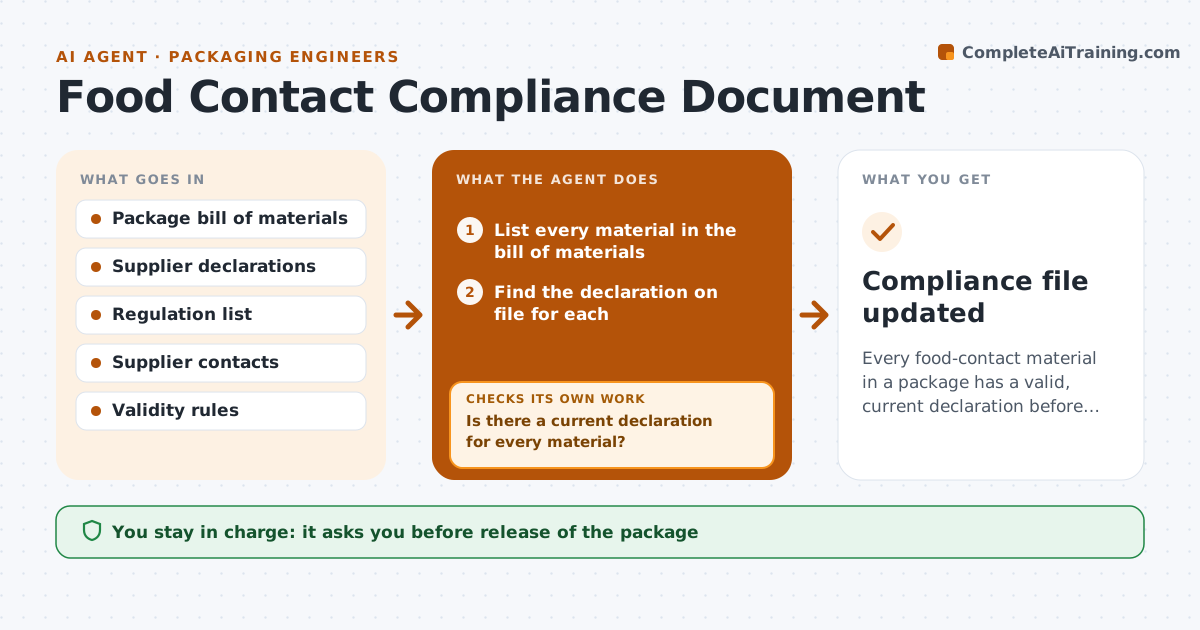
Every food-contact material in a package has a valid, current declaration before release
What it does
Packaging materials that touch food need supplier declarations, and they are missing or outdated for many materials. This agent lists the materials in each package and checks the declarations on file for each. It requests missing ones from the suppliers and checks the returned text against the rules, such as the right regulation, the right material and a valid date. If a declaration fails, it requests a correction and checks again. It marks each package as ready or blocked. The engineer approves releases. Edge case: a declaration covers the film but not the adhesive in the laminate, so the agent requests a separate one.
How it works
Follow the arrows from top to bottom. The orange dashed arrow is the loop: when a check fails, the agent goes back and tries again.
Read the steps as a list
- A package is created or changed
- List every material in the bill of materials
- Find the declaration on file for each
- Is there a current declaration for every material?If not: request the missing or expired ones from the suppliers. Back to step 2.
- Read the returned declarations
- Does each text meet the rules?If not: return it with the issue and ask for a corrected version. Back to step 4.
- Mark the package ready or blocked
- Engineer approves the releaseThe agent waits here for your OK.
- Compliance file updated
How it decides
A declaration is valid when it names the right material, supplier, regulation and use, and its date is current. Packages with any invalid declaration stay blocked.
- Treat a declaration over 24 months old as expired
- Require coverage of every layer, ink and adhesive
- Block release with any missing declaration
- Chase suppliers every 7 days
Make it yours
Every agent is a starting point. You choose these settings for your own situation.
- Validity period (default 24 months)
- Regulations referenced
- Reminder interval
- Material types covered
What keeps you in control
It always asks you first
- Release of the package
Hard limits
- Never state a material is compliant without a valid declaration
- Never edit a supplier document
It stops when
- Done: all declarations valid and released
- Stop: a material has no declaration and no supplier response
Set it up
We guide you through the set-up, step by step
Members get the full set-up guide for this agent. No technical skills needed: you copy, paste and upload.
- One set of instructions to paste into your AI, with the clicks for ChatGPT, Claude, Microsoft 365 Copilot, Gemini and Grok
- The agent then walks you through connecting your own data, one source at a time
- A downloadable copy with the flow chart, the rules and the full guide