AI agent for meteorologists
Forecast Shift Handoff Briefing Agent
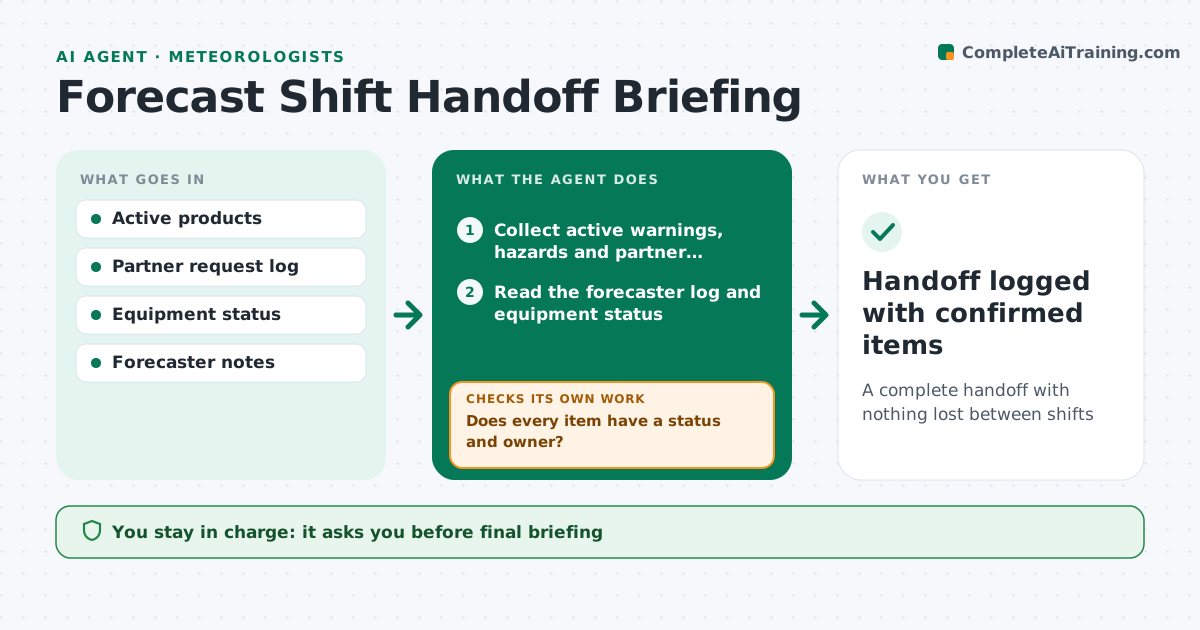
A complete handoff with nothing lost between shifts
What it does
Shift changes are when details get lost in a forecast office. Near the end of each shift, this agent gathers active warnings, upcoming hazards, open partner requests, products due, equipment issues and notes from the forecaster's log. It drafts a briefing in a fixed order. It then checks that every active item has a status and an owner. Missing items are flagged to the outgoing forecaster, who fills them in before leaving, and the agent adds their answers. The incoming forecaster then confirms each open item. Anything left unconfirmed is marked and held for a short verbal handoff. The final briefing is saved with the shift log. The forecasters approve the final briefing. Edge case: a radar outage is listed at the top with its expected return time.
How it works
Follow the arrows from top to bottom. The orange dashed arrow is the loop: when a check fails, the agent goes back and tries again.
Read the steps as a list
- Shift ends in one hour
- Collect active warnings, hazards and partner requests
- Read the forecaster log and equipment status
- Draft briefing in the fixed order
- Does every item have a status and owner?If not: flag the missing items to the outgoing forecaster and add their answers. Back to step 4.
- Outgoing forecaster approves briefingThe agent waits here for your OK.
- Has the incoming forecaster confirmed each open item?If not: mark unconfirmed items and hold them for a short verbal handoff. Back to step 6.
- Handoff logged with confirmed items
How it decides
It lists every active item and requires a status and owner for each.
- Put equipment outages first
- Require status for every item
- Use the same order every time
Make it yours
Every agent is a starting point. You choose these settings for your own situation.
- Briefing section order
- Sources to collect from
- Minutes before shift change (default 60)
- Who must confirm receipt
What keeps you in control
It always asks you first
- Final briefing
Hard limits
- Never changes products
It stops when
- Done: handoff confirmed
- Stop: systems down
Set it up
We guide you through the set-up, step by step
Members get the full set-up guide for this agent. No technical skills needed: you copy, paste and upload.
- One set of instructions to paste into your AI, with the clicks for ChatGPT, Claude, Microsoft 365 Copilot, Gemini and Grok
- The agent then walks you through connecting your own data, one source at a time
- A downloadable copy with the flow chart, the rules and the full guide