AI agent for meteorologists
Forecast Verification Agent
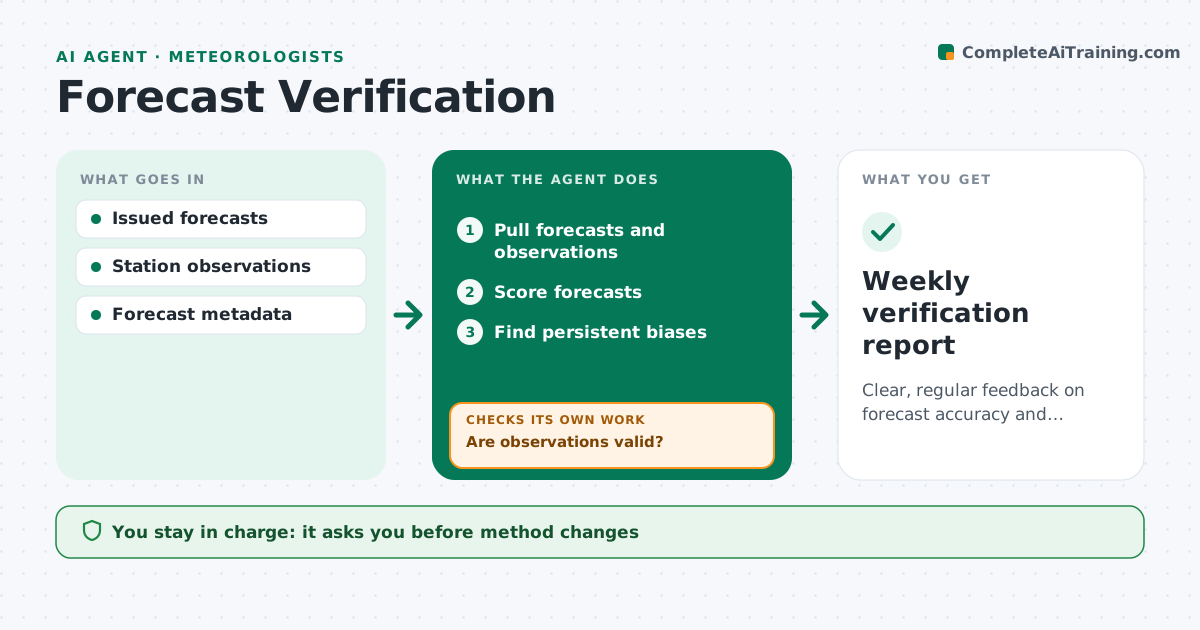
Clear, regular feedback on forecast accuracy and biases
What it does
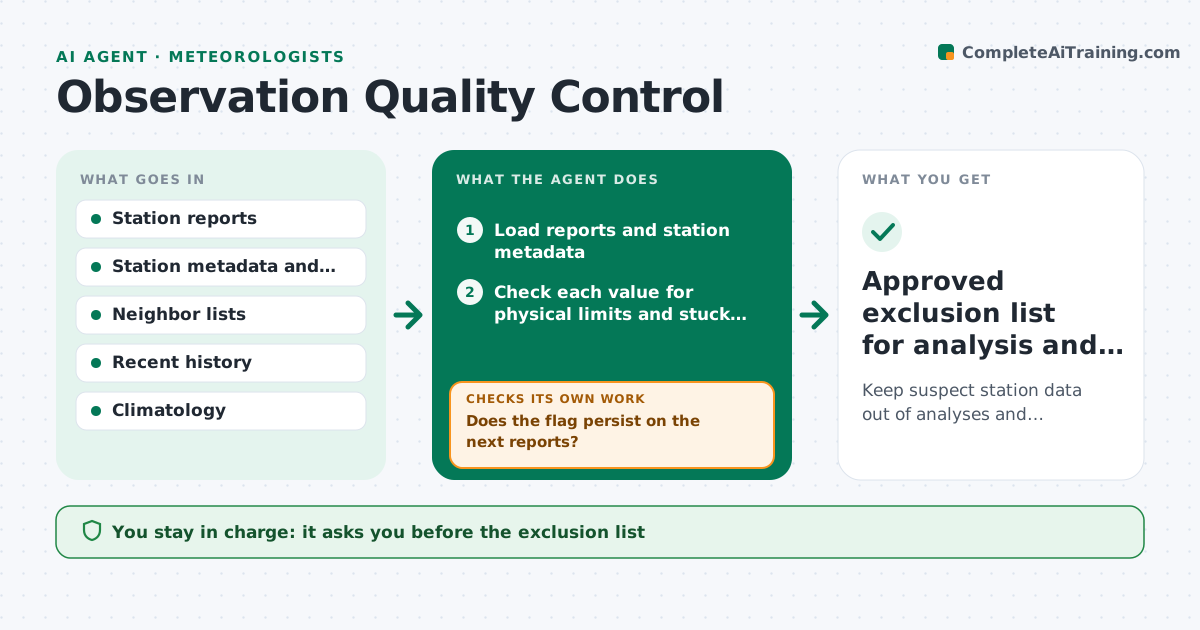
Forecasters improve when they know where their forecasts go wrong, but scoring by hand rarely happens. Each day this agent compares issued forecasts with observations for temperature, precipitation and wind across stations. Before scoring, it checks observations for bad data such as stuck sensors or impossible jumps. If a station's data is invalid, it excludes that station and logs why. It then computes error scores by forecaster, lead time, season and weather type, and looks for repeat biases, such as overnight lows that run warm on clear, calm nights. It writes a weekly summary with the clearest patterns and charts. You decide on any training or method change. Edge case: a station with a broken sensor is excluded and logged so it does not drag down anyone's scores.
How it works
Follow the arrows from top to bottom. The orange dashed arrow is the loop: when a check fails, the agent goes back and tries again.
Read the steps as a list
- Daily scoring
- Pull forecasts and observations
- Are observations valid?If not: exclude bad stations and log them. Back to step 2.
- Score forecasts
- Find persistent biases
- Lead forecaster reviews summaryThe agent waits here for your OK.
- Weekly verification report
How it decides
It scores forecasts against quality-checked observations and flags biases that persist over the set number of cases.
- Exclude bad stations
- Group by weather type
- Flag persistent biases
Make it yours
Every agent is a starting point. You choose these settings for your own situation.
- Variables to score
- Bias threshold
- Report day
- Station list
What keeps you in control
It always asks you first
- Method changes
Hard limits
- Scores used for learning, not ranking staff
It stops when
- Done: report shared
- Stop: data missing
Set it up
We guide you through the set-up, step by step
Members get the full set-up guide for this agent. No technical skills needed: you copy, paste and upload.
- One set of instructions to paste into your AI, with the clicks for ChatGPT, Claude, Microsoft 365 Copilot, Gemini and Grok
- The agent then walks you through connecting your own data, one source at a time
- A downloadable copy with the flow chart, the rules and the full guide