AI agent for carpenters
Framing Material Order Agent
A complete, priced lumber order that matches the plans
What it does
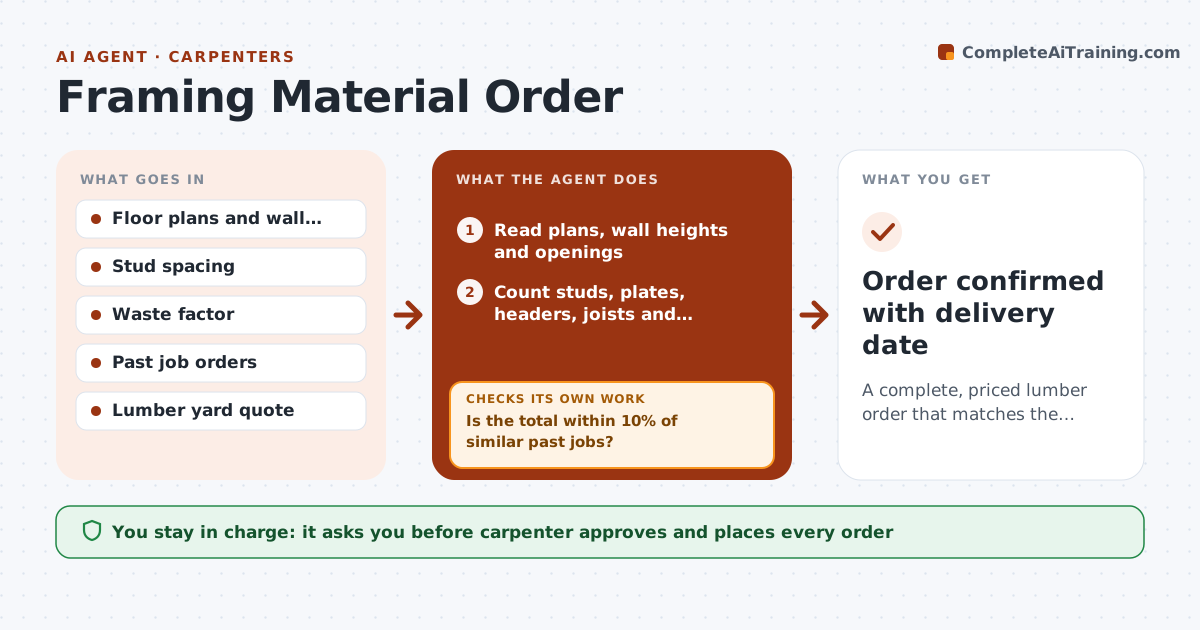
Before framing starts, the carpenter has to turn plans into a lumber order: studs, plates, headers, joists, sheathing and hardware. This agent reads the floor plans, wall heights and openings, counts studs by spacing including corners, openings and blocking, sizes headers from the plan notes, and adds sheathing and hardware. It applies the crew's waste factor, 10% by default. It compares the total with similar past jobs; if it is more than 10% off, it recounts walls and openings and shows what differs. It then requests a quote from the lumber yard and checks every line for missing items or substitutions. The carpenter approves before ordering. Edge case: when plans show engineered lumber, it copies the exact sizes and never substitutes sawn lumber.
How it works
Follow the arrows from top to bottom. The orange dashed arrow is the loop: when a check fails, the agent goes back and tries again.
Read the steps as a list
- Framing job scheduled
- Read plans, wall heights and openings
- Count studs, plates, headers, joists and sheathing
- Apply the crew's waste factor
- Is the total within 10% of similar past jobs?If not: recount walls and openings and show what differs. Back to step 3.
- Request a quote from the lumber yard
- Does the quote match every line with no substitutions?If not: ask the yard about missing or substituted items. Back to step 6.
- Carpenter approves and places the orderThe agent waits here for your OK.
- Order confirmed with delivery date
How it decides
Counts come from plan lengths and spacing plus corners, openings and blocking. Totals more than 10% off similar past jobs are re-checked.
- Engineered lumber is never substituted
- Waste factor default 10%
- Substitutions need the carpenter's approval
Make it yours
Every agent is a starting point. You choose these settings for your own situation.
- Waste factor (default 10%)
- Stud spacing default
- Preferred lumber yard
- Comparison tolerance (default 10%)
What keeps you in control
It always asks you first
- Carpenter approves and places every order
Hard limits
- Never places orders on its own
- Never changes structural sizes from the plans
It stops when
- Done: order placed
- Stop: plans missing wall heights
Set it up
We guide you through the set-up, step by step
Members get the full set-up guide for this agent. No technical skills needed: you copy, paste and upload.
- One set of instructions to paste into your AI, with the clicks for ChatGPT, Claude, Microsoft 365 Copilot, Gemini and Grok
- The agent then walks you through connecting your own data, one source at a time
- A downloadable copy with the flow chart, the rules and the full guide