AI agent for grant managers
Funder Reporting Calendar and Reuse Agent
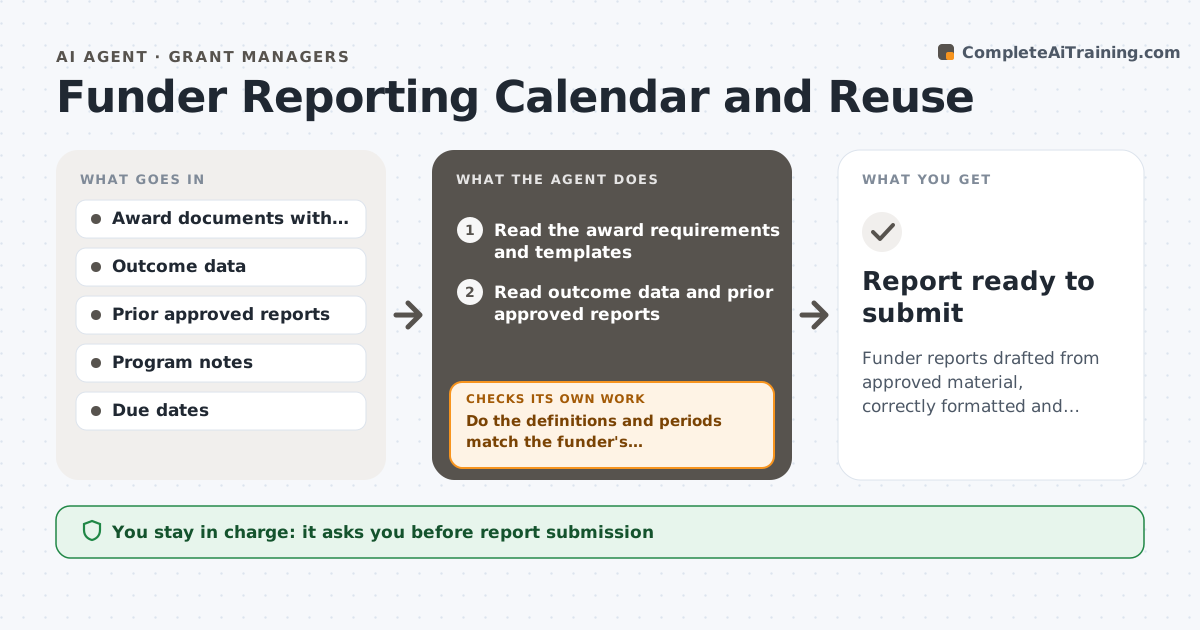
Funder reports drafted from approved material, correctly formatted and complete before the due date
What it does
Grant writers rebuild each report from scratch even when the facts are the same. This agent maps the requirements of every report across the awards, and finds reusable outcome data and narrative from approved material. It drafts each report, checks format and word limits, and flags missing evidence, such as a metric the funder wants but the team never tracked. After more data arrives, it rechecks the draft. It keeps a calendar of due dates. The writer and director approve submission. Edge case: two funders define participant differently, so the agent reports each count under its own definition instead of reusing the number.
How it works
Follow the arrows from top to bottom. The orange dashed arrow is the loop: when a check fails, the agent goes back and tries again.
Read the steps as a list
- Report due in six weeks
- Read the award requirements and templates
- Read outcome data and prior approved reports
- Match requirements to reusable data and text
- Draft the report sections
- Do the definitions and periods match the funder's requirements?If not: recalculate the figures or request the data. Back to step 3.
- Check format and word limits
- Is every required metric and evidence item included?If not: request the missing item from program staff and redraft. Back to step 3.
- Assemble the draft with a source list
- Writer and director approve submissionThe agent waits here for your OK.
- Report ready to submit
How it decides
Content is reused only if it matches the funder's definitions and reporting period. Missing evidence is requested before drafting final text.
- Reuse text only for the same reporting period and definition
- Flag a metric with no source data
- Start the draft 6 weeks before the due date
- Keep a source note for each figure
Make it yours
Every agent is a starting point. You choose these settings for your own situation.
- Start time before due date (default 6 weeks)
- Funder definitions
- Report templates
- Approvers
What keeps you in control
It always asks you first
- Report submission
- Use of any new claim not in approved material
Hard limits
- Never submits a report
- Never invents outcome data
It stops when
- Done: report complete and approved
- Stop: data needed is not available
Set it up
We guide you through the set-up, step by step
Members get the full set-up guide for this agent. No technical skills needed: you copy, paste and upload.
- One set of instructions to paste into your AI, with the clicks for ChatGPT, Claude, Microsoft 365 Copilot, Gemini and Grok
- The agent then walks you through connecting your own data, one source at a time
- A downloadable copy with the flow chart, the rules and the full guide