
Learning path
Learning AI as a Nonprofit Program Manager
Learn how nonprofit program managers use AI to plan programs, track grants, and report with less late-night scrambling. This path connects quick setup, job-specific prompts, short video lessons, and certificates.

Your path
Everything in the Nonprofit Program Manager AI kit, in the order that makes sense. Members tick off each step and see their progress.
Set up your AI
We guide you through each click.
Let skills do your everyday tasks
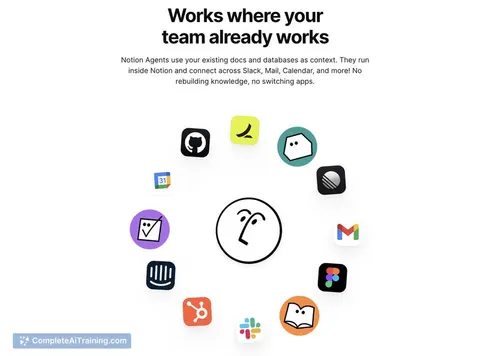
Connect your apps and pick your AI apps
Hand whole tasks to AI agents
Build your own tools
Keep growing
Everything for nonprofit program managers
All the courses, certifications, AI tools, MCP servers and apps for nonprofit program managers, most relevant first. Open any list to see more.
Take the prompt courses
A short framework course to learn how to ask, then 8 lessons with ready-to-use prompts for nonprofit program managers.
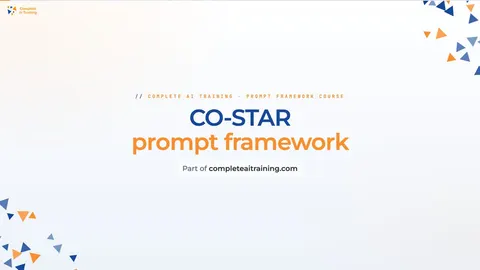
Start with this framework: how to talk to AI
CO-STAR helps nonprofit program managers tailor donor thank-you emails and volunteer recruitment posts by setting audience, context, and tone before writing.
Then your prompt course for nonprofit program managersWatch the video courses or add them to your Favorites for later
115 video courses our AI picked for nonprofit program managers, most useful first. Save the ones you want to watch later with the heart.
Favorites are saved to your account: sign in or get your AI kit first.
Show all 115 video courses
Get certified, or add certifications to your Favorites
Every course ends in an exam and a certificate you can add to LinkedIn. Save the certifications you are aiming for with the heart.
Favorites are saved to your account: sign in or get your AI kit first.
More certifications for nonprofit program managersShow all 24 certifications
Try the AI tools for nonprofit program managers
24 AI tools our AI matched to the work of nonprofit program managers, best fit first. Each review shows what it does, its alternatives and the jobs it suits.
Favorites are saved to your account: sign in or get your AI kit first.
Show all 24 AI tools
Connect your AI to the apps nonprofit program managers use
MCP servers let ChatGPT, Claude or Copilot look things up and get work done in other apps, like your email, calendar or bookkeeping software. These 12 fit the work of nonprofit program managers best, well-known apps first.

Gmail MCP server
by A1-x-TechLet your AI read, search, draft and send your Gmail, and keep labels and trash tidy, from the chat.

Outlook Assistant MCP server
by littlebearappsLets your AI read, search, send, and organise your Outlook email, calendar, and contacts from the chat.

Google Workspace MCP server
by taylorwilsdonLets your AI read and write your Gmail, Calendar, Drive, Docs, Sheets and more, all from one chat.

MCP Emails server
by AlbretsenLet your AI read, search, send and organize email in your own mailbox.
EmailNo install
Google Forms MCP server
by A1-x-TechLet your AI build Google Forms, add questions, publish them, and read the answers for you.

Outlook MCP server
by dockndevaiLets your AI read, search, draft and send Outlook email and browse your OneDrive files for you.
Show all 12 MCP servers

Fluxmail MCP server
by churichardLet your AI read, search, draft, send and organize email across your mailboxes.
Email Official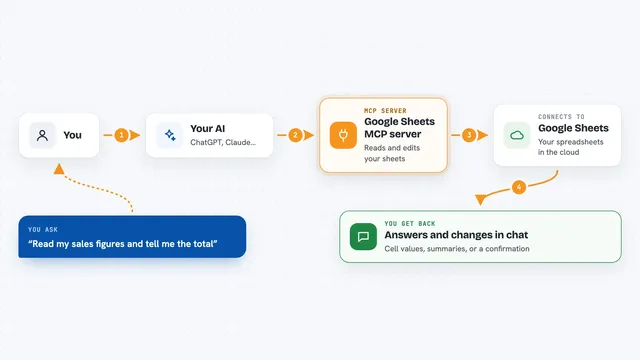
Google Sheets MCP server
by freemaLets your AI read, write, and format your Google Sheets for you, right from the chat.

Google MCP server
by vakharwalad23Lets your AI read and send Gmail, manage Calendar events, browse Drive files and handle Tasks for you.

OfficeAgent MCP server
by ilia-sokolovLet your AI edit Word, PowerPoint and Excel files, with changes you can review before saving.
Productivity Official
Box MCP server
by boxLet your AI search your Box files, answer questions about them, and pull out details for you.
Productivity Official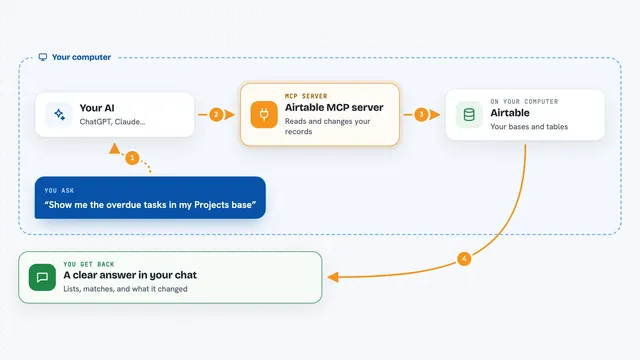
Airtable MCP server
by domdomeggLets your AI read, search, add, update and delete records in your Airtable bases for you.
Build your own AI apps for nonprofit program managers
Apps you build yourself with your own AI, no coding needed and no monthly fee. Our AI picked the 12 that fit the work of nonprofit program managers.
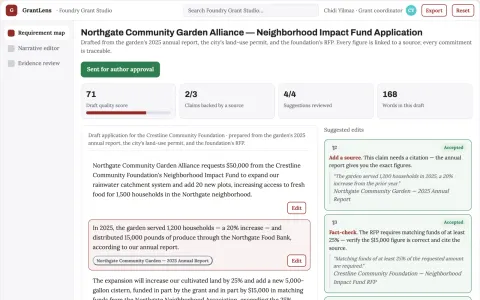
Grant writing support
Organization-owned facts and plans remain visible throughout drafting.
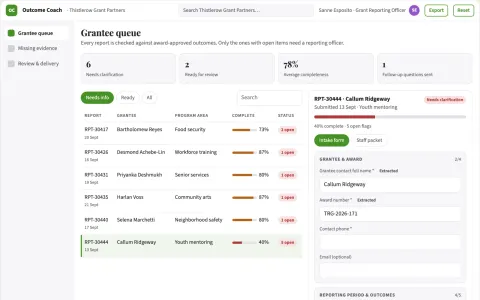
Public grant outcome evidence coach
Honest outcome reporting without invented impact.
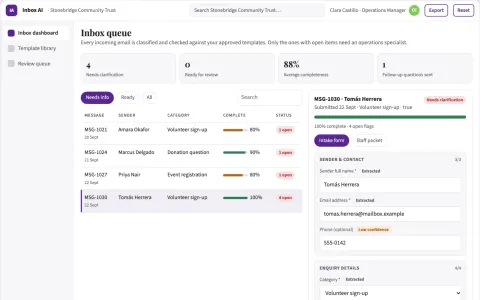
Automated Charity Enquiry Inbox
A specialised inbox solution that understands the specific context of non-profit operations and volunteer management.
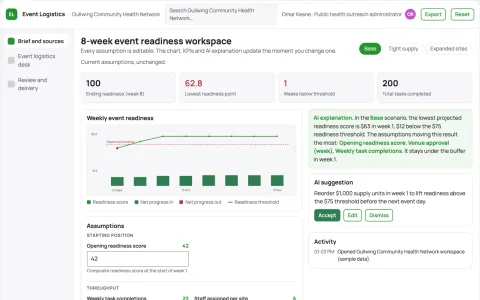
Community health event logistics desk
Operational preparation under approved program scope.
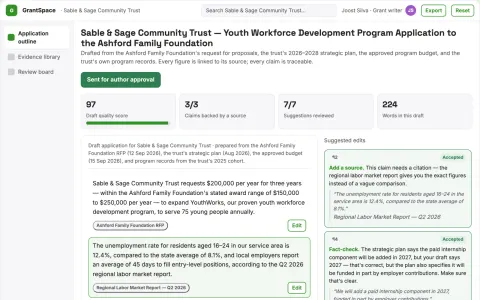
Grant application workspace
Keeps narrative commitments aligned with supplied plans and budgets.
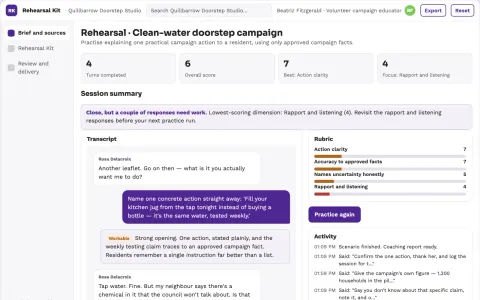
Public service campaign rehearsal kit
Practice accurate practical explanations.
Show all 12 apps
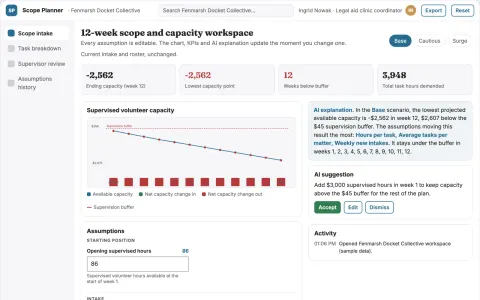
Pro bono matter scope planner
Make supervised volunteer scope explicit before assignment.
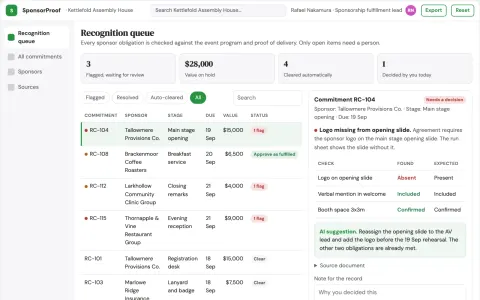
Event sponsor recognition scheduler
Specific acknowledgment commitments across event stages.
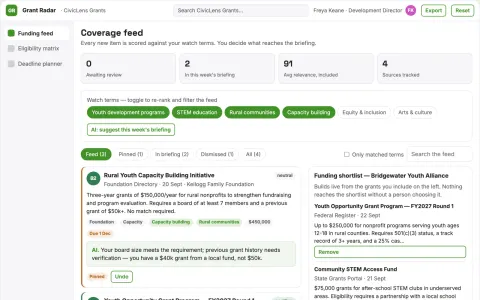
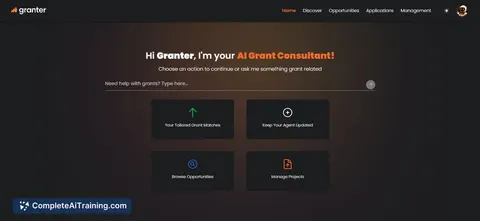
Grant discovery platform
Eligibility-first matching for a specific nonprofit segment.
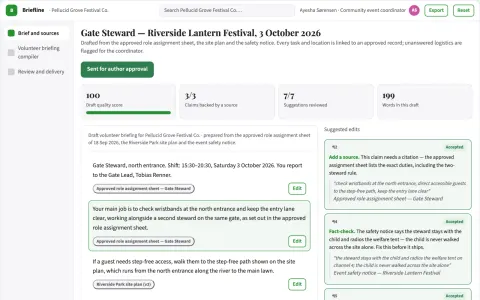
Event volunteer briefing compiler
Only relevant approved information for each role.
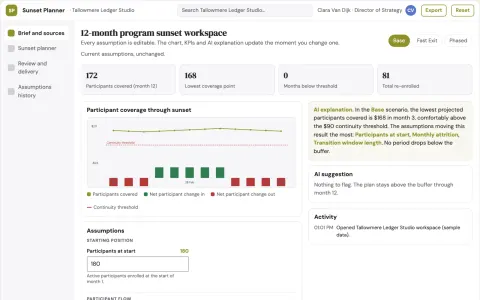
Nonprofit program sunset planner
Account for participant continuity when stopping programs.
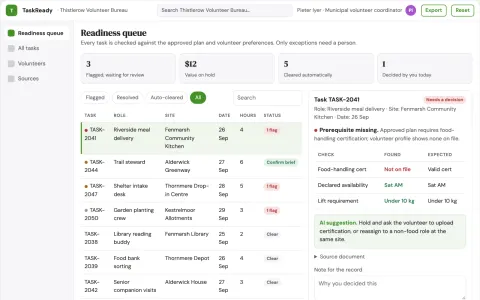
Civic volunteer task preparation
Task readiness using declared preferences.














































































































About this learning path
7 topicsAI Skills for Nonprofit Program Managers
Your days move between participants, staff, volunteers, budgets, and grant reports. AI can help you hold all of those pieces together without losing the human care that makes your programs work.
Start with setup and a tour of your AI tool. Then work through prompts built for program managers, short video lessons chosen for your role, and certifications you can share with your team or funders.
Why AI Matters Now
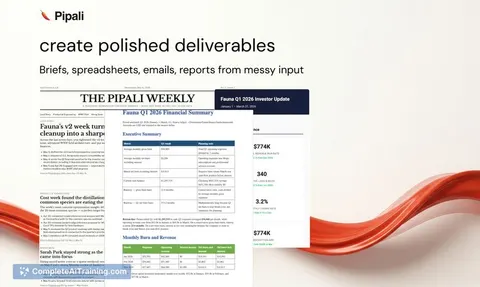
Funders ask for clearer updates. Teams are stretched thin. AI helps you turn rough notes, grant agreements, and feedback into organized drafts you can review and improve.
You still know your community and your mission. AI simply gives you a faster first pass on the paperwork that competes with the people work.
What the Path Includes
The path starts with setup questions and connecting your AI tool. Then you learn skills for the job inside your AI, go through this prompt course, and watch video courses picked for nonprofit program managers.
Each video course comes with its own certifications. You can move at your pace and return to any lesson when a real deadline lands on your desk.
How It Saves Time
You will practice prompts for participant outreach, activity plans, grant checklists, budget reviews, staff coordination, evaluation, progress reports, and stakeholder meetings. Small drafts add up to hours you can spend on site visits and follow-up calls.
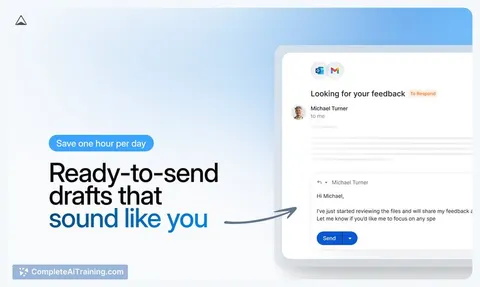
Instead of starting from a blank page, you start with a useful draft. You edit it to sound like your program and your community.
How It Protects Your Career
Program managers who can organize information, explain decisions, and report clearly are trusted with more responsibility. AI helps you keep better records and catch missing grant items earlier.
This path also shows you how to keep privacy and judgment in your hands, so you use AI in a way your organization can stand behind.
Keeping Trust and Judgment
AI can help you draft, summarize, and compare. It cannot replace your knowledge of participants, your relationships with partners, or your duty to follow funder rules.
You will learn simple habits for checking facts, protecting private details, and keeping your voice in every message that leaves your desk.
How to Start
Connect your AI tool, then pick one prompt from the course that matches today's work, such as drafting an outreach note or building a grant checklist. Run it, edit the result, and notice what saved you time.
Add one video lesson when you have a quiet moment. Soon the path becomes part of your normal week, not one more task on your list.
Frequently asked questions
Do I need to be technical?
No. If you can write an email and follow a recipe, you can use these lessons. The prompts are written in plain language for program managers.Will AI write my final grant reports?
AI can help you draft sections, summarize data, and spot missing pieces. You still check every fact, follow the grant rules, and make the final call on what gets submitted.What about participant privacy?
Do not paste names, case notes, or private details into an AI tool unless your organization has approved that use. Use de-identified details and follow your privacy policy.How long does the path take?
It is self-paced. You can start with one prompt in an afternoon, then add lessons as your schedule allows and return whenever a new program task comes up.