AI agent for grant writers
Grant Budget Narrative Reconciliation Agent
Budget, justification and narrative agree and follow the funder's rules
What it does
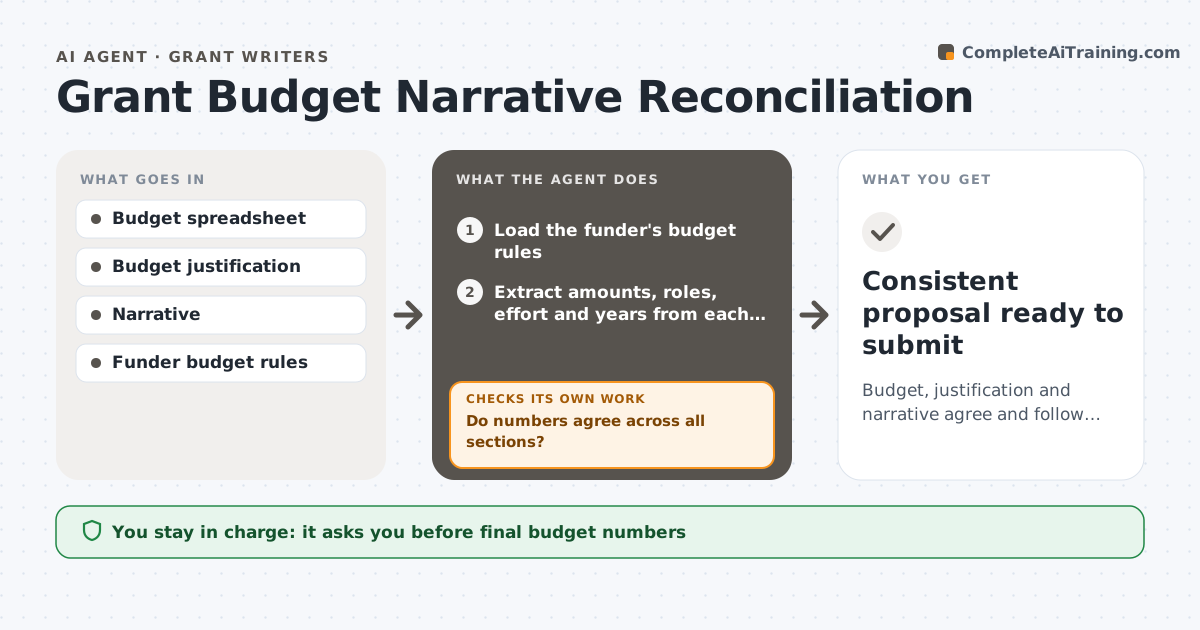
In a grant proposal, the same numbers show up in the budget table, the budget justification and the project narrative, and they drift as drafts change. This agent reads all three and extracts every amount, staff role, effort percentage, year and item of equipment. It recalculates totals and compares the sections with each other. It then checks the funder's rules: caps, allowed costs, equipment thresholds and the correct base for indirect costs. Each mismatch is listed with every place it appears. The writer fixes them, and the agent runs the whole check again until everything lines up. It then prepares a short summary of the final figures for sign-off. The grant writer or PI approves the final budget. Edge case: indirect costs calculated on total cost instead of the allowed base are flagged with the correct calculation shown.
How it works
Follow the arrows from top to bottom. The orange dashed arrow is the loop: when a check fails, the agent goes back and tries again.
Read the steps as a list
- Proposal draft is ready for review
- Load the funder's budget rules
- Extract amounts, roles, effort and years from each section
- Recalculate totals and compare across sections
- Do numbers agree across all sections?If not: list each mismatch with locations for the writer to fix. Back to step 3.
- Check caps, allowed costs and indirect cost base
- Does the budget follow the funder rules?If not: show the rule and the correct calculation for the writer. Back to step 3.
- Grant writer or PI approves the final budgetThe agent waits here for your OK.
- Consistent proposal ready to submit
How it decides
It flags any number, role or effort level that differs between sections, and any line that breaks a funder cap or base rule.
- Flag indirect costs calculated on the wrong base
- Flag staff or effort that differs between sections
- Flag equipment over the funder's threshold without justification
Make it yours
Every agent is a starting point. You choose these settings for your own situation.
- Funder rule set
- Rounding rule (default whole dollars)
- Sections to compare
- Report format
What keeps you in control
It always asks you first
- Final budget numbers
Hard limits
- Never changes numbers itself
- Never submits anything
It stops when
- Done: all sections agree
- Stop: funder budget rules not available; ask the writer
Set it up
We guide you through the set-up, step by step
Members get the full set-up guide for this agent. No technical skills needed: you copy, paste and upload.
- One set of instructions to paste into your AI, with the clicks for ChatGPT, Claude, Microsoft 365 Copilot, Gemini and Grok
- The agent then walks you through connecting your own data, one source at a time
- A downloadable copy with the flow chart, the rules and the full guide