AI agent for public health officers
Health Alert Distribution Agent
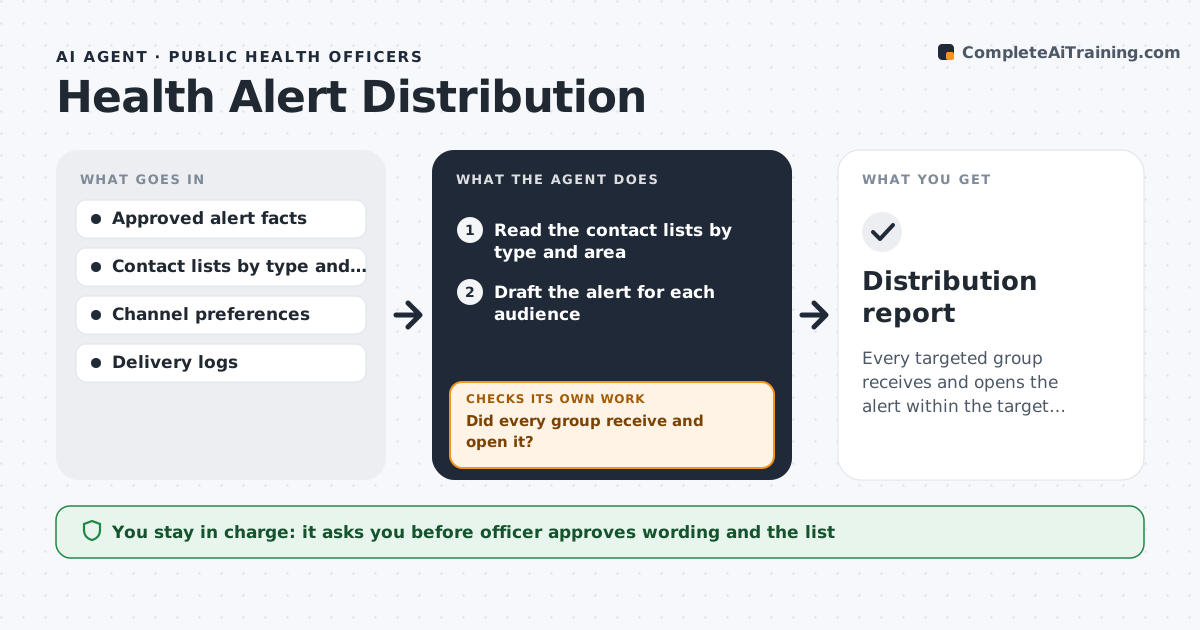
Every targeted group receives and opens the alert within the target time.
What it does
When a health alert goes out, some clinics, schools and care homes never see it. The agent starts from approved facts supplied by the officer and drafts the alert at a reading level for each audience. It selects recipients by type and area from the contact list, such as pediatric clinics in two counties, then sends only after the officer approves. It tracks delivery and reads, and after a set time it lists the groups that did not open it. It resends through another channel, such as phone or fax, to those groups, and checks again. Edge case: an alert that gets corrected later is sent as a short update to the same recipients, not as a new alert.
How it works
Follow the arrows from top to bottom. The orange dashed arrow is the loop: when a check fails, the agent goes back and tries again.
Read the steps as a list
- Officer supplies approved alert facts
- Read the contact lists by type and area
- Draft the alert for each audience
- Select recipients and channels
- Officer approves wording and recipient listThe agent waits here for your OK.
- Send the alert
- Read delivery and open reports after the wait
- Did every group receive and open it?If not: Resend to the missing groups by a second channel and list failed contacts. Back to step 4.
- Update the distribution record
- Have all failed contacts been reached by phone or another route?If not: Create a call list for staff and recheck after calls. Back to step 4.
- Distribution report
How it decides
It targets recipients by audience and area and treats an unread alert after the set time as a gap to chase.
- Never change the approved facts
- A group below 90% opened after 24 hours gets a resend
- Hard bounces go to the call list
- Updates go to the same list
Make it yours
Every agent is a starting point. You choose these settings for your own situation.
- Open rate target
- Wait time before a resend
- Channels in order
- Audience groups
- Reading level by group
What keeps you in control
It always asks you first
- Officer approves wording and the list
- Officer approves any resend wording change
Hard limits
- Never send without approval
- Never alter the approved facts
- Never include personal patient data
It stops when
- Done: all groups reached at the target rate
- Stop: the officer withdraws the alert
Set it up
We guide you through the set-up, step by step
Members get the full set-up guide for this agent. No technical skills needed: you copy, paste and upload.
- One set of instructions to paste into your AI, with the clicks for ChatGPT, Claude, Microsoft 365 Copilot, Gemini and Grok
- The agent then walks you through connecting your own data, one source at a time
- A downloadable copy with the flow chart, the rules and the full guide