AI agent for public health officers
Health Equity Data Gap Agent
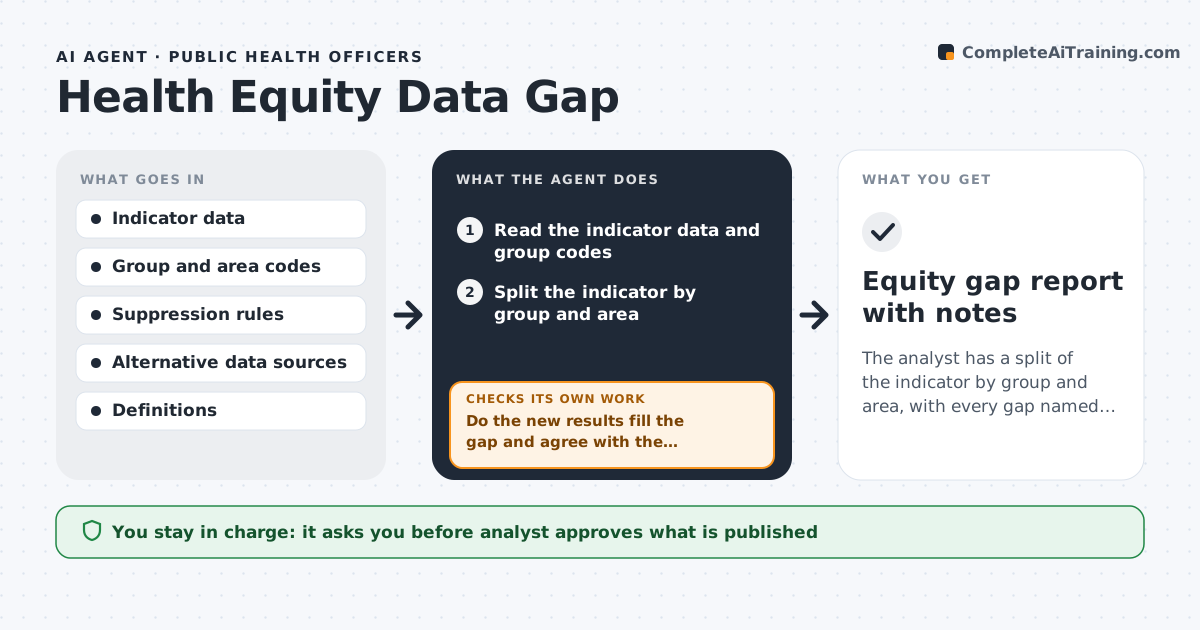
The analyst has a split of the indicator by group and area, with every gap named and tested for a better source.
What it does
Averages hide differences, and small groups are often dropped from reports without anyone noticing. The agent takes a chosen indicator and splits it by group and area, such as race, income or neighborhood, and finds cells that are too small, missing or unreliable. It checks data quality, such as missing group codes or a changed definition, and looks for alternative sources, such as a survey or a clinic dataset, that could fill the gap. After adding a source it reruns the split and compares results with the original. The analyst approves which data goes into a report and how small cells are handled. Edge case: a cell under the suppression limit must be combined with another group, not shown.
How it works
Follow the arrows from top to bottom. The orange dashed arrow is the loop: when a check fails, the agent goes back and tries again.
Read the steps as a list
- Analyst picks an indicator
- Read the indicator data and group codes
- Split the indicator by group and area
- Flag small, missing and low-quality cells
- Find alternative data sources for each gap
- Pull and clean the alternative data
- Rerun the split with the added data
- Do the new results fill the gap and agree with the original within tolerance?If not: Try the next source or combine groups, then rerun the split. Back to step 3.
- Analyst approves data choices and suppression handlingThe agent waits here for your OK.
- Equity gap report with notes
How it decides
It flags cells under a size or quality threshold and tests alternative sources against the original.
- Cells under 20 cases are suppressed or combined
- Missing group code above 10% is flagged as a data problem
- A new source must agree with the original total within 5%
- Always state which source is used
Make it yours
Every agent is a starting point. You choose these settings for your own situation.
- Minimum cell size (default 20)
- Groups to split by
- Tolerance for agreement
- Source list
- Suppression rule
What keeps you in control
It always asks you first
- Analyst approves what is published
- Analyst approves how small cells are handled
Hard limits
- Never publish small cells that risk identifying people
- Never merge data without a stated rule
- Never hide a gap
It stops when
- Done: all gaps documented and the split is complete
- Stop: no source can fill a critical gap
Set it up
We guide you through the set-up, step by step
Members get the full set-up guide for this agent. No technical skills needed: you copy, paste and upload.
- One set of instructions to paste into your AI, with the clicks for ChatGPT, Claude, Microsoft 365 Copilot, Gemini and Grok
- The agent then walks you through connecting your own data, one source at a time
- A downloadable copy with the flow chart, the rules and the full guide