AI agent for public health officers
Health Campaign Evaluation Agent
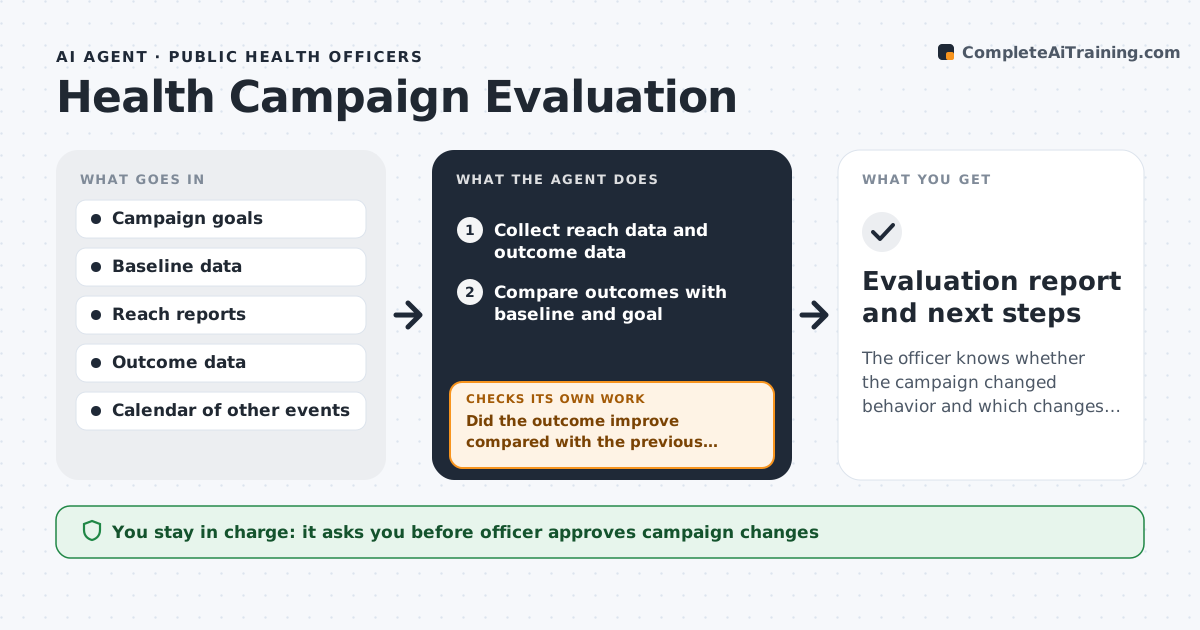
The officer knows whether the campaign changed behavior and which changes improved results.
What it does
Campaigns report how many people saw a message, but rarely whether anyone changed what they do. The agent gathers reach data from ads and events and outcome data such as screening bookings or survey answers. It compares results with the pre-campaign baseline and the goal, and checks for other explanations, such as a change in service hours or a season. It then suggests changes to the message, channel or audience, and tracks them. After a change goes live, it measures again and compares with the previous period. The officer approves every change and every outside report. Edge case: if bookings rose only in areas with a new clinic, the agent notes the clinic as a likely cause.
How it works
Follow the arrows from top to bottom. The orange dashed arrow is the loop: when a check fails, the agent goes back and tries again.
Read the steps as a list
- Monthly campaign review
- Collect reach data and outcome data
- Compare outcomes with baseline and goal
- Check other explanations such as new services or seasons
- List what worked and what did not by channel and audience
- Propose changes to message, channel or audience
- Officer approves the changesThe agent waits here for your OK.
- Apply changes and log the date
- Collect new data after the change
- Did the outcome improve compared with the previous period after accounting for other factors?If not: Revise or reverse the change, test a different audience or channel and measure again. Back to step 3.
- Evaluation report and next steps
How it decides
It compares outcome movement with baseline and goals, then tests other explanations before crediting the campaign.
- Credit the campaign only if the gain beats baseline by the set margin
- Compare against a control area when one exists
- A channel with low reach and no outcome is dropped
- Always list other events in the same period
Make it yours
Every agent is a starting point. You choose these settings for your own situation.
- Goal and margin
- Baseline period
- Channels to compare
- Review frequency
- Other events to track
What keeps you in control
It always asks you first
- Officer approves campaign changes
- Officer approves what goes into outside reports
Hard limits
- Never claim cause without checking other explanations
- Never publish results without approval
- Never use personal health data in the report
It stops when
- Done: results are measured against goals and the final report is approved
- Stop: outcome data is not available
Set it up
We guide you through the set-up, step by step
Members get the full set-up guide for this agent. No technical skills needed: you copy, paste and upload.
- One set of instructions to paste into your AI, with the clicks for ChatGPT, Claude, Microsoft 365 Copilot, Gemini and Grok
- The agent then walks you through connecting your own data, one source at a time
- A downloadable copy with the flow chart, the rules and the full guide