AI agent for public health officers
School Immunization Compliance Agent
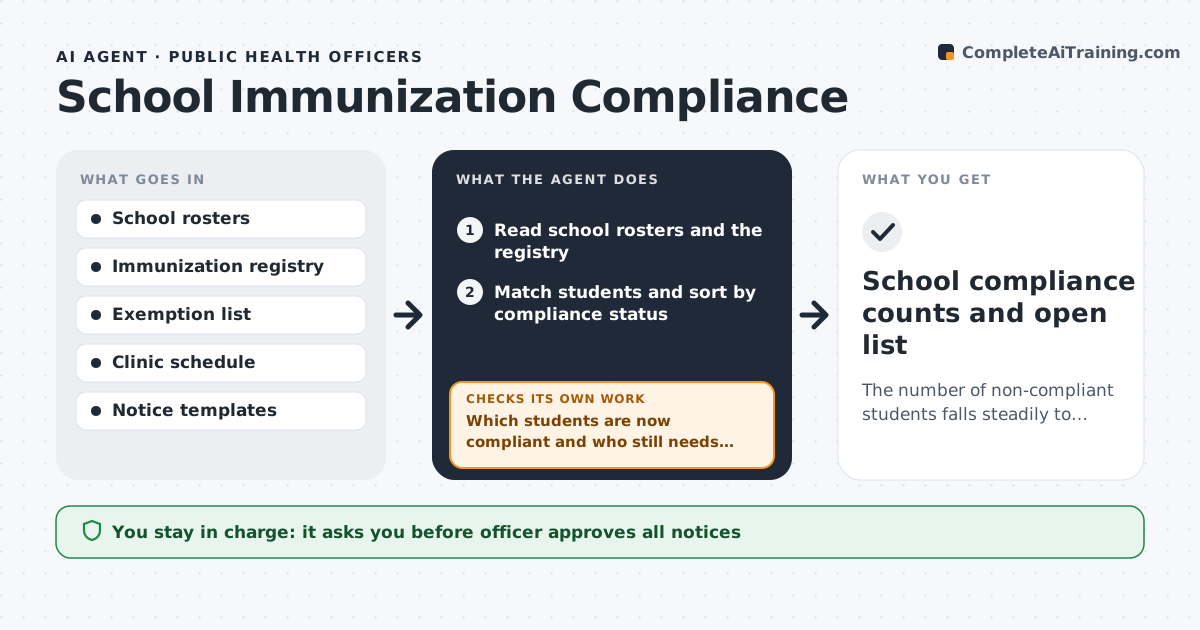
The number of non-compliant students falls steadily to the lowest possible before the exclusion date.
What it does
Near the exclusion date, schools discover that hundreds of students have missing or unrecorded immunizations. The agent compares each school roster with the immunization registry, separates students who are fully compliant, those with a valid exemption, those with a record that may just be missing, and those who need a dose. It drafts notices to families and offers open clinic slots by area, and sends a list of counts to each school. After notices go out, the agent reads the registry again to see who has become compliant and who still needs a slot, then updates the counts and drafts a second reminder to the rest. The officer approves every notice. Edge case: a student whose family has an exemption on file is never sent a compliance notice.
How it works
Follow the arrows from top to bottom. The orange dashed arrow is the loop: when a check fails, the agent goes back and tries again.
Read the steps as a list
- Term starts or weekly rerun
- Read school rosters and the registry
- Match students and sort by compliance status
- Remove students with a valid exemption
- Draft notices and clinic offers for each family
- Officer approves noticesThe agent waits here for your OK.
- Send notices and update school counts
- Read the registry again after a week
- Which students are now compliant and who still needs a slot?If not: Update counts, draft reminders with new slots for those remaining and rerun. Back to step 4.
- Is anyone still non-compliant within 14 days of the deadline?If not: Raise them to the officer for a call list and clinic visit. Back to step 3.
- School compliance counts and open list
How it decides
It sorts students by compliance status and sends clinic offers to those who need a dose, using the registry as proof.
- Exempt students are excluded from notices
- Records without a dose go to a registry check first
- Reminders go only to those still non-compliant
- Within 14 days of the deadline escalate to calls
Make it yours
Every agent is a starting point. You choose these settings for your own situation.
- Notice timing and wording
- Clinic slots offered
- Reminder interval in days
- Escalation window before deadline
- Languages for notices
What keeps you in control
It always asks you first
- Officer approves all notices
- Officer approves the list sent to schools
Hard limits
- Never send notices without approval
- Never share health records with the school beyond status
- Never include exempt students
It stops when
- Done: all students are compliant or exempt
- Stop: the exclusion date arrives and the officer takes over
Set it up
We guide you through the set-up, step by step
Members get the full set-up guide for this agent. No technical skills needed: you copy, paste and upload.
- One set of instructions to paste into your AI, with the clicks for ChatGPT, Claude, Microsoft 365 Copilot, Gemini and Grok
- The agent then walks you through connecting your own data, one source at a time
- A downloadable copy with the flow chart, the rules and the full guide