AI agent for health and safety specialists
Incident Investigation Agent
Each incident has an evidence-based root cause and completed corrective actions
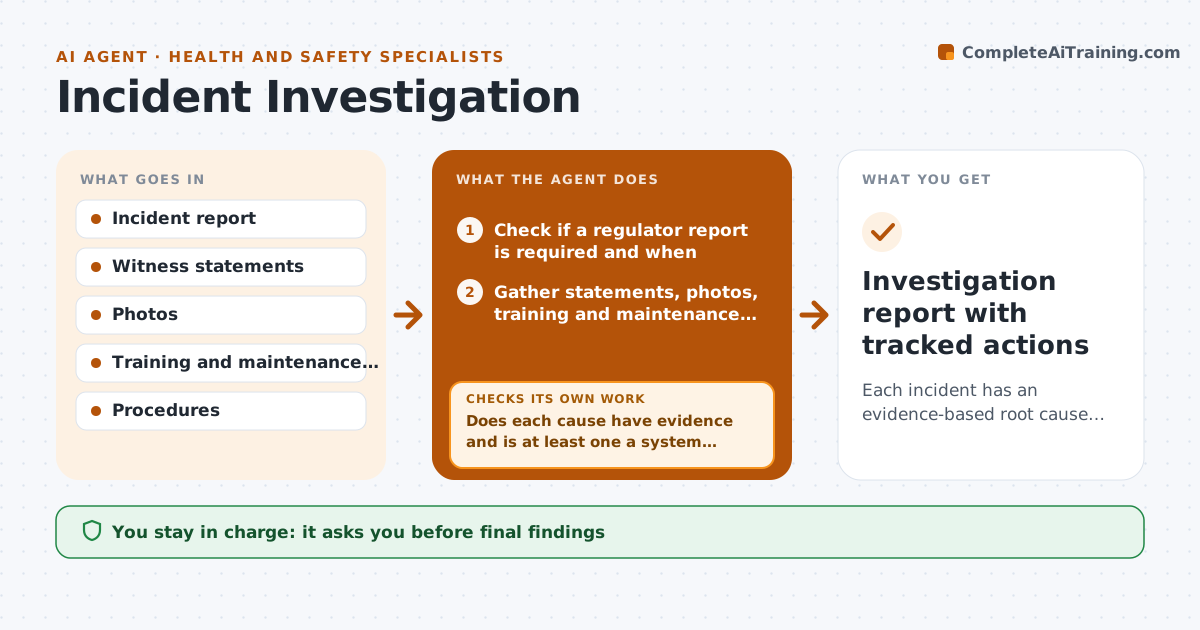
What it does
After an injury or near miss, investigations often stop at blaming the person, and actions are never checked. This agent first checks if the incident must be reported to the regulator within hours, and flags those at once. It gathers the report, witness notes, photos, training records and maintenance history, and builds a timeline. It drafts a cause analysis that asks why at each step, looking past the person to equipment, procedure and supervision. It checks that each cause has evidence and that at least one is a system cause. If not, it asks for more information and redrafts. It drafts actions with owners and dates, then tracks them and checks they were done. The safety manager approves findings and actions.
How it works
Follow the arrows from top to bottom. The orange dashed arrow is the loop: when a check fails, the agent goes back and tries again.
Read the steps as a list
- Incident reported
- Check if a regulator report is required and when
- Gather statements, photos, training and maintenance records
- Build timeline and draft cause analysis
- Does each cause have evidence and is at least one a system cause?If not: list missing evidence and ask the investigator for it. Back to step 3.
- Draft actions with owners and dates
- Manager approves findings and actionsThe agent waits here for your OK.
- Investigation report with tracked actions
How it decides
It accepts the analysis only when each cause has evidence and at least one cause is a system cause.
- Serious injuries trigger the regulator reporting clock
- Training alone is not enough as a fix
- Track actions until verified
Make it yours
Every agent is a starting point. You choose these settings for your own situation.
- Incident types covered
- Regulator reporting rules
- Action due date defaults
- Report template
What keeps you in control
It always asks you first
- Final findings
- Corrective actions
- Regulator reports
Hard limits
- Never submits regulator reports
- Never names blame in the report
It stops when
- Done: actions verified complete
- Stop: regulator report due; alert manager immediately
Set it up
We guide you through the set-up, step by step
Members get the full set-up guide for this agent. No technical skills needed: you copy, paste and upload.
- One set of instructions to paste into your AI, with the clicks for ChatGPT, Claude, Microsoft 365 Copilot, Gemini and Grok
- The agent then walks you through connecting your own data, one source at a time
- A downloadable copy with the flow chart, the rules and the full guide