AI agent for health and safety specialists
PPE Fit Test and Issue Tracking Agent
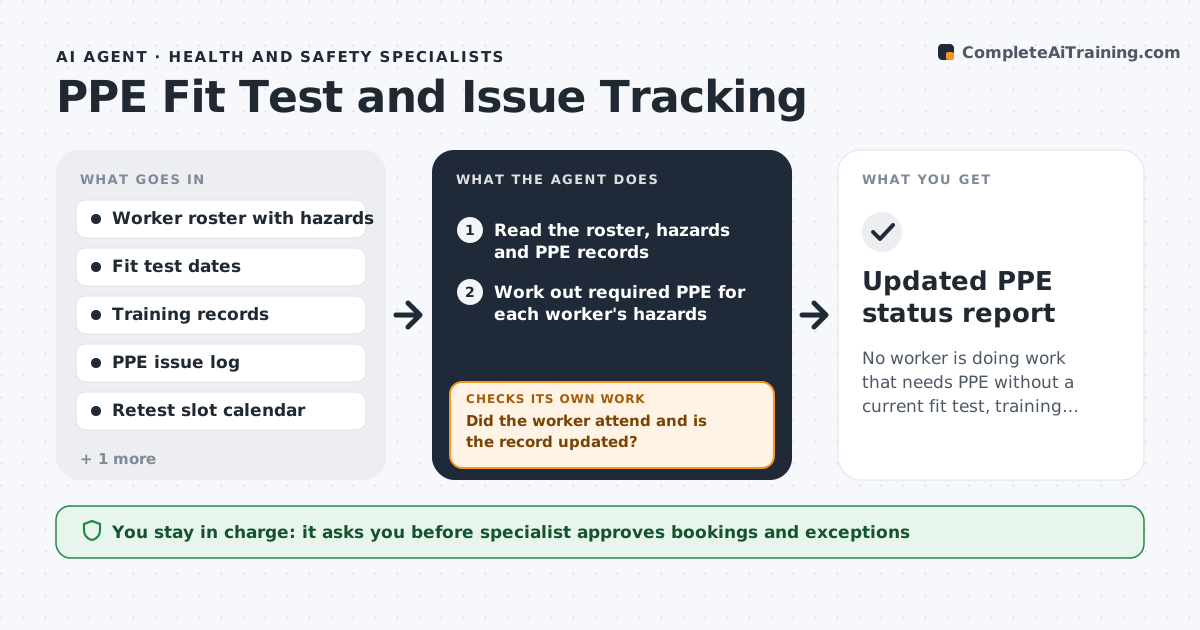
No worker is doing work that needs PPE without a current fit test, training and issued equipment.
What it does
Respirator fit tests, PPE training and equipment issue records all expire on different dates, and nobody notices until an audit. Every week the agent reads the worker roster with each person's hazards, and checks the fit test date, training record and last PPE issue for the PPE their work needs. It lists who is expired or expiring soon, picks available retest slots that fit each worker's shift, and drafts booking messages to workers and supervisors. After a slot, it checks that the worker attended and that the record was updated. If not, it rebooks and tells the supervisor. The specialist approves exceptions and any worker stood down from a task. Edge case: a worker with a new face shape change, such as weight change or dental work, needs a retest before the due date.
How it works
Follow the arrows from top to bottom. The orange dashed arrow is the loop: when a check fails, the agent goes back and tries again.
Read the steps as a list
- Weekly run
- Read the roster, hazards and PPE records
- Work out required PPE for each worker's hazards
- List workers expired or due within 30 days
- Find retest slots that fit each worker's shift
- Specialist approves bookings and any exceptionThe agent waits here for your OK.
- Send booking messages to workers and supervisors
- After each slot read attendance and the updated record
- Did the worker attend and is the record updated?If not: Rebook the worker, tell the supervisor and flag the worker if within 7 days of expiry. Back to step 4.
- Is anyone expired and still assigned to PPE work?If not: Alert the specialist to stand the worker down until retested. Back to step 3.
- Updated PPE status report
How it decides
It matches PPE needs by hazard to records and ranks workers by days left, with expired workers first.
- Due within 30 days gets a booking
- Expired means no PPE-dependent work
- A reported change in face shape forces a retest
- Training must match the PPE type
Make it yours
Every agent is a starting point. You choose these settings for your own situation.
- Look-ahead days (default 30)
- PPE types and renewal intervals
- Retest slot rules
- Who gets alerts
- Exception approval list
What keeps you in control
It always asks you first
- Specialist approves bookings and exceptions
- Specialist approves stand-down decisions
Hard limits
- Never decide that a worker is fit to work
- Never edit a medical or fit test record
- Never send worker details outside the safety team
It stops when
- Done: everyone is current or booked with a confirmed slot
- Stop: a worker is expired and working on a PPE task
Set it up
We guide you through the set-up, step by step
Members get the full set-up guide for this agent. No technical skills needed: you copy, paste and upload.
- One set of instructions to paste into your AI, with the clicks for ChatGPT, Claude, Microsoft 365 Copilot, Gemini and Grok
- The agent then walks you through connecting your own data, one source at a time
- A downloadable copy with the flow chart, the rules and the full guide