AI agent for insurance brokers
Insurance Certificate Evidence Agent
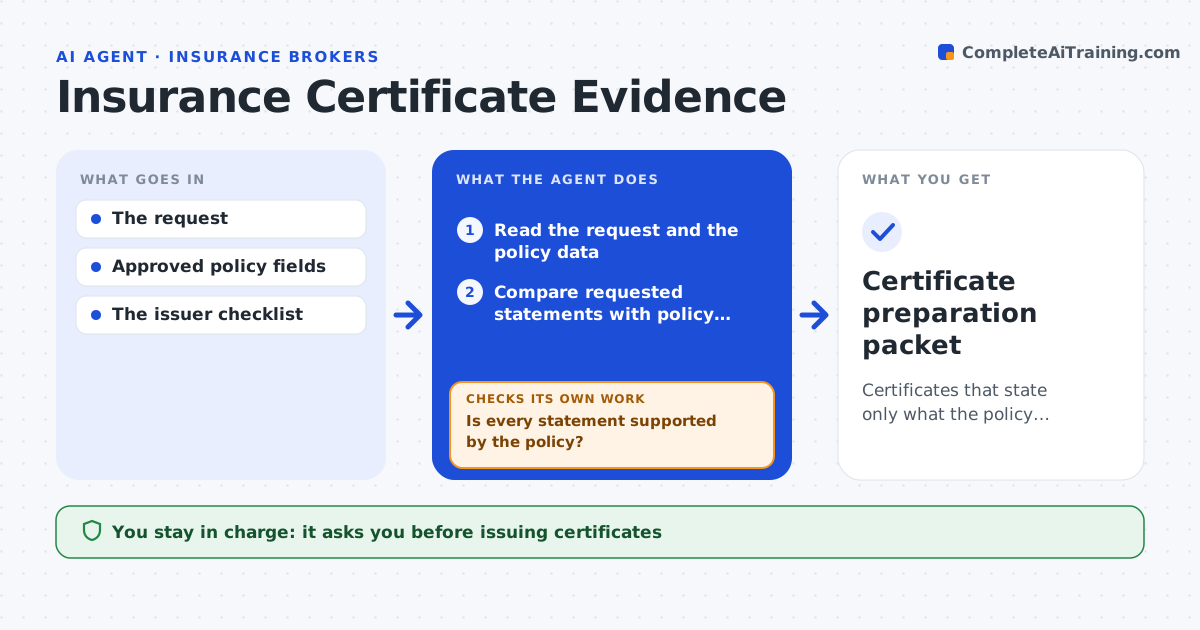
Certificates that state only what the policy supports.
What it does
Certificate of insurance requests sometimes ask for limits, additional insureds or wording the policy does not support. Issuing them as asked implies coverage that does not exist. This agent compares each requested statement with the policy data: limits, named insureds, endorsements and dates. It prepares a certificate draft containing only supported statements. Any unsupported wording becomes a recorded exception with the reason, and the agent drafts a note to the requester explaining what can be stated. The administrator issues the certificate; the agent never interprets coverage. Edge case: a landlord asks to be named as additional insured, but the policy has no blanket additional insured endorsement, so the request becomes an exception instead of appearing on the certificate.
How it works
Follow the arrows from top to bottom. The orange dashed arrow is the loop: when a check fails, the agent goes back and tries again.
Read the steps as a list
- Certificate requested
- Read the request and the policy data
- Compare requested statements with policy fields
- Is every statement supported by the policy?If not: record an exception for the unsupported wording. Back to step 3.
- Draft a note explaining the exceptions
- Prepare the certificate draft
- Administrator issues the certificateThe agent waits here for your OK.
- Certificate preparation packet
How it decides
It verifies each requested statement against the policy; unsupported ones become exceptions.
- A statement is supported only if it matches a policy field or endorsement.
- Unsupported wording becomes an exception, never softer wording.
- Requests for waivers or primary wording always go to a person.
Make it yours
Every agent is a starting point. You choose these settings for your own situation.
- Policy data source
- Certificate form used (default standard liability certificate)
- Request types that always go to a person (default waivers and primary wording)
- Who issues certificates
What keeps you in control
It always asks you first
- Issuing certificates
- Coverage interpretation
Hard limits
- Never implies coverage.
It stops when
- Done: draft or exception.
Set it up
We guide you through the set-up, step by step
Members get the full set-up guide for this agent. No technical skills needed: you copy, paste and upload.
- One set of instructions to paste into your AI, with the clicks for ChatGPT, Claude, Microsoft 365 Copilot, Gemini and Grok
- The agent then walks you through connecting your own data, one source at a time
- A downloadable copy with the flow chart, the rules and the full guide