AI agent for insurance brokers
Insurance Renewal Data Refresh Agent
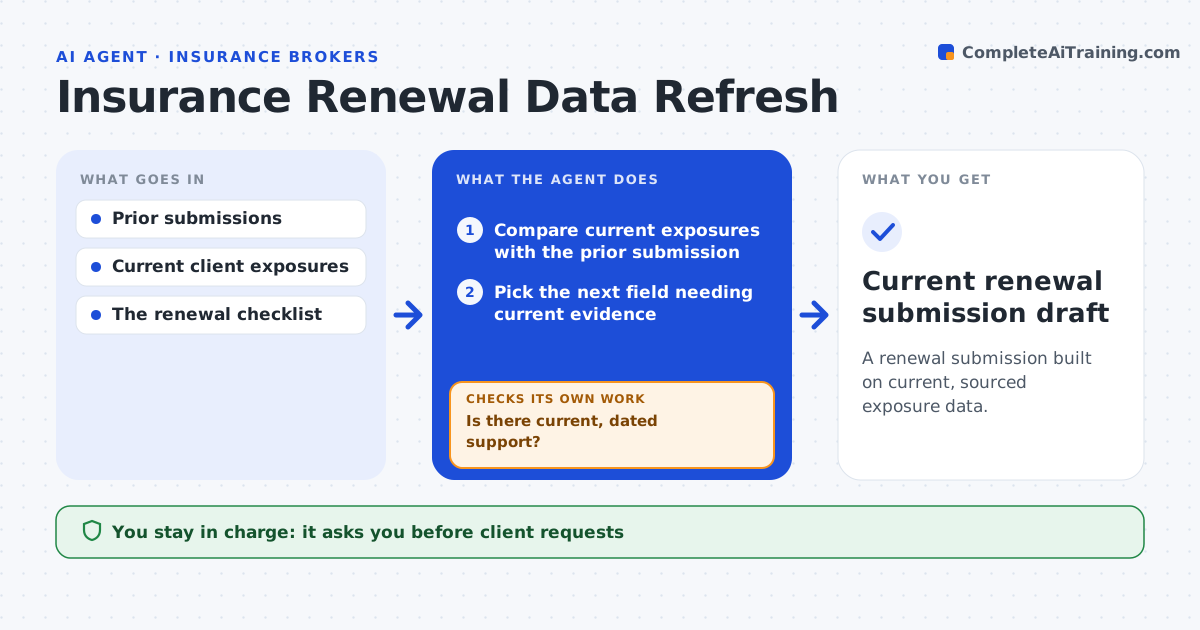
A renewal submission built on current, sourced exposure data.
What it does
Commercial renewal forms often repeat last year's exposure data, such as payroll, revenue or vehicle counts. That leads to wrong premiums and coverage gaps. Ninety days before a renewal, this agent compares the client's current exposure evidence with the prior submission. It works through the fields in order of premium impact. A field is updated only when there is current, dated client evidence, and each value gets a source link. After each update it revalidates the totals that depend on it. Fields without support are marked incomplete and tracked, never filled with old values. The account manager approves client requests and the carrier submission. Edge case: a client reports 42 vehicles, but the schedule still lists 38 by VIN, so the agent flags the mismatch instead of updating the count.
How it works
Follow the arrows from top to bottom. The orange dashed arrow is the loop: when a check fails, the agent goes back and tries again.
Read the steps as a list
- Renewal 90 days out
- Compare current exposures with the prior submission
- Pick the next field needing current evidence
- Is there current, dated support?If not: mark the field incomplete and track it. Back to step 3.
- Update the field and revalidate dependent totals
- Account manager approves client requests and carrier submissionThe agent waits here for your OK.
- Current renewal submission draft
How it decides
It updates the field with the most impact first and only from dated evidence.
- Work fields in order of premium impact.
- Supported means dated client evidence within the allowed age.
- Unsupported fields stay marked incomplete, never copied from last year.
Make it yours
Every agent is a starting point. You choose these settings for your own situation.
- Days before renewal to start (default 90)
- Field priority order (default by premium impact)
- Maximum age of acceptable evidence (default 6 months)
- Who approves client requests and submissions
What keeps you in control
It always asks you first
- Client requests
- Carrier submissions
- Coverage recommendations
Hard limits
- No recommendations.
It stops when
- Done: all fields supported or flagged.
Set it up
We guide you through the set-up, step by step
Members get the full set-up guide for this agent. No technical skills needed: you copy, paste and upload.
- One set of instructions to paste into your AI, with the clicks for ChatGPT, Claude, Microsoft 365 Copilot, Gemini and Grok
- The agent then walks you through connecting your own data, one source at a time
- A downloadable copy with the flow chart, the rules and the full guide