AI agent for insurance brokers
Policy Document Discrepancy Agent
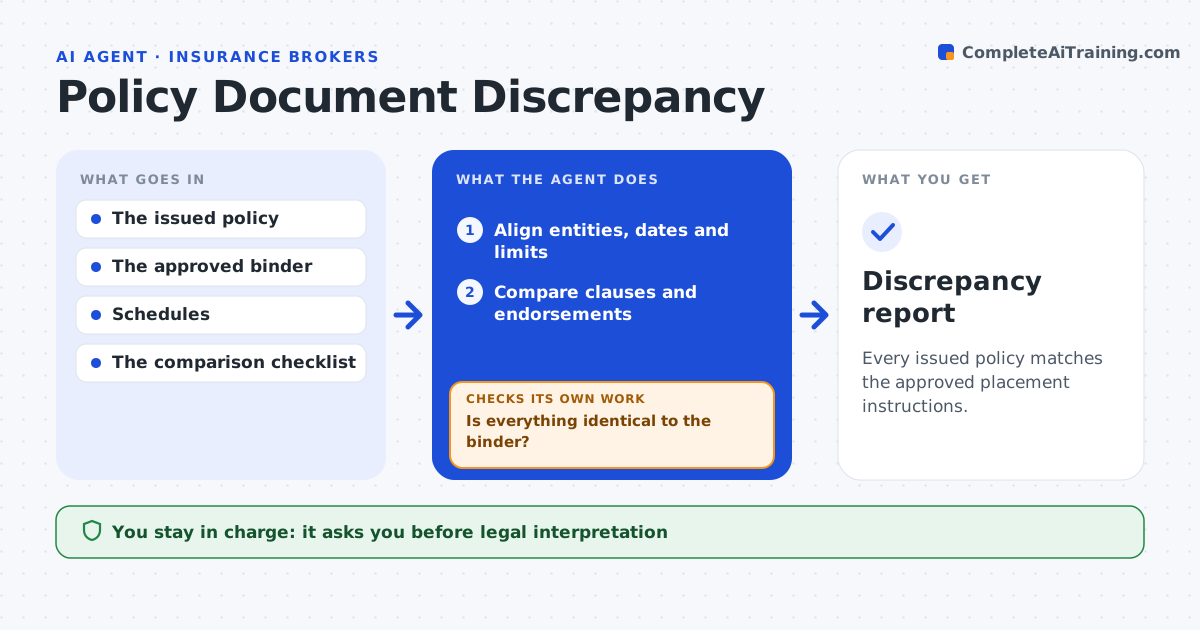
Every issued policy matches the approved placement instructions.
What it does
Issued policies sometimes differ from what was agreed at placement, with a wrong limit, a misspelled insured name or a missing endorsement. These errors surface only when a claim is made. When an issued policy arrives, this agent aligns the entities, dates and limits with the binder. It then compares wording, schedules and endorsements clause by clause. Each discrepancy is recorded with exact locations in both documents. It drafts an internal correction request for the policy-checking supervisor. It does not interpret legal meaning or contact the insurer. Edge case: the limit and dates match, but an exclusion clause uses broader wording than the binder, so the agent keeps the discrepancy for a specialist rather than passing the policy.
How it works
Follow the arrows from top to bottom. The orange dashed arrow is the loop: when a check fails, the agent goes back and tries again.
Read the steps as a list
- Policy received
- Align entities, dates and limits
- Compare clauses and endorsements
- Is everything identical to the binder?If not: record the discrepancy with exact source locations. Back to step 3.
- Draft an internal correction request
- Policy-checking supervisor reviewsThe agent waits here for your OK.
- Discrepancy report
How it decides
It compares every changed field and endorsement in full and escalates wording differences.
- Compare every clause, not just headline values.
- Wording differences go to a specialist.
- Each discrepancy needs the exact location in both documents.
Make it yours
Every agent is a starting point. You choose these settings for your own situation.
- Fields aligned first (default insured name, dates, limits, deductibles)
- Clause library used for wording comparison
- Which differences go to a specialist (default any wording change)
- Who reviews the correction request
What keeps you in control
It always asks you first
- Legal interpretation
- Insurer communications
- Accepting coverage changes
Hard limits
- No interpretation.
It stops when
- Done: report complete.
Set it up
We guide you through the set-up, step by step
Members get the full set-up guide for this agent. No technical skills needed: you copy, paste and upload.
- One set of instructions to paste into your AI, with the clicks for ChatGPT, Claude, Microsoft 365 Copilot, Gemini and Grok
- The agent then walks you through connecting your own data, one source at a time
- A downloadable copy with the flow chart, the rules and the full guide