AI agent for insurance brokers
Insurance Client Schedule Consistency Agent
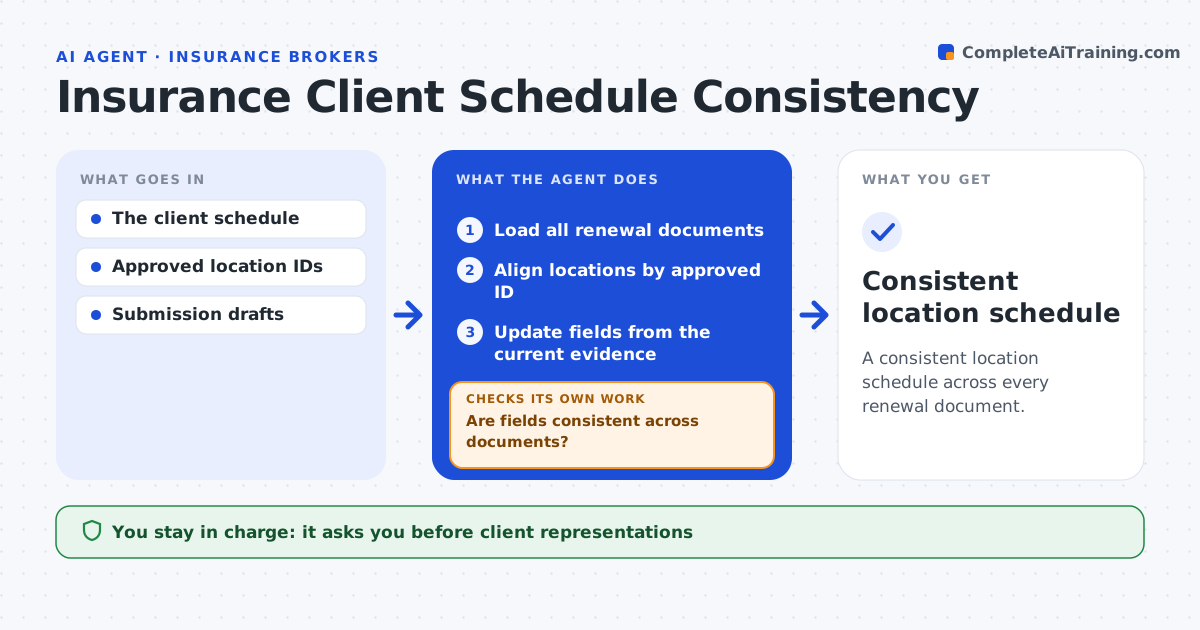
A consistent location schedule across every renewal document.
What it does
A client's named locations often differ across renewal documents, with different addresses, values or occupancy details in each. This agent aligns location records across the documents using approved location IDs. It checks each shared field for contradictions. Where fields disagree, it uses dated client evidence, such as a signed statement of values, to decide which is current. Where no evidence settles it, it asks the location owner. It never merges locations with similar addresses but different IDs. It then prepares synchronized review copies of every document. The account administrator approves submissions. Edge case: 12 Main Street and 12 Main St, Unit B have different IDs, so they stay separate even though they look alike.
How it works
Follow the arrows from top to bottom. The orange dashed arrow is the loop: when a check fails, the agent goes back and tries again.
Read the steps as a list
- Renewal drafts ready
- Load all renewal documents
- Align locations by approved ID
- Are fields consistent across documents?If not: check dated client evidence or ask the location owner. Back to step 3.
- Update fields from the current evidence
- Prepare synchronized review copies
- Account administrator approves submissionsThe agent waits here for your OK.
- Consistent location schedule
How it decides
It uses dated client evidence as authority and keeps ambiguity for the account owner.
- Dated client evidence decides the current value.
- Distinct IDs are never merged.
- Without evidence, ask the owner rather than choose.
Make it yours
Every agent is a starting point. You choose these settings for your own situation.
- Location ID source
- Fields compared across documents
- Maximum age of client evidence (default 12 months)
- Who approves submissions
What keeps you in control
It always asks you first
- Client representations
- Submissions
Hard limits
- No client representations.
It stops when
- Done: consistent.
Set it up
We guide you through the set-up, step by step
Members get the full set-up guide for this agent. No technical skills needed: you copy, paste and upload.
- One set of instructions to paste into your AI, with the clicks for ChatGPT, Claude, Microsoft 365 Copilot, Gemini and Grok
- The agent then walks you through connecting your own data, one source at a time
- A downloadable copy with the flow chart, the rules and the full guide