AI agent for insurance brokers
Insurance Exposure Unit Reconciliation Agent
Exposure schedules in consistent, defined units.
What it does
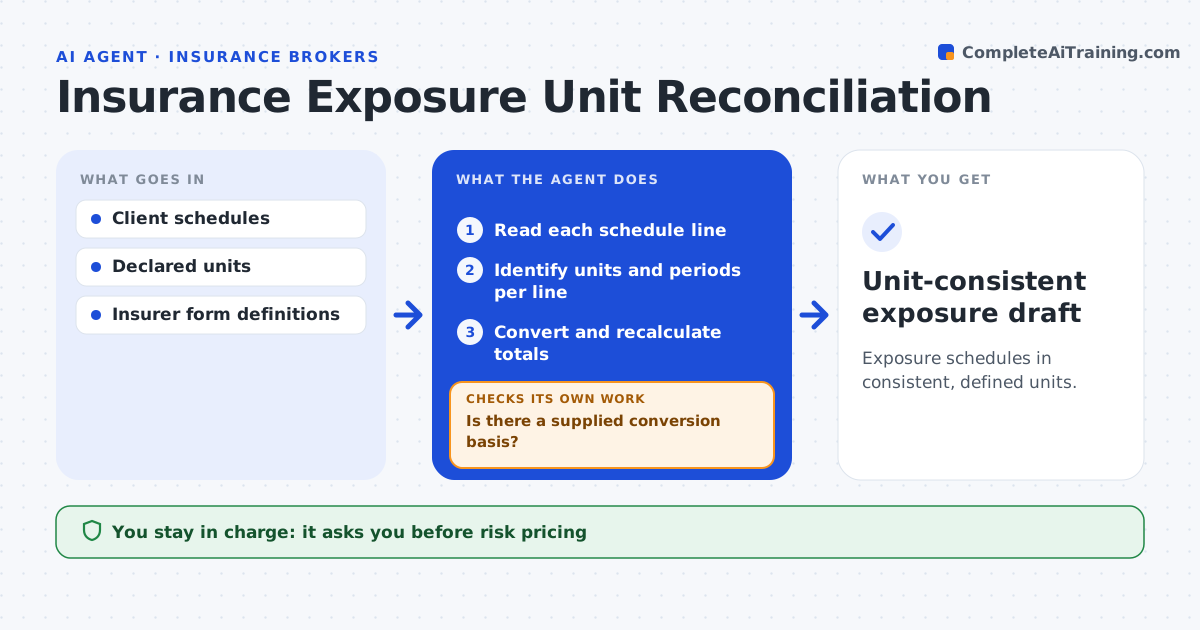
Exposure schedules from clients often mix units, such as square feet and square meters, or monthly and annual payroll. Adding them up gives totals that are wrong. This agent reads every line of a client's schedule and identifies the unit and period used. It converts a line only when the definition and conversion factor are supplied, for example an agreed currency rate or a stated payroll period. When there is no conversion basis, it flags the line and does not produce a combined total. After converting, it recalculates totals and checks them against the client's stated figures. The analyst approves the schedule. Edge case: one site lists payroll with no period stated, so the agent leaves the total open and asks the client.
How it works
Follow the arrows from top to bottom. The orange dashed arrow is the loop: when a check fails, the agent goes back and tries again.
Read the steps as a list
- Schedules received
- Read each schedule line
- Identify units and periods per line
- Is there a supplied conversion basis?If not: flag the line and give no combined total. Back to step 3.
- Convert and recalculate totals
- Do totals agree with the client's figures?If not: recheck each conversion and note the gap. Back to step 5.
- Analyst approves the scheduleThe agent waits here for your OK.
- Unit-consistent exposure draft
How it decides
It converts with supplied factors only and flags undefined units.
- Convert only with supplied factors.
- No combined total while any line lacks a basis.
- Gaps larger than the threshold go back to the client.
Make it yours
Every agent is a starting point. You choose these settings for your own situation.
- Approved conversion factors and their source
- Units the schedule should end in (default square feet, annual payroll)
- Difference from the client's total that triggers a question (default 1%)
- Who approves the schedule
What keeps you in control
It always asks you first
- Risk pricing
- Carrier submission
Hard limits
- No assumed conversions.
It stops when
- Done: consistent or flagged.
Set it up
We guide you through the set-up, step by step
Members get the full set-up guide for this agent. No technical skills needed: you copy, paste and upload.
- One set of instructions to paste into your AI, with the clicks for ChatGPT, Claude, Microsoft 365 Copilot, Gemini and Grok
- The agent then walks you through connecting your own data, one source at a time
- A downloadable copy with the flow chart, the rules and the full guide