AI agent for insurance agency managers
Insurance Marketing Campaign Compliance Agent
Make every published ad meet state rules and carrier brand terms, with a record
What it does
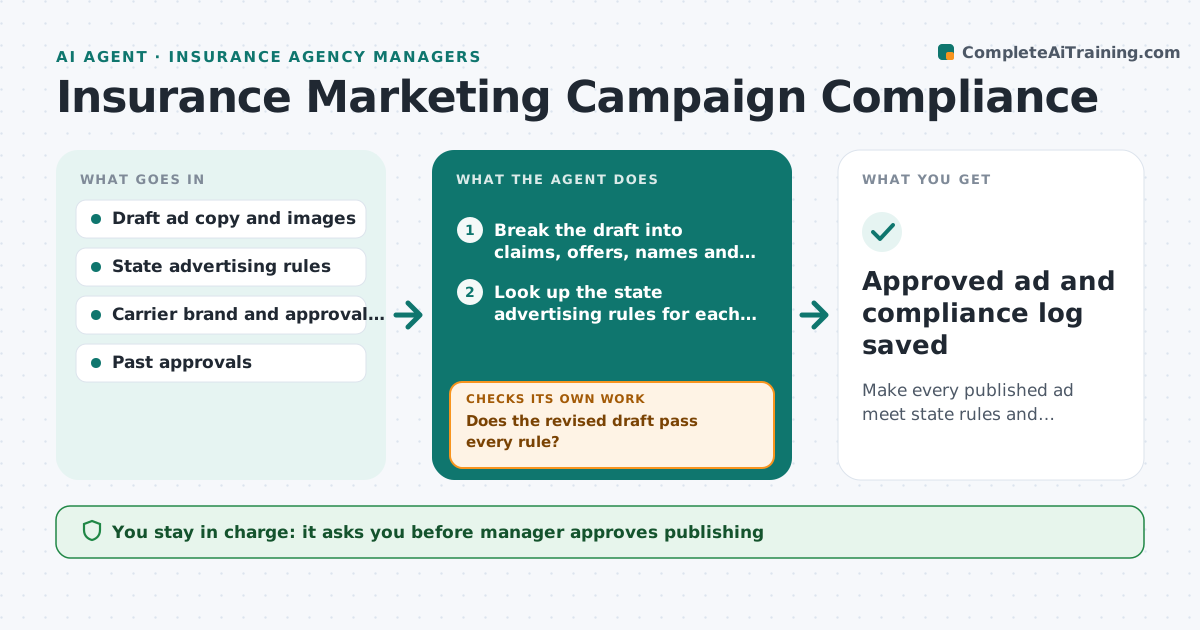
An agency ad can break state advertising rules or use a carrier's name or claim without approval, and the fine or lost appointment arrives months later. This agent reviews every draft before it is published. It splits the draft into claims, offers, testimonials, product names and disclosures, and checks each against the state advertising rules and the carrier brand guidelines the agency has loaded. It lists each problem with the rule behind it, proposes a corrected wording and checks the new version again. It keeps a log of what was approved and when, which helps if a regulator asks. The manager approves what is published. Edge case: an ad says lowest rates in town. The agent flags it as an unsupported superlative and proposes a factual alternative.
How it works
Follow the arrows from top to bottom. The orange dashed arrow is the loop: when a check fails, the agent goes back and tries again.
Read the steps as a list
- Draft ad submitted for review
- Break the draft into claims, offers, names and disclosures
- Look up the state advertising rules for each claim type
- Check carrier name and logo use against approval records
- List every problem with the rule behind it
- Rewrite flagged items in compliant wording
- Does the revised draft pass every rule?If not: Re-split the draft and fix the remaining items, then recheck. Back to step 2.
- Is carrier approval on file for each carrier mention?If not: Draft an approval request to the carrier and hold the ad. Back to step 4.
- Manager approves the final ad for publishingThe agent waits here for your OK.
- Approved ad and compliance log saved
How it decides
It marks a claim as a problem when no rule or evidence supports it. Carrier names and logos need written approval on file, otherwise they are blocked.
- Superlatives like best or lowest need written proof or are removed
- Required disclosures must be visible in the same ad, not a separate page
- Testimonials need a signed release and a disclaimer
- Carrier logos are blocked without written approval
Make it yours
Every agent is a starting point. You choose these settings for your own situation.
- States whose rules apply
- Carrier guideline documents to load
- Blocked words and phrases list
- Days to keep approval records
- Who must approve besides the manager
What keeps you in control
It always asks you first
- Manager approves publishing
- Manager approves any carrier approval request
Hard limits
- Does not give legal advice, only flags for review
- Never publishes an ad itself
It stops when
- Done: ad approved with log entry
- Stop: no carrier approval within the campaign date, hold the ad
Set it up
We guide you through the set-up, step by step
Members get the full set-up guide for this agent. No technical skills needed: you copy, paste and upload.
- One set of instructions to paste into your AI, with the clicks for ChatGPT, Claude, Microsoft 365 Copilot, Gemini and Grok
- The agent then walks you through connecting your own data, one source at a time
- A downloadable copy with the flow chart, the rules and the full guide