AI agent for accountants
Intercompany Balance Investigation Agent
Intercompany balances agree, with every difference explained.
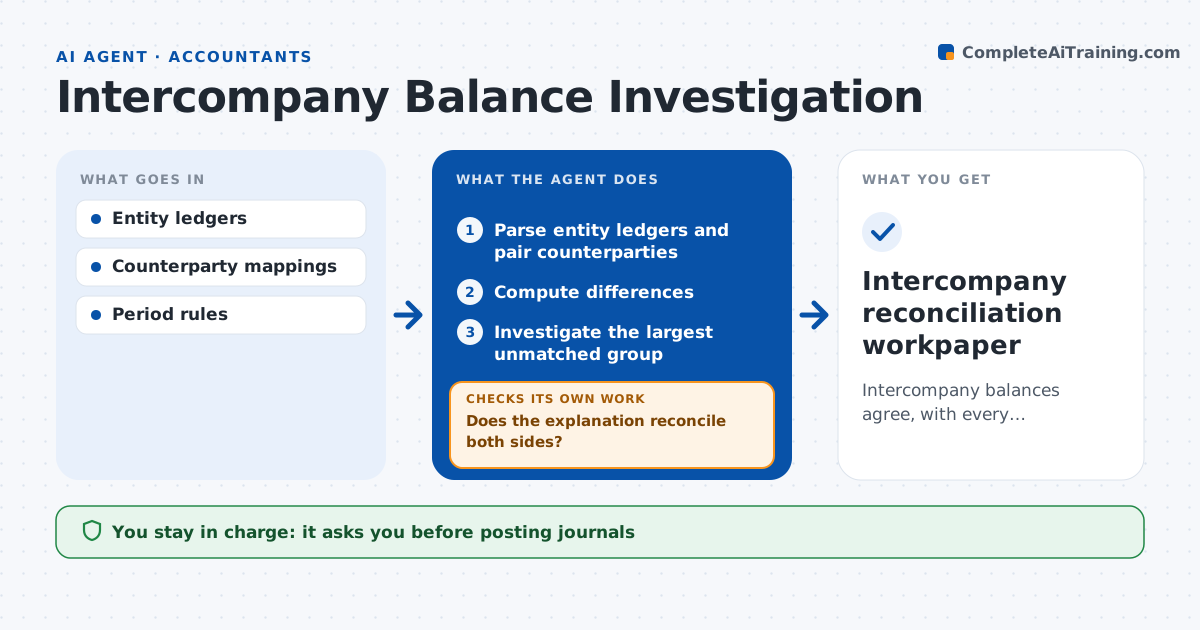
What it does
Intercompany balances between group entities rarely agree at close, and finding out why takes days of back-and-forth. This agent reads each entity's ledger, pairs balances by counterparty and computes the differences. It picks the largest unmatched group first, then the oldest, and investigates references, dates and amounts. After each explanation it recomputes what is left. A timing explanation only counts when it reconciles on both sides; if it does not, the agent moves to another transaction group. It drafts the proposed journals and documents each finding in a workpaper. The group accountant approves journals and eliminations. Edge case: two entities use different exchange rates for the same invoice, so the agent reports the rate difference separately rather than calling it timing.
How it works
Follow the arrows from top to bottom. The orange dashed arrow is the loop: when a check fails, the agent goes back and tries again.
Read the steps as a list
- Group close
- Parse entity ledgers and pair counterparties
- Compute differences
- Investigate the largest unmatched group
- Does the explanation reconcile both sides?If not: investigate another group. Back to step 4.
- Group accountant approves journalsThe agent waits here for your OK.
- Intercompany reconciliation workpaper
How it decides
It picks unmatched groups by size and date and accepts timing explanations only when both sides reconcile.
- Investigation order: largest difference first, then oldest.
- Timing explanation is accepted only when both entities reconcile.
- Exchange rate differences are reported separately from timing.
- Differences below materiality are listed but not investigated.
Make it yours
Every agent is a starting point. You choose these settings for your own situation.
- Materiality level below which differences are just listed (default $500)
- Close calendar and cutoff dates per entity
- Exchange rate source for cross-currency balances
- Who approves journals per entity
- Workpaper format and storage location
What keeps you in control
It always asks you first
- Posting journals
- Eliminating balances
Hard limits
- No postings.
It stops when
- Done: all pairs reconciled or queued.
Set it up
We guide you through the set-up, step by step
Members get the full set-up guide for this agent. No technical skills needed: you copy, paste and upload.
- One set of instructions to paste into your AI, with the clicks for ChatGPT, Claude, Microsoft 365 Copilot, Gemini and Grok
- The agent then walks you through connecting your own data, one source at a time
- A downloadable copy with the flow chart, the rules and the full guide