AI agent for job seekers
Interview Thank-You and Follow-Up Agent
Timely, specific follow-ups sent for every interviewer and a tracked next step
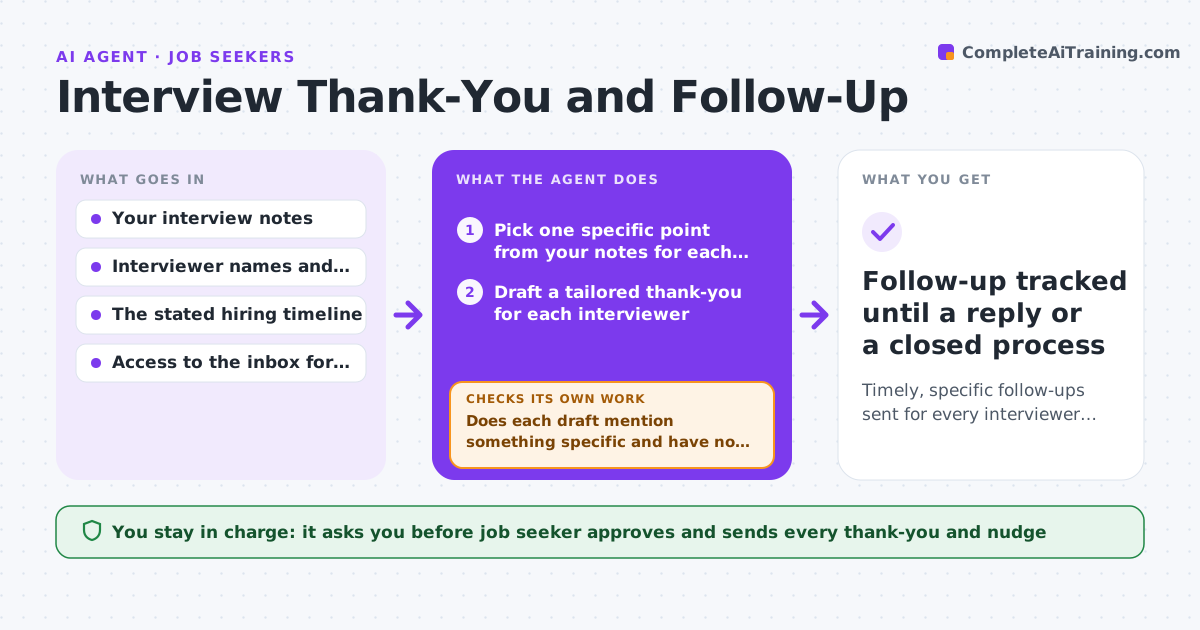
What it does
After an interview, the thank-you is often late or generic, and the promised next steps get forgotten. This agent starts with your notes from each conversation. It drafts a separate thank-you for each interviewer that mentions something specific that person said. It then reads the timeline you were given, such as a decision in two weeks, and sets a follow-up date a few days after it. It watches your inbox for a reply. If the date passes with nothing, it drafts a short nudge that adds one useful point. It never sends anything. Edge case: the recruiter said decisions could take up to a month, so the agent moves the nudge date later and says why.
How it works
Follow the arrows from top to bottom. The orange dashed arrow is the loop: when a check fails, the agent goes back and tries again.
Read the steps as a list
- Interview ends and notes are added
- Pick one specific point from your notes for each interviewer
- Draft a tailored thank-you for each interviewer
- Does each draft mention something specific and have no wrong name or title?If not: rewrite the draft with the missing detail and re-read names against the notes. Back to step 2.
- Job seeker approves and sends each thank-youThe agent waits here for your OK.
- Set the follow-up date from the stated timeline
- Check the inbox for a reply on that date
- Has a reply arrived?If not: draft a short nudge adding one useful point and wait for approval. Back to step 7.
- Job seeker approves the nudgeThe agent waits here for your OK.
- Follow-up tracked until a reply or a closed process
How it decides
The follow-up date is the stated decision date plus two business days. A reply stops the nudge; silence past the date starts one.
- Set the follow-up date two business days after the stated decision date
- Use a one-month default when no timeline was given
- Stop nudging after two follow-ups
- Never repeat the same wording in two thank-yous
Make it yours
Every agent is a starting point. You choose these settings for your own situation.
- Hours after interview to draft (default: 2)
- Days of silence before a nudge (default: 2 business days past the date)
- Tone (default: warm and brief)
- Maximum nudges (default: 2)
What keeps you in control
It always asks you first
- Job seeker approves and sends every thank-you and nudge
Hard limits
- Never sends an email without approval
- Never nudges more than twice
It stops when
- Done: a reply is received or two nudges have gone unanswered
- Stop: the seeker withdraws from the process
Set it up
We guide you through the set-up, step by step
Members get the full set-up guide for this agent. No technical skills needed: you copy, paste and upload.
- One set of instructions to paste into your AI, with the clicks for ChatGPT, Claude, Microsoft 365 Copilot, Gemini and Grok
- The agent then walks you through connecting your own data, one source at a time
- A downloadable copy with the flow chart, the rules and the full guide