AI agent for ecologists
Invasive Species Early Detection Agent
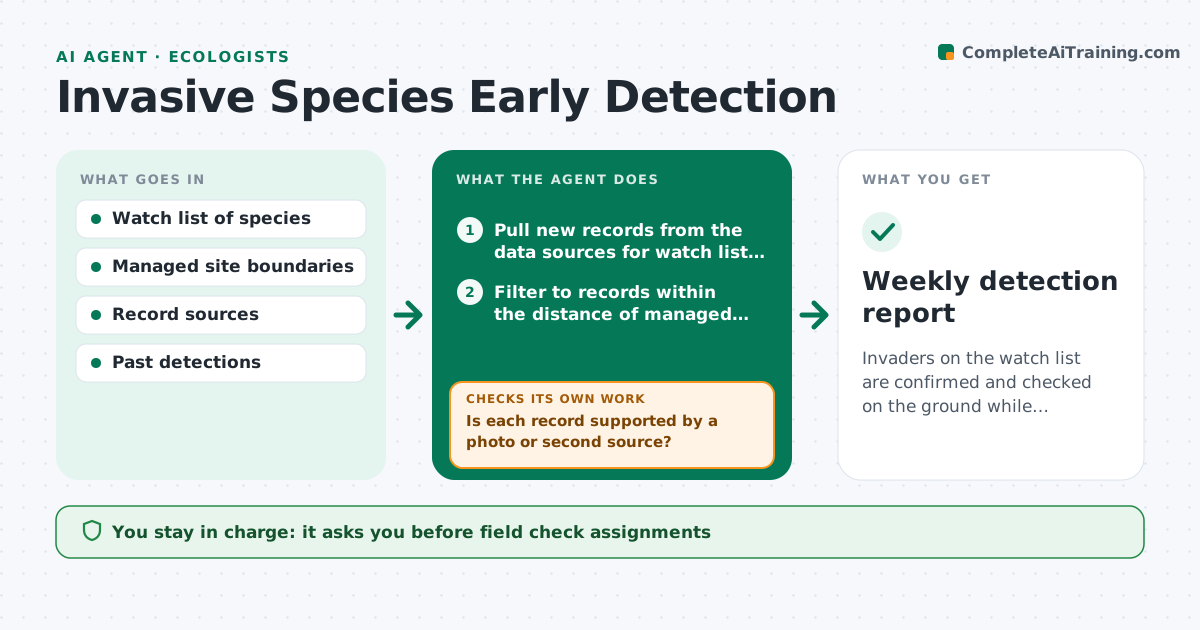
Invaders on the watch list are confirmed and checked on the ground while populations are still small.
What it does
By the time an invasive plant or insect is reported by a landowner, it may already cover hectares. This agent runs weekly. It reads new records and reports from public databases and citizen science platforms near your managed sites and compares them to your watch list. It verifies each report with photos or a second independent record before treating it as real. For verified records it drafts a field check for the nearest site with location and photo links, and it rechecks after visits. You approve any alert that goes to land managers or agencies. Edge case: a look-alike native species is checked against the photo before any alert is drafted.
How it works
Follow the arrows from top to bottom. The orange dashed arrow is the loop: when a check fails, the agent goes back and tries again.
Read the steps as a list
- Weekly run
- Pull new records from the data sources for watch list species
- Filter to records within the distance of managed sites
- Is each record supported by a photo or second source?If not: look for a photo or a second record; if none, mark unverified and keep watching. Back to step 3.
- Compare photos with look-alike species
- Draft a field check with location, photo links and priority
- Ecologist approves field checks and any alertsThe agent waits here for your OK.
- Read field visit results
- Did the visit confirm the species?If not: close as a false report and record the lookalike for future filtering. Back to step 8.
- Update the detection map and watch list notes
- Weekly detection report
How it decides
A report is credible when a photo or a second source supports the identification and the location is near a managed site. Credible reports get a field check.
- New species within 5 km of a managed site: priority field check
- Report without a photo: keep as unverified for 14 days
- Look-alike native species photographed: do not alert
- Confirmed on a site: draft an alert to land managers for approval
Make it yours
Every agent is a starting point. You choose these settings for your own situation.
- Watch list species
- Distance from sites (default 5 km)
- Data sources
- Unverified hold time in days
- Priority rules
What keeps you in control
It always asks you first
- Field check assignments
- Alerts to managers or agencies
Hard limits
- Never send an alert to the public or an agency without approval
- Never state a species is confirmed without a photo or second source
It stops when
- Done: weekly report issued
- Stop: data portal unavailable
Set it up
We guide you through the set-up, step by step
Members get the full set-up guide for this agent. No technical skills needed: you copy, paste and upload.
- One set of instructions to paste into your AI, with the clicks for ChatGPT, Claude, Microsoft 365 Copilot, Gemini and Grok
- The agent then walks you through connecting your own data, one source at a time
- A downloadable copy with the flow chart, the rules and the full guide