
AI agent for neuroscientists
Grant Aim Progress Check Agent
Every funded aim has recent evidence of progress, and gaps become concrete experiments before a report is due.
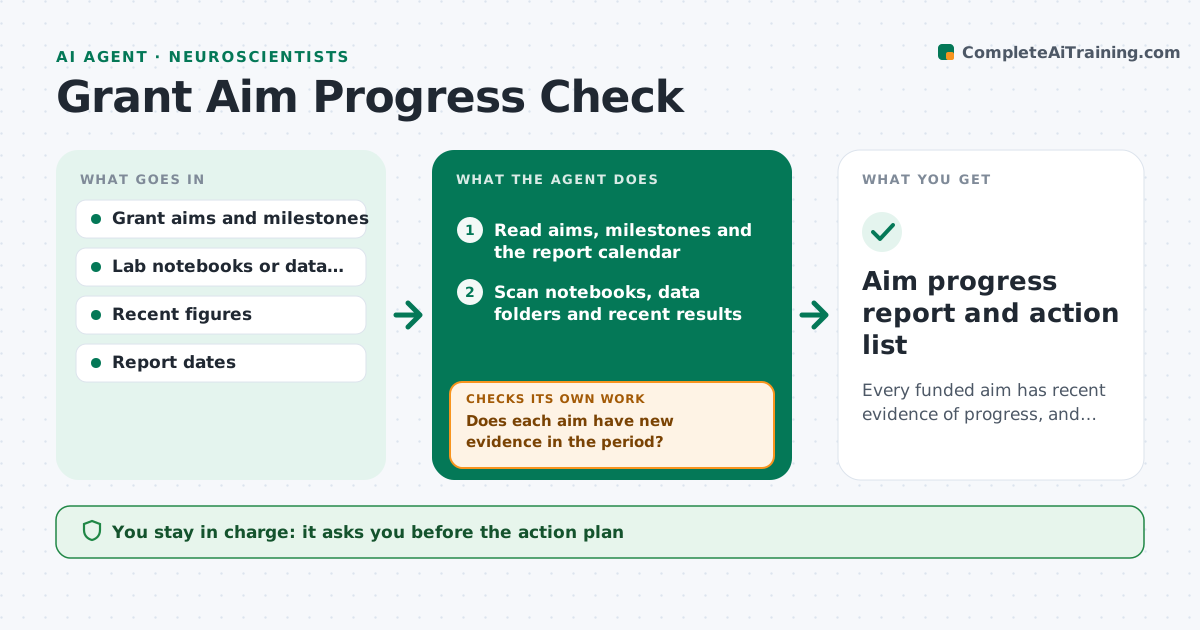
What it does
Grants are written in aims, but labs run on experiments, and months pass before anyone checks whether each aim has data behind it. This agent runs monthly. It reads the funded aims and milestones, then looks at notebooks, data folders and recent results for evidence of progress on each. It flags aims with little recent data and aims where results contradict the plan. For each gap it suggests experiments that would close it, with an estimate of time and materials. It rechecks the next month and notes what changed. You approve the plan and any message to staff. Edge case: an aim paused by an approved plan change is tracked but not flagged.
How it works
Follow the arrows from top to bottom. The orange dashed arrow is the loop: when a check fails, the agent goes back and tries again.
Read the steps as a list
- Monthly review
- Read aims, milestones and the report calendar
- Scan notebooks, data folders and recent results
- Link each piece of new evidence to an aim
- Does each aim have new evidence in the period?If not: search further back and ask staff for missing data locations. Back to step 3.
- Flag aims with no progress or with contradicting results
- Suggest experiments to close each gap with time and materials
- Do the experiments fit the budget and the report date?If not: propose a smaller test or a plan change for the investigator to consider. Back to step 7.
- Investigator approves the plan and any message to staffThe agent waits here for your OK.
- Aim progress report and action list
How it decides
An aim is on track if new data or analysis linked to it appeared in the last period. Aims without such evidence are flagged, with severity set by the time to the next report.
- No evidence for 8 weeks and report due within 6 months: red flag
- Result contradicts the hypothesis: list as a plan change decision, not a failure
- Aim paused by approved plan change: track but do not flag
- Experiment cost exceeds the remaining budget line: propose a cheaper alternative
Make it yours
Every agent is a starting point. You choose these settings for your own situation.
- Review frequency
- No-progress limit in weeks (default 8)
- Folders and notebooks to scan
- Report calendar
- Who receives messages
What keeps you in control
It always asks you first
- The action plan
- Messages to staff
- Any plan change submitted to the funder
Hard limits
- Never contact the funder
- Never judge staff performance, only report data evidence
It stops when
- Done: report issued and actions logged
- Stop: data folders not accessible
Set it up
We guide you through the set-up, step by step
Members get the full set-up guide for this agent. No technical skills needed: you copy, paste and upload.
- One set of instructions to paste into your AI, with the clicks for ChatGPT, Claude, Microsoft 365 Copilot, Gemini and Grok
- The agent then walks you through connecting your own data, one source at a time
- A downloadable copy with the flow chart, the rules and the full guide



