AI agent for veterinarians
Lab Result Callback Agent
Every result reviewed and owner informed
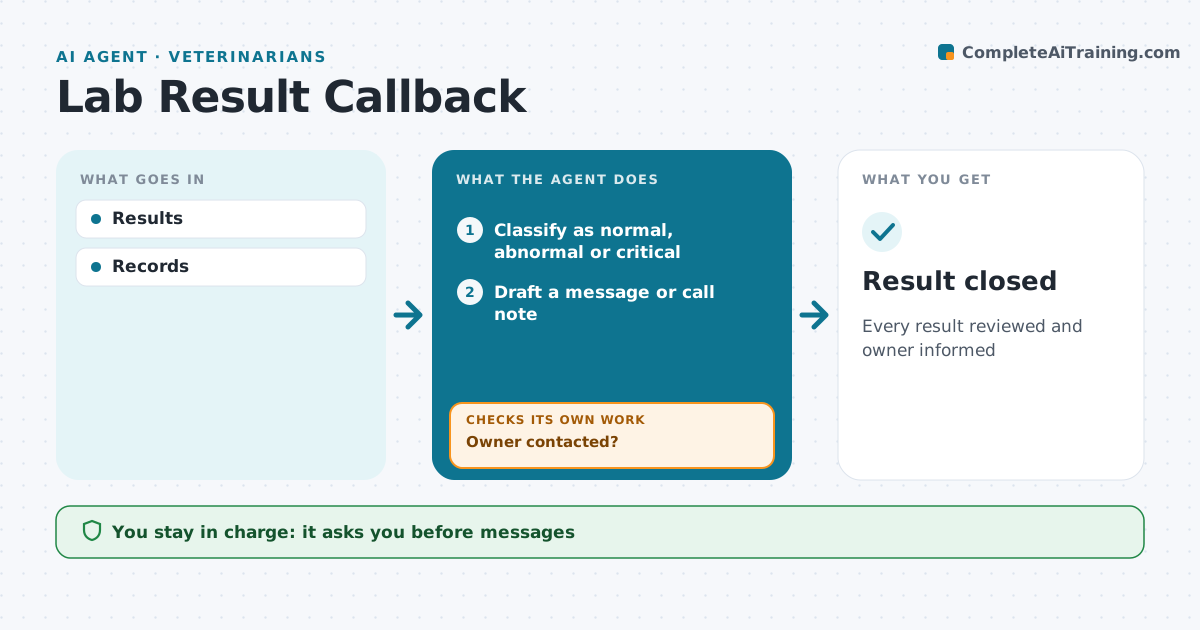
What it does
Lab results arrive from in-house machines and reference labs all day, and owners wait anxiously for news. This agent watches incoming results, flags abnormal and critical values, and checks that the vet has reviewed each one. For normal results, it drafts an owner message for the vet to approve. Abnormal results go on the vet's call list with the key values. Critical values alert the vet at once. It then checks that every owner was contacted and that any recheck or treatment was booked. If an owner was not reached, it tries a second channel and alerts staff. The vet approves every message. Edge case: results for a pet still in hospital go to the treating vet's rounds list, not the owner queue.
How it works
Follow the arrows from top to bottom. The orange dashed arrow is the loop: when a check fails, the agent goes back and tries again.
Read the steps as a list
- Result arrives
- Classify as normal, abnormal or critical
- Vet reviews the resultThe agent waits here for your OK.
- Draft a message or call note
- Send message or add to call list
- Owner contacted?If not: try a second channel and alert staff. Back to step 5.
- Record the conversation in the chart
- Result closed
How it decides
Abnormal results to call list.
- Critical at once
- Normal by message
- Follow-up booked
Make it yours
Every agent is a starting point. You choose these settings for your own situation.
- Thresholds
- Channels
- Timing
- Templates
What keeps you in control
It always asks you first
- Messages
Hard limits
- No result explanations by agent
It stops when
- Done: closed
- Stop: owner unreachable
Set it up
We guide you through the set-up, step by step
Members get the full set-up guide for this agent. No technical skills needed: you copy, paste and upload.
- One set of instructions to paste into your AI, with the clicks for ChatGPT, Claude, Microsoft 365 Copilot, Gemini and Grok
- The agent then walks you through connecting your own data, one source at a time
- A downloadable copy with the flow chart, the rules and the full guide