
Learning path
Learning AI as a Physician
Learn how to use AI for notes, patient instructions, referrals, and follow-up while keeping your clinical judgment at the center. Short lessons and video courses fit around clinic days.

Your path
Everything in the Physician AI kit, in the order that makes sense. Members tick off each step and see their progress.
Set up your AI
We guide you through each click.
Let skills do your everyday tasks
Connect your apps and pick your AI apps
Hand whole tasks to AI agents
Build your own tools
Everything for physicians
All the courses, certifications, AI tools, MCP servers and apps for physicians, most relevant first. Open any list to see more.
Take the prompt courses
A short framework course to learn how to ask, then 8 lessons with ready-to-use prompts for physicians.
Start with this framework: how to talk to AI
TIDD-EC fits your physician work because do, don't, and precise instructions reduce ambiguity in medication orders and clinical notes.
Then your prompt course for physiciansWatch the video courses or add them to your Favorites for later
77 video courses our AI picked for physicians, most useful first. Save the ones you want to watch later with the heart.
Favorites are saved to your account: sign in or get your AI kit first.
Show all 77 video courses
Get certified, or add certifications to your Favorites
Every course ends in an exam and a certificate you can add to LinkedIn. Save the certifications you are aiming for with the heart.
Favorites are saved to your account: sign in or get your AI kit first.
More certifications for physiciansShow all 24 certifications
Try the AI tools for physicians
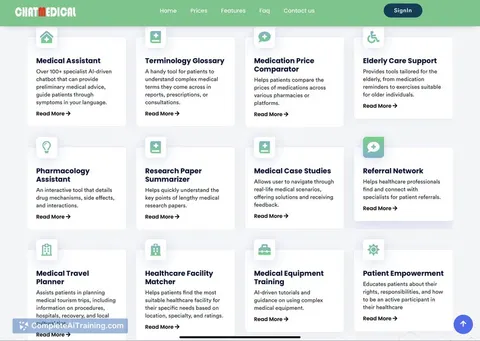
22 AI tools our AI matched to the work of physicians, best fit first. Each review shows what it does, its alternatives and the jobs it suits.
Favorites are saved to your account: sign in or get your AI kit first.
Show all 22 AI tools
Connect your AI to the apps physicians use
MCP servers let ChatGPT, Claude or Copilot look things up and get work done in other apps, like your email, calendar or bookkeeping software. These 12 fit the work of physicians best, well-known apps first.

Practice Fusion MCP server
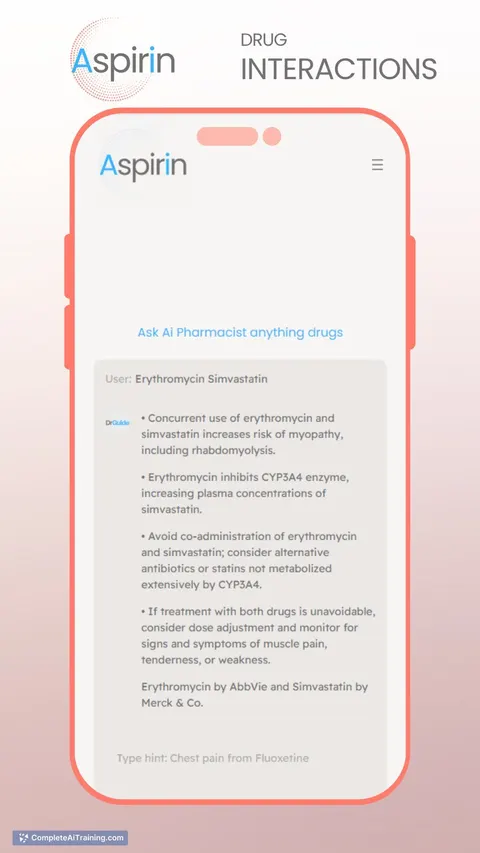
by kushaimLets your AI look up patients, visits, medications and lab results in a Practice Fusion health record.

PubMed Search MCP Server
by pubsproLet your AI search medical research papers on PubMed and give you plain-English summaries.
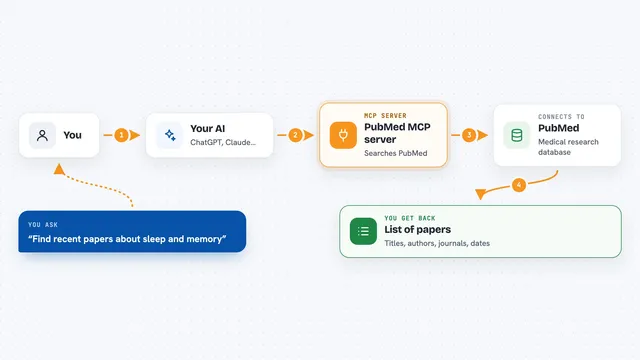
PubMed MCP server
by andybrandtLets your AI search medical and life sciences papers on PubMed and read their abstracts and full text.

Taiwan NHI billing MCP server
by tatsujuLets your AI look up Taiwan NHI rejection codes, drug rules, fee points and audit notes for you.
ResearchNo install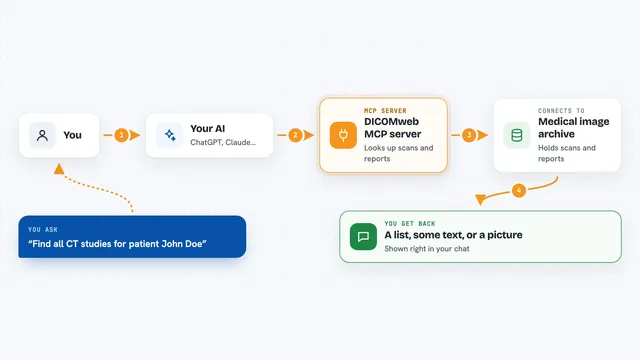
DICOMweb MCP server
by PantelisGeorgiadisLets your AI search a medical image archive and read reports and images for you.

Temporal Cortex MCP server
by temporal-cortexLet your AI check calendars, find free slots, and book meetings without double-booking.
ProductivityMeetingsNo installShow all 12 MCP servers
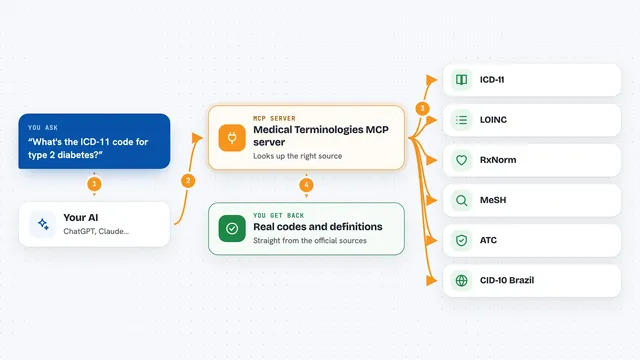
Medical Terminologies MCP server
by SidneyBissoliLook up real medical codes and terms from ICD-11, LOINC, RxNorm, MeSH, ATC and Brazil's CID-10 right inside your AI chat.
ResearchNo install
DICOM MCP server for medical images
by ChristianHingeLets your AI search medical image systems and read report PDFs for you.
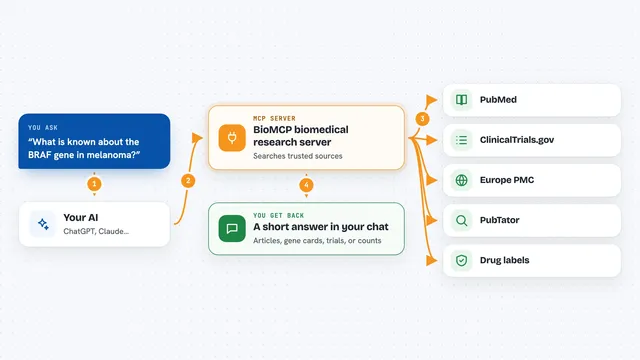
BioMCP biomedical research server
by genomoncologyLets your AI look up genes, variants, drugs, diseases and clinical trials from trusted medical sources.

Anonymize MCP server
by Buggy1111Let your AI hide names, IDs and bank details in documents, translate between eight languages, and fix Czech spelling.
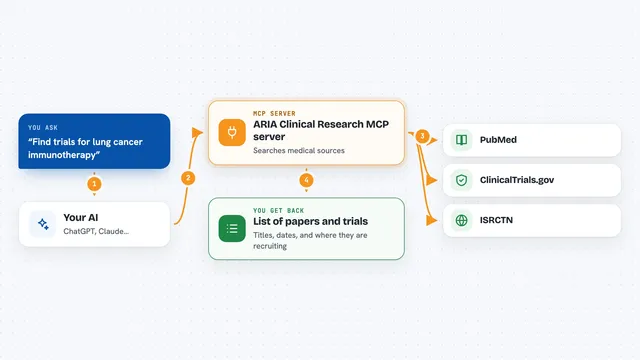
ARIA Clinical Research MCP server
by pkotecha-engLets your AI search medical papers on PubMed and find clinical trials on ClinicalTrials.gov and ISRCTN.

Medical MCP server
by JamesANZLets your AI look up drugs, health stats, and medical studies from trusted public sources.
Build your own AI apps for physicians
Apps you build yourself with your own AI, no coding needed and no monthly fee. Our AI picked the 11 that fit the work of physicians.
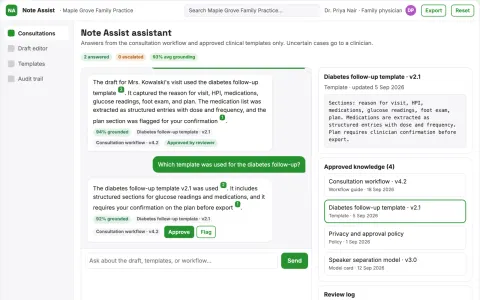
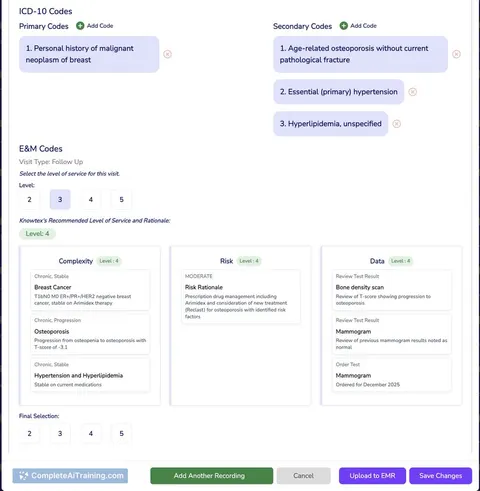
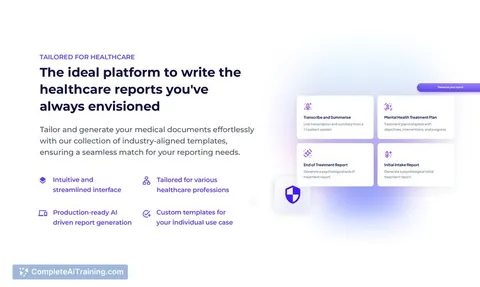
Ambient Clinical Note Assistant
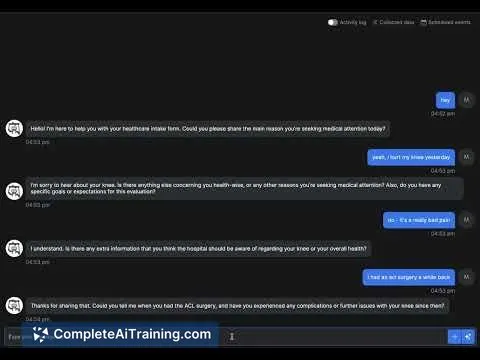
Clinical notes drafted from the consultation on the device, so patient data never leaves the room until the clinician approves it.
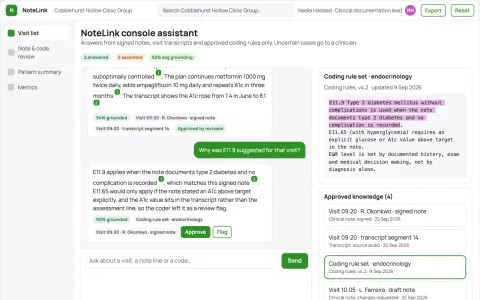
Source-linked clinical documentation and coding console
Reduce documentation rework while keeping every clinical statement traceable to the visit.
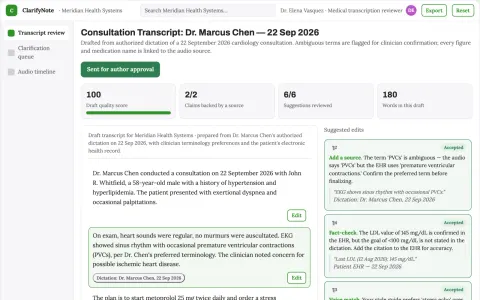
Medical transcription review service
Ambiguities are surfaced for confirmation rather than silently resolved.
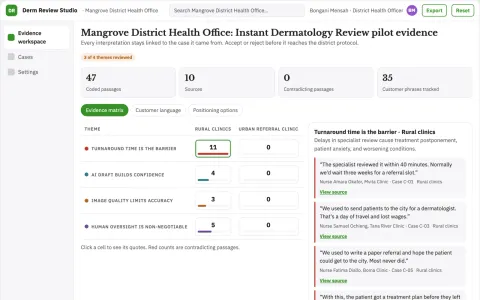
Instant Dermatology Review
Skin concerns reviewed within minutes by AI and confirmed by a dermatologist, instead of waiting weeks for a referral.
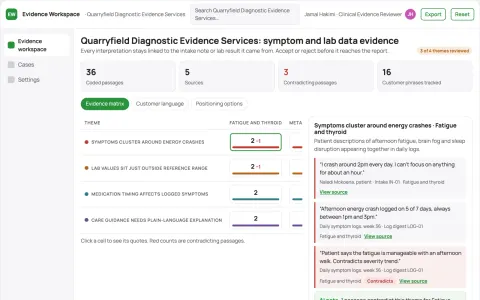
Evidence-backed symptom and health data analysis workspace
Reduce repeated intake and document chasing while keeping clinical decisions with licensed professionals.
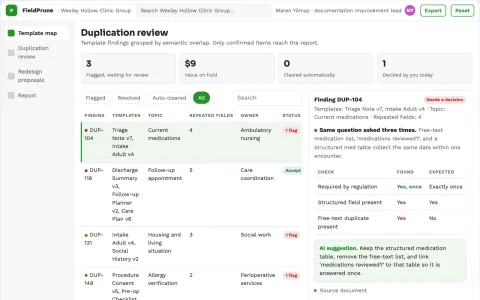
Clinical template field rationalizer
Reduce repeated documentation while preserving required information.
Show all 11 apps
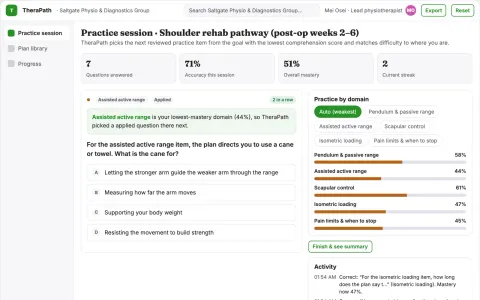
Therapy home-practice adherence workshop
Support understanding and execution of existing professional instructions.
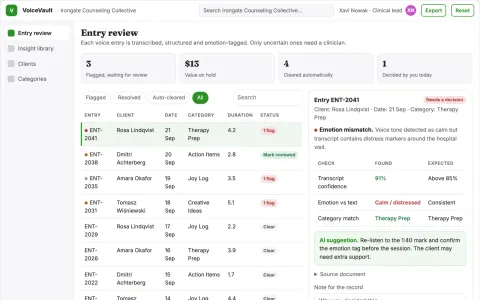
Voice journal to structured health insight library
Turn spoken reflections into an organized, searchable library while keeping the client in control of their data.
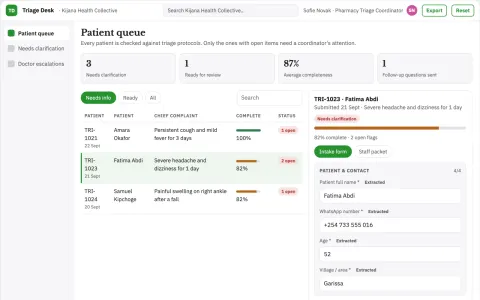
Rural Health Triage Assistant
Multilingual triage over WhatsApp, available immediately and with no app to install.
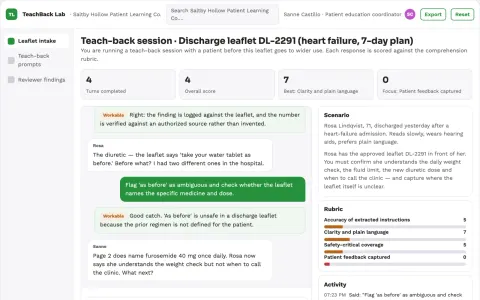
Discharge instruction comprehension lab
Test understanding of approved instructions before wider use.
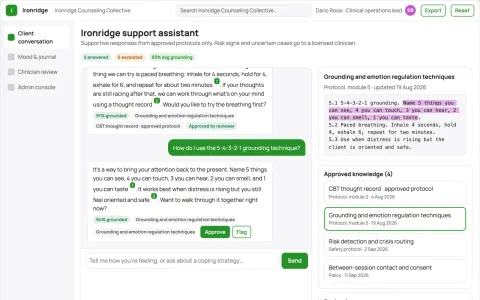
Source-linked mental health support assistant and administrator console
Extend provider-approved support between sessions while keeping every conversation source-linked and reviewable.











































































About this learning path
6 topicsA practical AI path for physicians
Physicians carry a heavy load of notes, messages, referrals, and paperwork. This path shows you how to use AI as a careful assistant, not a replacement for your training or your judgment.
You will set up your tool, connect it to your daily work, practice job-specific prompts, and choose short video courses that match your specialty. The goal is simple: less after-hours typing and more time for patients and your life.
Why AI matters now
Clinic days are full before the first patient arrives. Messages, charting, prior authorizations, and follow-up calls often spill into evenings. AI can help you draft, summarize, and organize that work so you can focus on decisions that need a physician.
AI is already part of many clinical tools. Knowing how to ask good questions and check answers helps you stay in control of the technology instead of feeling pushed by it.
What the path includes
The path starts with setup questions and a short guide to connecting your AI tool. Then you learn the skills for your job inside your AI, including how to keep patient details safe and how to review drafts.
Next comes this prompt course, with lessons for patient communication, documentation, education, diagnosis support, treatment planning, referrals, follow-up, and practice admin. You also get video courses picked for physicians, and you will see the certifications each course offers.
How it saves time
Small tasks add up. A patient instruction sheet, a referral summary, or a prior authorization letter can take many minutes. With a good prompt, the first draft appears quickly, and you spend your time editing instead of starting from a blank page.
Over a week, those minutes can become an hour or more. You might use that time to finish notes before leaving, return messages sooner, or simply rest.
How it protects your career
Using AI well means knowing what to share, what to check, and what to keep out of the tool. You will practice privacy habits and learn how to verify every clinical detail before it reaches a patient or chart.
These skills help you work safely, reduce burnout, and stay current as more clinics adopt AI. Your license and your judgment remain the center of care.
How to start
Begin with one task you do often, such as drafting patient instructions or summarizing a visit. Complete the setup lesson, connect your AI tool, and try one prompt from the course.
Review the answer, make it yours, and notice what changed. Then add one more task the next week. Steady practice is enough.
Frequently asked questions
Is it safe to use AI with patient information?
Only if you follow your employer's rules and privacy laws. Use de-identified details when you can, avoid entering names or identifiers into tools that are not approved, and always review the output before it goes into a chart or message.Do I need technical skills to start?
No. If you can write an email, you can learn these prompts. The path walks you through setup, connecting your AI tool, and trying your first task step by step.Will AI replace my clinical judgment?
No. AI can draft, summarize, and suggest, but it does not know your patient. You decide what is correct, safe, and appropriate for each person.How long does the path take?
You can move through the core lessons in a few short sittings. Most physicians spread the video courses over several weeks, trying one new prompt at a time in clinic.