AI agent for quality control inspectors
Label and Date Code Verification Agent
Stop wrong labels and date codes before shipment.
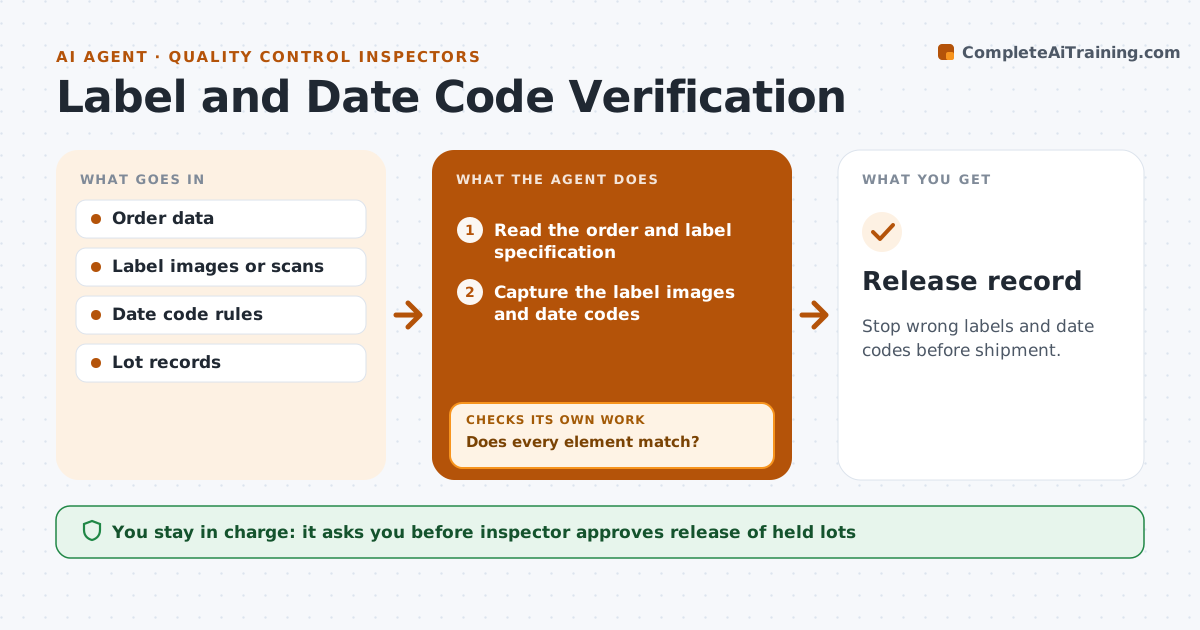
What it does
One wrong label on a pallet can mean a recall or a rejected shipment. This agent compares label images and date codes with the order: product name, language, barcode, lot and expiry. It flags any mismatch, holds the lot and tells the inspector. After a fix it compares the new labels again and releases the hold only when they match. The inspector approves release. The check is repeated at the start of each run and after a changeover, because that is when errors happen. Edge case: a date code that is correct in format but one day early for the lot is flagged against the production record.
How it works
Follow the arrows from top to bottom. The orange dashed arrow is the loop: when a check fails, the agent goes back and tries again.
Read the steps as a list
- Run starts or label changes
- Read the order and label specification
- Capture the label images and date codes
- Compare text, barcode, lot and expiry with the order
- Does every element match?If not: Flag the mismatch and hold the lot. Back to step 2.
- Notify the inspector with the images
- Wait for the labels to be fixed
- Capture the new labels
- Do the new labels match the order?If not: Keep the hold and report the remaining differences. Back to step 7.
- Inspector approves release of the holdThe agent waits here for your OK.
- Release record
How it decides
It passes a label only when every printed element matches the order and the lot record.
- Compare date codes with the production record
- Verify barcode content, not only its appearance
- Check language and regulatory text
- Hold the whole lot until a match
Make it yours
Every agent is a starting point. You choose these settings for your own situation.
- Elements checked
- Check points (default start, changeover, shipment)
- Date code rule
- Hold rule
What keeps you in control
It always asks you first
- Inspector approves release of held lots
Hard limits
- Never release a lot with an open mismatch
- Never change a label itself
It stops when
- Done: the labels match and the lot is released
- Stop: a systematic error is found and production stops
Set it up
We guide you through the set-up, step by step
Members get the full set-up guide for this agent. No technical skills needed: you copy, paste and upload.
- One set of instructions to paste into your AI, with the clicks for ChatGPT, Claude, Microsoft 365 Copilot, Gemini and Grok
- The agent then walks you through connecting your own data, one source at a time
- A downloadable copy with the flow chart, the rules and the full guide