AI agent for land surveyors
Legal Description Closure Check Agent
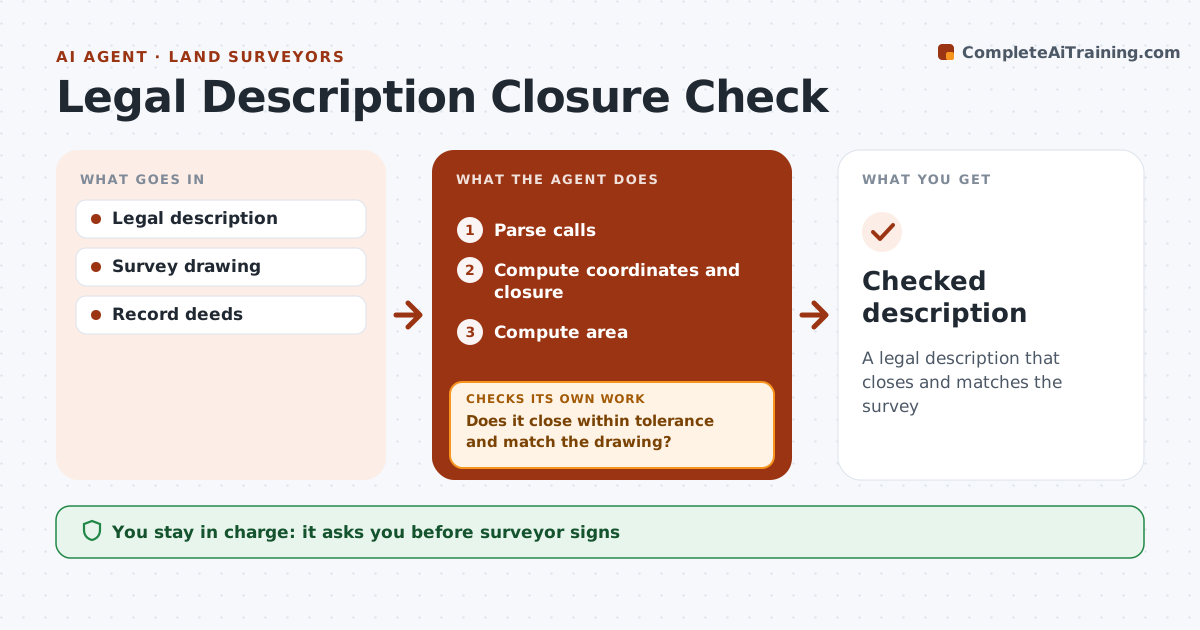
A legal description that closes and matches the survey
What it does
A metes and bounds legal description must close mathematically and match the survey, and a blunder in one call can cloud title for years. This agent reads the description, computes coordinates from each call, and checks closure, by default to 1 in 10,000, and area. It compares the calls with the survey drawing and record deeds. It also checks curve data for consistency between radius, arc length and chord. If closure fails or calls do not match, it tests common blunders such as a flipped quadrant or transposed digits to point to the call most likely in error. The surveyor fixes the description, and the agent reruns until it closes and matches. The surveyor signs the description. Edge case: a curve whose arc length does not fit its radius and chord is flagged even when the overall closure passes.
How it works
Follow the arrows from top to bottom. The orange dashed arrow is the loop: when a check fails, the agent goes back and tries again.
Read the steps as a list
- Description drafted
- Parse calls
- Compute coordinates and closure
- Does it close within tolerance and match the drawing?If not: identify likely error and surveyor edits. Back to step 2.
- Compute area
- Surveyor signsThe agent waits here for your OK.
- Checked description
How it decides
Closure must meet the firm's precision standard. Calls must match the drawing.
- Precision 1:10,000 default
- Curve data consistent
- Calls match drawing
Make it yours
Every agent is a starting point. You choose these settings for your own situation.
- Precision
- Units
- Curve checks
- Format
What keeps you in control
It always asks you first
- Surveyor signs
Hard limits
- Never signs
- Never changes records
It stops when
- Done: signed
- Stop: record missing
Set it up
We guide you through the set-up, step by step
Members get the full set-up guide for this agent. No technical skills needed: you copy, paste and upload.
- One set of instructions to paste into your AI, with the clicks for ChatGPT, Claude, Microsoft 365 Copilot, Gemini and Grok
- The agent then walks you through connecting your own data, one source at a time
- A downloadable copy with the flow chart, the rules and the full guide