AI agent for mortgage brokers
Lender Guideline Change Watch Agent
Read lender bulletins, map each change to active files, flag affected files and propose fixes
What it does
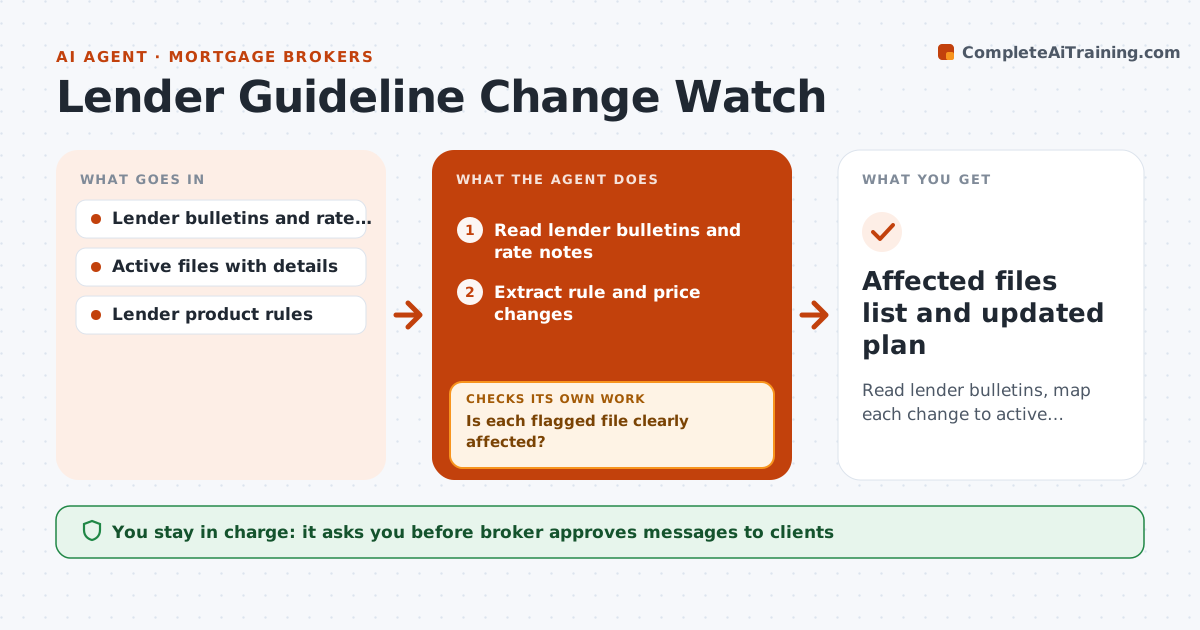
Lender rules change and files fail late. Each day the agent reads lender bulletins and rate sheet notes and extracts the changes: credit limits, income rules, documents or pricing. It maps each change to active files and flags those affected. For each flagged file it proposes a fix, such as another product or lender, and checks the fix against the client's profile. After the broker acts, it rechecks the file. The broker approves client messages and any lender switch. Edge case: a lender raises the minimum score from 620 to 640, and a client at 632 needs another product.
How it works
Follow the arrows from top to bottom. The orange dashed arrow is the loop: when a check fails, the agent goes back and tries again.
Read the steps as a list
- Daily bulletin read
- Read lender bulletins and rate notes
- Extract rule and price changes
- Match each change to active files
- Is each flagged file clearly affected?If not: Read the file details and clear or confirm the flag. Back to step 3.
- Propose a fix such as another product or lender
- Check the fix against the client's profile
- Does the fix qualify the client?If not: Search another product or lender. Back to step 5.
- Broker approves client messages and lender switchesThe agent waits here for your OK.
- Affected files list and updated plan
How it decides
Each change is mapped to the files it touches; a fix is proposed only when another product or lender meets the client's need.
- Flag a file when a change touches its program
- Check at least two fixes
- Show cost changes for each fix
- Alert on same-day changes
Make it yours
Every agent is a starting point. You choose these settings for your own situation.
- Bulletin sources
- Check frequency
- Fix options to test
- Alert method
What keeps you in control
It always asks you first
- Broker approves messages to clients
- Broker approves any lender switch
Hard limits
- Never switch a lender without approval
- Never message clients without approval
It stops when
- Done: every affected file has a fix or a decision
- Stop: no product fits
Set it up
We guide you through the set-up, step by step
Members get the full set-up guide for this agent. No technical skills needed: you copy, paste and upload.
- One set of instructions to paste into your AI, with the clicks for ChatGPT, Claude, Microsoft 365 Copilot, Gemini and Grok
- The agent then walks you through connecting your own data, one source at a time
- A downloadable copy with the flow chart, the rules and the full guide