AI agent for job seekers
LinkedIn Profile Alignment Agent
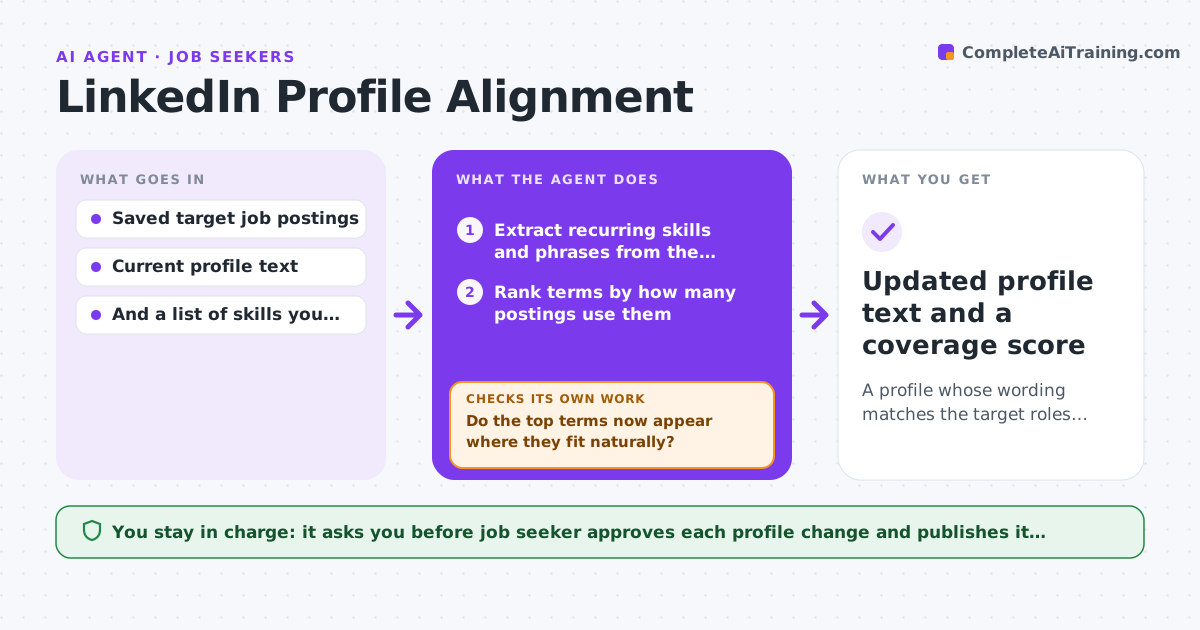
A profile whose wording matches the target roles without claiming anything untrue
What it does
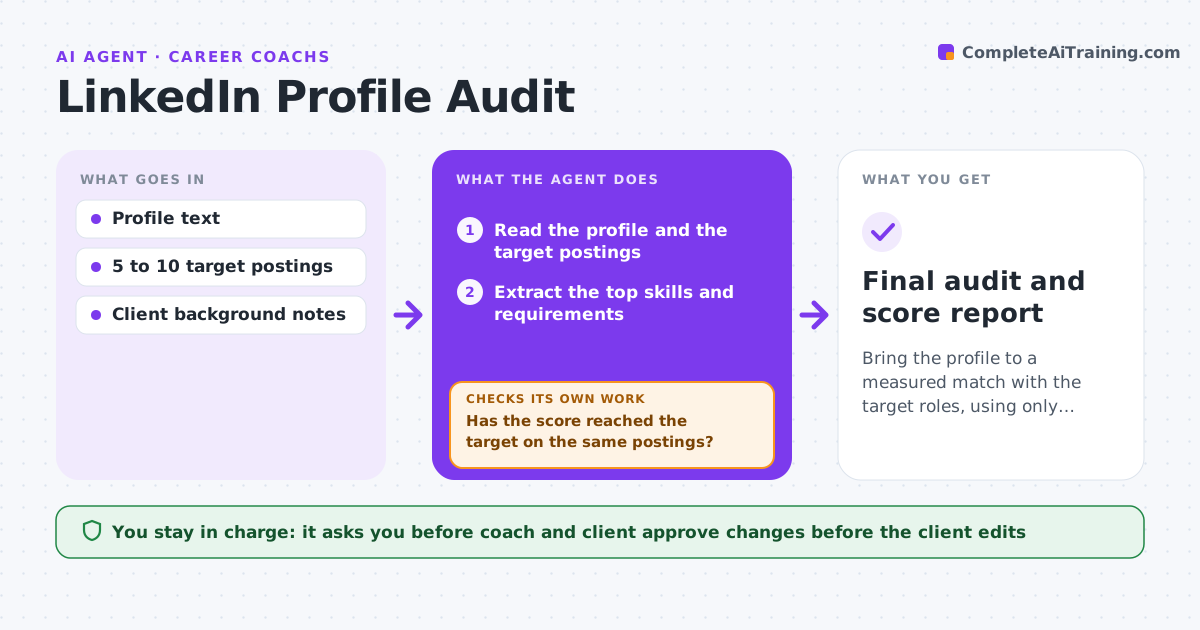
Recruiters search with certain words, and if your LinkedIn profile uses different ones, you do not show up. This agent reads a set of saved target job postings and pulls out the skills and phrases that keep recurring. It compares them with your profile section by section: headline, about, experience and skills. For each gap it drafts a truthful edit that uses the right term where you really have the skill. After each round of edits it counts the coverage again to see whether the match improved. It leaves out any keyword you cannot honestly claim. Edge case: postings say product ops but you did the same work under the title program coordinator, so the agent suggests a bridging phrase instead of renaming the job.
How it works
Follow the arrows from top to bottom. The orange dashed arrow is the loop: when a check fails, the agent goes back and tries again.
Read the steps as a list
- Target postings are saved
- Extract recurring skills and phrases from the postings
- Rank terms by how many postings use them
- Read each profile section and mark where terms are missing
- Draft a truthful edit for each gap using confirmed skills
- Job seeker approves each edit before it goes on the profileThe agent waits here for your OK.
- Recount keyword coverage with the edited text
- Do the top terms now appear where they fit naturally?If not: draft a new wording for the terms still missing and drop any you cannot honestly claim. Back to step 5.
- Does the text still read as written by a person, not stuffed with keywords?If not: cut repeated terms and simplify the sentence. Back to step 5.
- Updated profile text and a coverage score
How it decides
A keyword matters if it appears in at least a set share of postings. It is added only when you confirm real experience with it.
- Count a keyword only if it appears in the chosen share of postings
- Never add a skill the seeker has not confirmed
- Spread terms across headline, about and experience, not one block
- Prefer the posting's wording when it means the same thing
Make it yours
Every agent is a starting point. You choose these settings for your own situation.
- Minimum number of postings to use (default: 5)
- Share of postings that makes a term important (default: 50%)
- Sections to edit (default: headline, about, experience, skills)
- Coverage target (default: 80%)
What keeps you in control
It always asks you first
- Job seeker approves each profile change and publishes it themselves
Hard limits
- Never edits LinkedIn directly
- Never claims a skill, title or credential the seeker lacks
It stops when
- Done: coverage target is met and the seeker approved the edits
- Stop: fewer than five postings are available
Set it up
We guide you through the set-up, step by step
Members get the full set-up guide for this agent. No technical skills needed: you copy, paste and upload.
- One set of instructions to paste into your AI, with the clicks for ChatGPT, Claude, Microsoft 365 Copilot, Gemini and Grok
- The agent then walks you through connecting your own data, one source at a time
- A downloadable copy with the flow chart, the rules and the full guide