AI agent for real estate agents
Listing Launch Coordination Agent
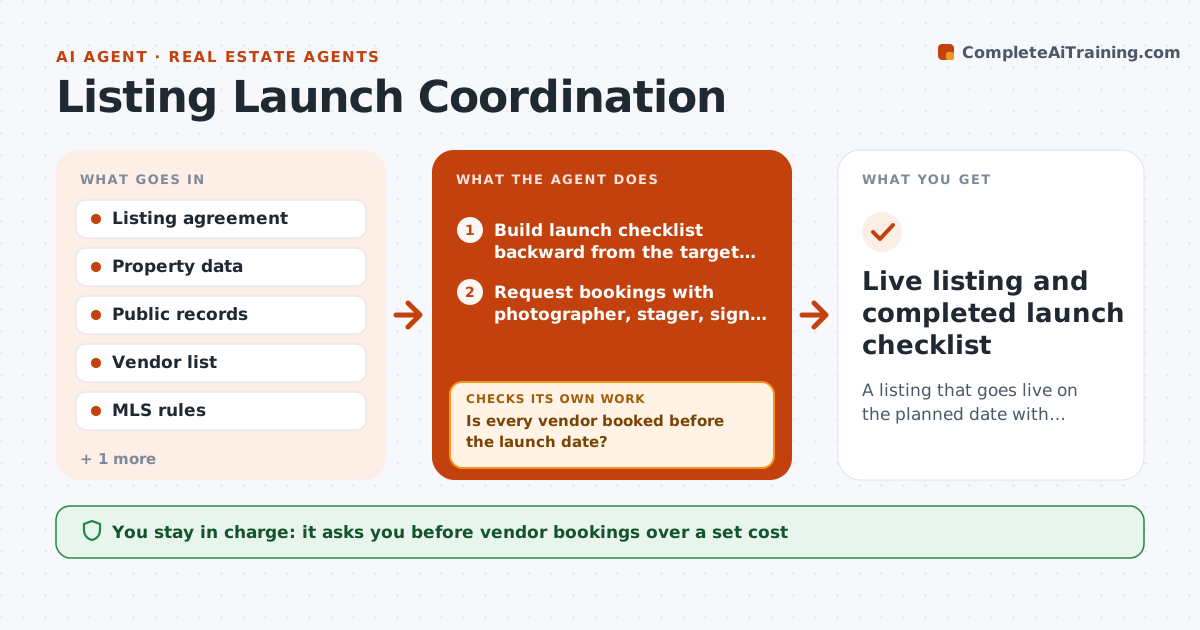
A listing that goes live on the planned date with complete and accurate MLS data
What it does
Between a signed listing agreement and a live listing there are a dozen tasks: photographer, staging, sign post, lockbox, disclosures, MLS entry, showing service and seller sign-off. Agents juggle these by text and memory, and the listing often launches on a Thursday instead of the planned Monday. This agent builds a launch checklist from the signed agreement and target date, books vendors from your preferred list, and tracks each task. It drafts the MLS entry from the listing data and checks it against the public record and MLS rules for required fields and photo counts. If a field fails, it fixes what it can from records and asks you or the seller for the rest. It sends nothing live without you. Edge case: a property with an HOA needs the HOA documents ordered on day one, because they can take ten days.
How it works
Follow the arrows from top to bottom. The orange dashed arrow is the loop: when a check fails, the agent goes back and tries again.
Read the steps as a list
- Listing agreement signed
- Build launch checklist backward from the target date
- Request bookings with photographer, stager, sign and lockbox vendors
- Is every vendor booked before the launch date?If not: try the next vendor on the list or propose a new launch date. Back to step 3.
- Draft MLS entry from listing data and public records
- Do required fields, square footage and photo counts pass MLS rules?If not: fix from records and ask the agent or seller for missing items. Back to step 5.
- Agent and seller approve the listing copy and photosThe agent waits here for your OK.
- Agent publishes the listing in the MLSThe agent waits here for your OK.
- Live listing and completed launch checklist
How it decides
Tasks are scheduled backward from the launch date using each vendor's lead time. The MLS draft is ready only when all required fields pass and records match.
- HOA properties trigger an HOA document order on day one
- Square footage that differs from records by more than 5% is flagged for the agent
- If a vendor cannot meet the date, the next vendor is tried before moving the launch
- Disclosures must be signed before the listing goes live
Make it yours
Every agent is a starting point. You choose these settings for your own situation.
- Preferred vendors and their lead times (default your vendor list)
- Square footage mismatch threshold (default 5%)
- Default launch weekday (default Thursday)
- Cost limit for bookings without approval (default 300 dollars)
What keeps you in control
It always asks you first
- Vendor bookings over a set cost
- Listing copy and photos
- Publishing to MLS
Hard limits
- Never publishes a listing or changes price
- Never shares the lockbox code outside approved showing tools
It stops when
- Done: listing live and checklist closed
- Stop: seller has not signed disclosures, launch is held
Set it up
We guide you through the set-up, step by step
Members get the full set-up guide for this agent. No technical skills needed: you copy, paste and upload.
- One set of instructions to paste into your AI, with the clicks for ChatGPT, Claude, Microsoft 365 Copilot, Gemini and Grok
- The agent then walks you through connecting your own data, one source at a time
- A downloadable copy with the flow chart, the rules and the full guide