AI agent for game designers
Live Event Schedule and Reward Agent
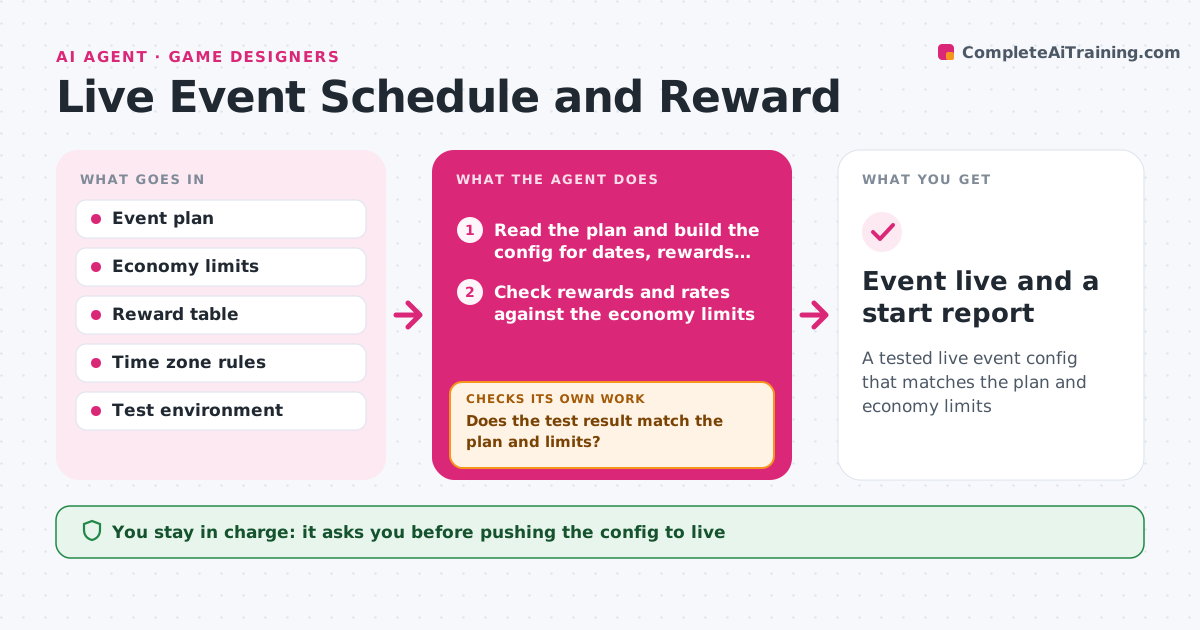
A tested live event config that matches the plan and economy limits
What it does
Event dates, rewards and server settings are set by hand and mistakes reach players. The agent reads the event plan and builds the config for dates, rewards and drop rates. It checks the config against economy limits, such as the maximum currency per day, and against time zones for the start and end. Then it runs the config in a test environment and compares what happened with the plan, for example that 1,000 simulated players receive the expected rewards. If something differs, it fixes the config and runs the test again. It lists every difference clearly. The producer approves pushing the config live. Edge case: an event that crosses a daylight saving change is tested on both sides of the change.
How it works
Follow the arrows from top to bottom. The orange dashed arrow is the loop: when a check fails, the agent goes back and tries again.
Read the steps as a list
- Event plan approved
- Read the plan and build the config for dates, rewards and drop rates
- Check rewards and rates against the economy limits
- Check start and end times in every player time zone
- Run the config in the test environment
- Does the test result match the plan and limits?If not: fix the config and run the test again. Back to step 2.
- List every difference found and fixed
- Producer approves pushing the config liveThe agent waits here for your OK.
- Push the config to the live server
- Event live and a start report
How it decides
A config passes when every date, reward and drop rate matches the plan, no reward breaks an economy limit and the simulated players receive what the plan says.
- Fail any reward above the daily economy cap
- Fail a start or end time that differs by more than one minute
- Test with 1,000 simulated players
- Test across daylight saving changes
Make it yours
Every agent is a starting point. You choose these settings for your own situation.
- Economy caps
- Time zones to check
- Number of simulated players
- Which servers to push to
What keeps you in control
It always asks you first
- Pushing the config to live
- Any change to reward values
Hard limits
- Never pushes to live without approval
- Never changes the economy limits
It stops when
- Done: config live and verified
- Stop: the test environment is down or the plan is unclear
Set it up
We guide you through the set-up, step by step
Members get the full set-up guide for this agent. No technical skills needed: you copy, paste and upload.
- One set of instructions to paste into your AI, with the clicks for ChatGPT, Claude, Microsoft 365 Copilot, Gemini and Grok
- The agent then walks you through connecting your own data, one source at a time
- A downloadable copy with the flow chart, the rules and the full guide