AI agent for loan officers
Loan Conditions Clearing Agent
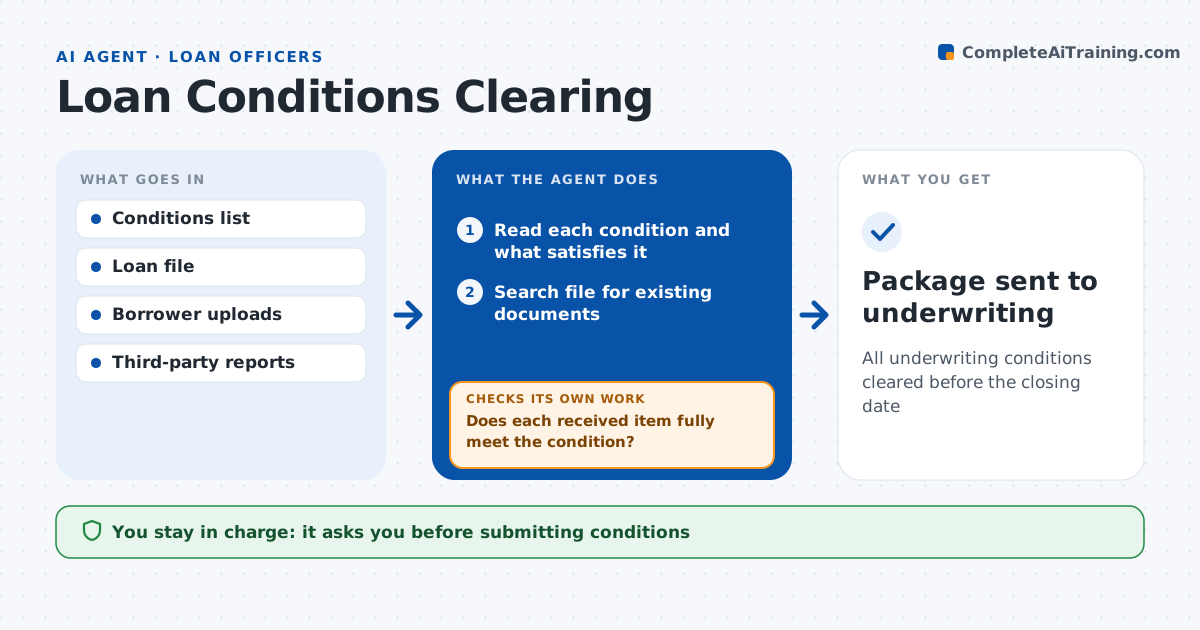
All underwriting conditions cleared before the closing date
What it does
Underwriting conditions often come back two or three times because the document sent does not quite meet the wording. When conditions are issued, this agent reads each one and works out what will satisfy it. It searches the file for documents that already meet it and attaches them. For the rest it drafts requests to the borrower, title or appraiser. As items arrive, it checks them against the exact condition wording. If something falls short, such as a missing signature from any borrower, it explains why and requests a correction. It tracks the closing date and puts conditions first when closing is within five days. It submits a package of cleared conditions for the loan officer to approve and send. Edge case: a letter must be signed by both borrowers and only one signed.
How it works
Follow the arrows from top to bottom. The orange dashed arrow is the loop: when a check fails, the agent goes back and tries again.
Read the steps as a list
- Conditions issued
- Read each condition and what satisfies it
- Search file for existing documents
- Draft requests for missing items
- Does each received item fully meet the condition?If not: explain the gap and request a correction. Back to step 4.
- Loan officer approves condition packageThe agent waits here for your OK.
- Package sent to underwriting
How it decides
It compares each item to the condition wording and only marks it ready when it fully meets it.
- Item already in file: attach
- Signature missing from any borrower: not met
- Closing within 5 days: priority
Make it yours
Every agent is a starting point. You choose these settings for your own situation.
- Closing risk window
- Request templates
- Priority rules
- Daily run time
What keeps you in control
It always asks you first
- Submitting conditions
- Messages to borrowers and third parties
Hard limits
- Never alters documents
- Never submits without approval
It stops when
- Done: clear to close
- Stop: condition cannot be met, alert loan officer
Set it up
We guide you through the set-up, step by step
Members get the full set-up guide for this agent. No technical skills needed: you copy, paste and upload.
- One set of instructions to paste into your AI, with the clicks for ChatGPT, Claude, Microsoft 365 Copilot, Gemini and Grok
- The agent then walks you through connecting your own data, one source at a time
- A downloadable copy with the flow chart, the rules and the full guide