AI agent for health and safety specialists
Lockout Tagout Periodic Inspection Agent
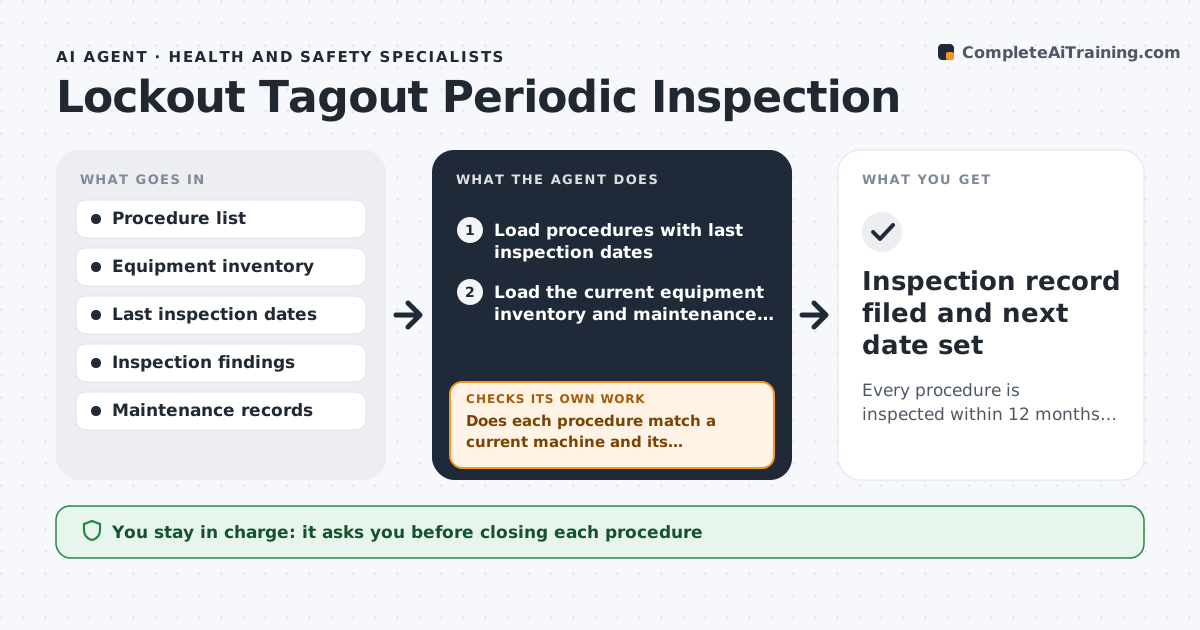
Every procedure is inspected within 12 months, findings are fixed and closed, and no procedure is out of date
What it does
Each machine with hazardous energy needs a written lockout tagout procedure, and the employer must inspect each procedure at least once a year. With hundreds of machines, inspections slip, and procedures go out of date when equipment changes. This agent keeps a list of every procedure with its last inspection date. It schedules the next inspection for each, checks each against the current equipment list to confirm the machine still exists and has not been modified, and builds an inspection form with the steps of that procedure. After an inspection it records the findings and tracks fixes, such as a missing lock point or an outdated step. It rechecks after each correction. The specialist approves the closure of each procedure. Edge case: a machine was replaced, so the agent flags the old procedure as obsolete and requests a new one.
How it works
Follow the arrows from top to bottom. The orange dashed arrow is the loop: when a check fails, the agent goes back and tries again.
Read the steps as a list
- The monthly scheduling run starts
- Load procedures with last inspection dates
- Load the current equipment inventory and maintenance changes
- Does each procedure match a current machine and its configuration?If not: flag the procedure as obsolete or needing revision and request an update. Back to step 3.
- Schedule inspections by due date and risk
- Build the inspection form for each procedure
- Record the findings after each inspection
- Assign fixes with owners and dates
- Is each fix verified by a recheck?If not: keep the finding open and send a reminder to the owner. Back to step 8.
- Specialist approves closure of each procedureThe agent waits here for your OK.
- Inspection record filed and next date set
How it decides
It schedules by due date and risk, compares procedures with the current equipment and keeps a finding open until a fix is verified.
- Schedule inspections 30 days before the 12-month limit
- Inspect high-risk machines first
- Treat modified equipment as needing a revised procedure
- Keep findings open until verified
Make it yours
Every agent is a starting point. You choose these settings for your own situation.
- Inspection interval (default 12 months)
- Risk ranking
- Reminder timing (default 30 days)
- Form layout
What keeps you in control
It always asks you first
- Closing each procedure
- Revised procedures before use
Hard limits
- Never changes a procedure itself
- Does not close a finding without verification
- Records the inspector for each inspection
It stops when
- Done: all procedures inspected and closed
- Stop: equipment inventory is unavailable
Set it up
We guide you through the set-up, step by step
Members get the full set-up guide for this agent. No technical skills needed: you copy, paste and upload.
- One set of instructions to paste into your AI, with the clicks for ChatGPT, Claude, Microsoft 365 Copilot, Gemini and Grok
- The agent then walks you through connecting your own data, one source at a time
- A downloadable copy with the flow chart, the rules and the full guide