AI agent for mediators
Mediated Agreement Drafting Agent
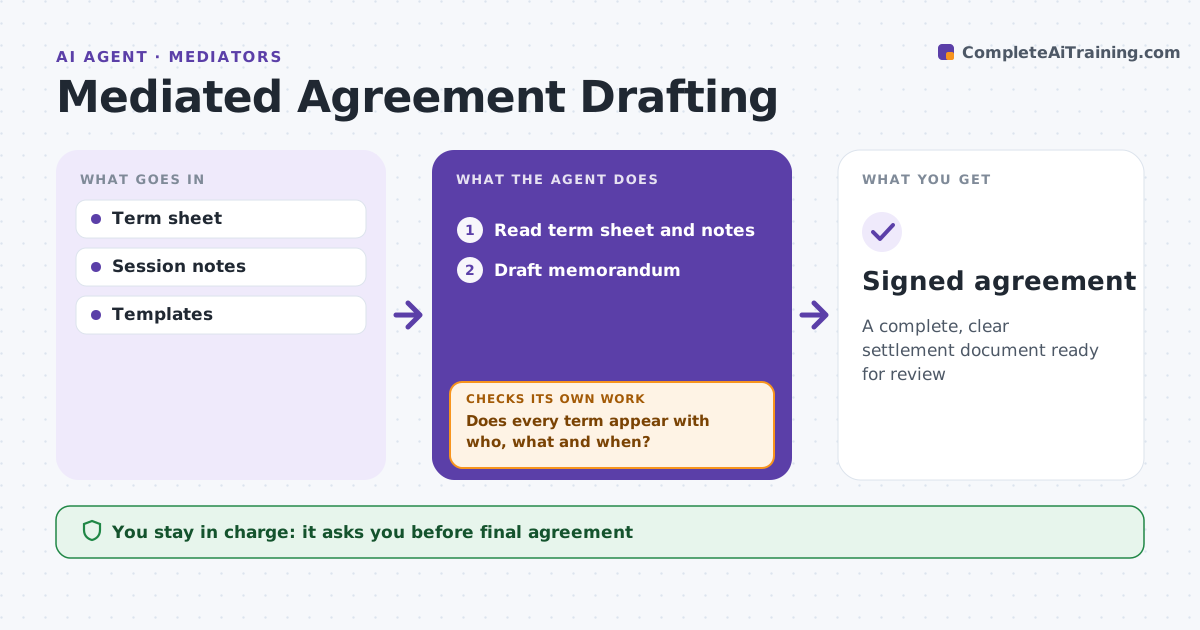
A complete, clear settlement document ready for review
What it does
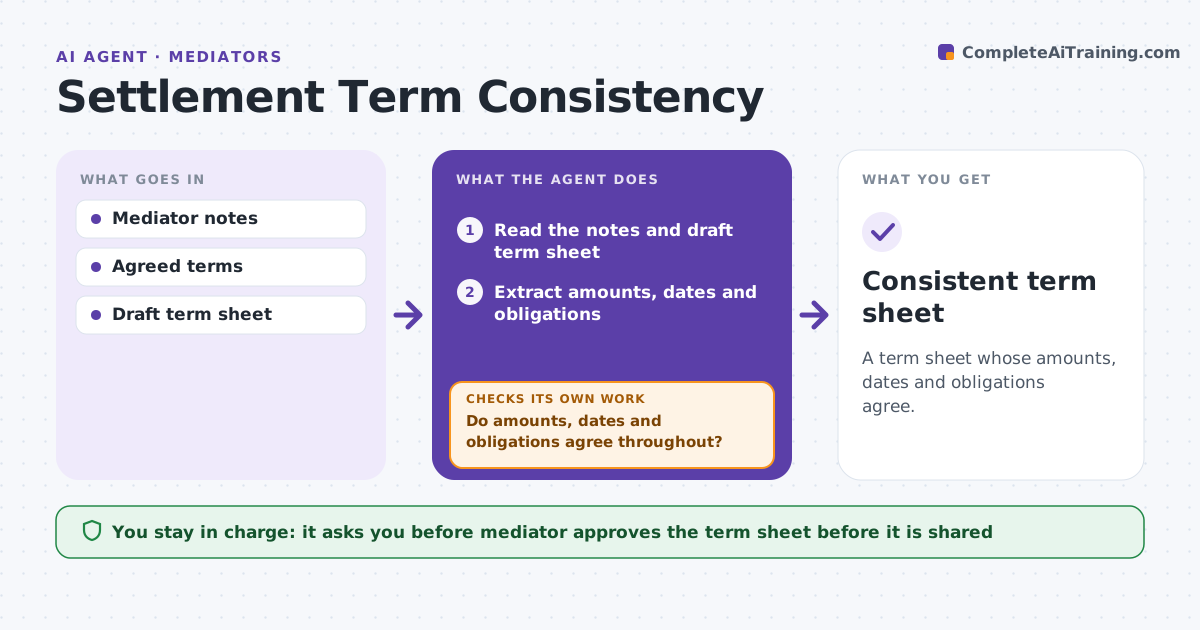
A settlement that falls apart over vague terms wastes the whole mediation. When parties reach agreement, this agent drafts the settlement memorandum from the term sheet. It includes each term, deadlines, payment details, releases, confidentiality and what happens on default. It then checks that every agreed term appears, that dates and amounts are consistent, and that each obligation names a party, an action and a date. A missing date, a payment without a schedule or an unclear release scope is marked for clarification. After the parties clarify, it checks again. The mediator reviews the draft with the parties, and counsel reviews it before signature; the agent never sends it to sign. Edge case: the term sheet says payment in installments but gives no schedule, so the agent marks it.
How it works
Follow the arrows from top to bottom. The orange dashed arrow is the loop: when a check fails, the agent goes back and tries again.
Read the steps as a list
- Agreement reached
- Read term sheet and notes
- Draft memorandum
- Does every term appear with who, what and when?If not: mark vague items for clarification. Back to step 3.
- Mediator and parties reviewThe agent waits here for your OK.
- Counsel approves before signingThe agent waits here for your OK.
- Signed agreement
How it decides
It checks each obligation has who, what and when, and all terms appear.
- Missing date: mark
- Payment without schedule: mark
- Release scope unclear: mark
Make it yours
Every agent is a starting point. You choose these settings for your own situation.
- Template
- Required clauses
- Marking style
- Review steps
What keeps you in control
It always asks you first
- Final agreement
Hard limits
- Never gives legal advice
- Never signs
It stops when
- Done: signed
- Stop: parties withdraw
Set it up
We guide you through the set-up, step by step
Members get the full set-up guide for this agent. No technical skills needed: you copy, paste and upload.
- One set of instructions to paste into your AI, with the clicks for ChatGPT, Claude, Microsoft 365 Copilot, Gemini and Grok
- The agent then walks you through connecting your own data, one source at a time
- A downloadable copy with the flow chart, the rules and the full guide