AI agent for mediators
Mediation Outcome Statistics Agent
Produce an accurate quarterly outcome report without rebuilding the numbers by hand.
What it does
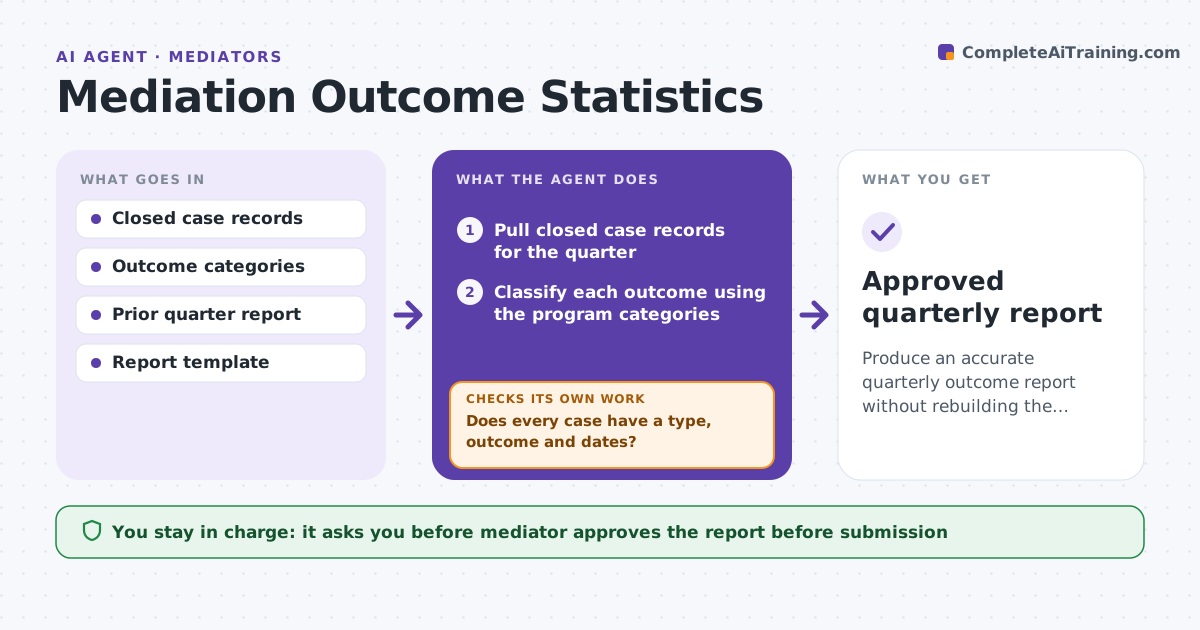
Courts and funders ask for settlement rates and time to resolution, and the numbers are rebuilt by hand each quarter. The agent pulls closed case records, classifies outcomes, and checks for missing dates or categories. It asks the mediator to fill the gaps, then re-checks. It calculates settlement rate, days to resolution and session counts by case type and compares them with the prior quarter, flagging large moves. It drafts the report. The mediator approves it before it goes to the court or funder. Edge case: 6 cases have no closing date, so the agent asks for them before calculating time to resolution.
How it works
Follow the arrows from top to bottom. The orange dashed arrow is the loop: when a check fails, the agent goes back and tries again.
Read the steps as a list
- Quarter ends
- Pull closed case records for the quarter
- Classify each outcome using the program categories
- Does every case have a type, outcome and dates?If not: List the gaps and ask the mediator to fill them. Back to step 2.
- Calculate settlement rate, days to resolution and sessions by type
- Compare with the prior quarter
- Do the totals reconcile with the case count and are moves explained?If not: Check the data behind the move and fix the classification. Back to step 4.
- Draft the report in the funder's format
- Mediator approves the report before submissionThe agent waits here for your OK.
- Approved quarterly report
How it decides
A case is counted only when it has a type, outcome and dates. Gaps are returned to the mediator before calculation. Moves over the threshold are flagged with the cases behind them.
- Cases with missing data are held out until fixed
- A change over 10 percentage points is flagged
- Totals by type must equal the total number of cases
- Outcome categories follow the program definition
Make it yours
Every agent is a starting point. You choose these settings for your own situation.
- Outcome categories
- Threshold for flagging a change (default 10 points)
- Report template
- Case types for breakdown
What keeps you in control
It always asks you first
- Mediator approves the report before submission
Hard limits
- Never submits the report itself
- Never guesses missing dates or outcomes
It stops when
- Done: report approved and sent
- Stop: data gaps remain, so the mediator decides to report with a note
Set it up
We guide you through the set-up, step by step
Members get the full set-up guide for this agent. No technical skills needed: you copy, paste and upload.
- One set of instructions to paste into your AI, with the clicks for ChatGPT, Claude, Microsoft 365 Copilot, Gemini and Grok
- The agent then walks you through connecting your own data, one source at a time
- A downloadable copy with the flow chart, the rules and the full guide